Best Secure Form Builders for Sensitive Workflows
Compare the best secure form builders for contracts, intake, and approvals. Learn the controls that protect sensitive data and speed up workflows safely.
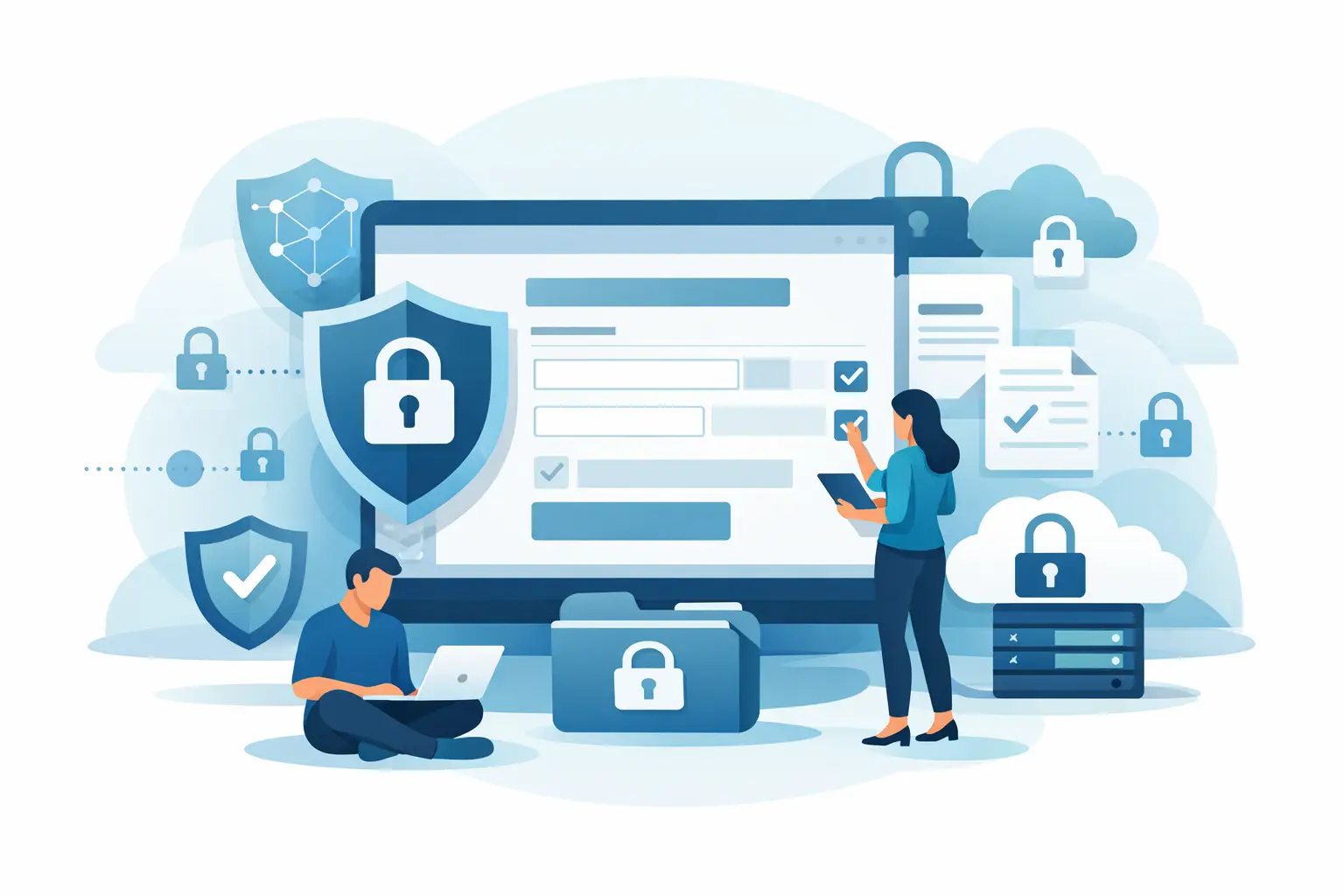
A public form link can be the fastest way to collect information - and the fastest way to create a security problem. A prospect may enter financial details, an employee may submit tax paperwork, or a patient may share health information. The best secure form builders help teams collect that data quickly while keeping access controlled, activity traceable, and the next step clear.
For business teams, the right choice is rarely just about drag-and-drop fields. It is about what happens after someone clicks Submit: where the data goes, who can view it, whether it can trigger an approval or signature request, and whether you can prove what happened later.
What makes a form builder genuinely secure?
A form is only as secure as the workflow around it. A polished form interface does not compensate for weak user permissions, unprotected exports, or a missing audit trail. Start with the basics: encryption in transit and at rest, strong account authentication, role-based access, and controls over how long a form remains available.
Then look at operational security. Sensitive submissions should be visible only to the people who need them. Teams need a record of when a form was sent, opened, completed, edited, or exported. For high-risk use cases, ask whether the provider supports expiring links, tamper-evident records, workspace separation, data retention settings, and the compliance documentation your vendor review requires.
The final test is workflow fit. If a completed intake form must become a signed agreement, the best tool is not necessarily the one with the most question types. It is the one that handles both steps without emailing sensitive data between disconnected systems.
Best secure form builders for business workflows
There is no universal winner. A marketing team collecting webinar registrations has different needs than a healthcare administrator collecting patient information or a legal team sending agreements. These platforms are worth shortlisting based on the type of work you need to protect.
BeeSign for secure forms that lead to signed agreements
BeeSign is a strong fit when forms are part of an agreement workflow rather than a standalone data-collection task. Teams can standardize forms, documents, approvals, signatures, and identity verification in one system of record. That is especially useful for HR onboarding, sales contracts, vendor agreements, financial forms, and regulated intake processes.
Its security model is built for documents that need to stand up to scrutiny. BeeSign encrypts data in transit with TLS and at rest with 256-bit AES on Google Cloud, while tamper-evident sealing and audit trails record sends, views, and signatures with timestamps and IP addresses. When signer assurance matters, teams can add government ID capture, biometric face matching with liveness detection, and database validation for eIDAS-compliant Advanced Electronic Signatures.
It also suits product teams that need more control. The REST API mirrors the dashboard, and white-label options let businesses run workflows under their own domain and brand. Organizations with strict data policies can also use their own cloud storage for documents and certificates.
Jotform for varied business intake forms
Jotform is often considered by teams that need to create many different types of intake, registration, request, and survey forms without involving developers. Its breadth can be useful when different departments need distinct layouts and field types.
Before using it for sensitive workflows, confirm the controls available on the exact plan you are considering. Review user roles, account authentication, submission access, export permissions, data residency expectations, and any requirements unique to your industry. A flexible form library is valuable, but it should not create a second place where sensitive information is hard to govern.
Formstack for process-focused teams
Formstack is worth evaluating for organizations that see forms as the beginning of a larger internal process. Operations, HR, and compliance teams may value the ability to collect information in a standardized way and route it into established workflows.
The key question is whether the platform can match your approval and document requirements without workarounds. Ask how it handles submitted data after a workflow changes, who can access historical records, and how easily your team can produce evidence during an audit. Security should remain intact as forms move between departments.
Typeform for polished client-facing experiences
Typeform can be a good candidate when response experience is central to completion rates. A conversational layout may work well for qualifying leads, collecting feedback, or gathering lower-risk information from customers.
For highly sensitive forms, do not let a clean interface make the decision for you. Validate link protections, access controls, storage practices, audit capabilities, and integrations before collecting regulated or confidential data. A form that feels friendly should still meet the same security standard as a contract portal.
Cognito Forms for structured data collection
Cognito Forms is commonly considered when teams need structured forms with calculations, conditional logic, and internal business rules. It can be useful for applications, estimates, requests, and administrative workflows where data accuracy matters as much as presentation.
Evaluate whether its permission model maps cleanly to your organization. The more conditional paths, attachments, and internal reviewers a form has, the more important it becomes to control who sees each submission and how records are retained. Complexity is not a problem when governance is clear. It becomes a problem when ownership is unclear.
Security controls to check before you buy
A vendor security page is a starting point, not the end of due diligence. Ask direct questions about the controls that affect your actual workflow.
- Encryption and infrastructure: Confirm how data is protected in transit and at rest, where it is stored, and how backups are handled.
- Access and authentication: Check for role-based permissions, multi-factor authentication, workspace isolation, and the ability to remove access quickly when employees leave.
- Form and link controls: Look for expiring links, recipient authentication options, password protection where appropriate, and controls that prevent unwanted forwarding or reuse.
- Auditability: Make sure you can retrieve activity records showing creation, delivery, viewing, edits, approvals, signatures, and exports.
- Compliance and privacy: Match the platform to your obligations, whether that includes HIPAA, GDPR, eIDAS, financial services policies, or customer-specific security reviews.
- Data portability: Understand how you export records, certificates, and submissions if you change systems or need to preserve evidence.
Do not treat every control as equally necessary. A simple event registration form may not need identity verification. A high-value agreement, medical consent, or employee authorization may need stronger signer checks and a complete audit record. Security should scale with the risk of the transaction.
When a form needs to become an agreement
Many teams begin with a form builder and later discover they also need signatures, approvals, document generation, and identity checks. That handoff is where delays and risk tend to appear. Someone exports data, creates a PDF, emails it to a signer, then stores the final document in a different system. Each extra step creates another chance for an error, an access issue, or a missing record.
For these workflows, choose a platform that keeps the submitted information, approval path, signed document, and audit certificate connected. Sales teams can move from an intake form to a quote or contract. HR can collect employee details and send policy acknowledgments. Compliance teams can prove not just that a form was completed, but who completed it and when.
Make your rollout secure from day one
Start with one high-value workflow rather than migrating every form at once. Map what data is collected, which roles can access it, how long it must be retained, and what must happen after submission. Build a template, assign ownership, test it with a small group, and review the audit record before rolling it out broadly.
Also set rules for your team. Avoid collecting data you do not need. Do not share completed forms through unsecured inboxes. Review user access on a regular schedule, and create a clear process for updating templates when policies or regulations change. The form builder provides controls, but your process determines whether those controls are used well.
The right secure form builder should make the safe path the easy path. When forms, approvals, signatures, and records stay connected, your team can move faster without asking customers or compliance teams to take a leap of faith.
Ready to transform your workflow?
Start using BeeSign today and experience the future of document signing