A Guide to Agreement Workflow Automation
This guide to agreement workflow automation shows how to standardize approvals, signatures, and audit trails so teams move faster with secure control daily.
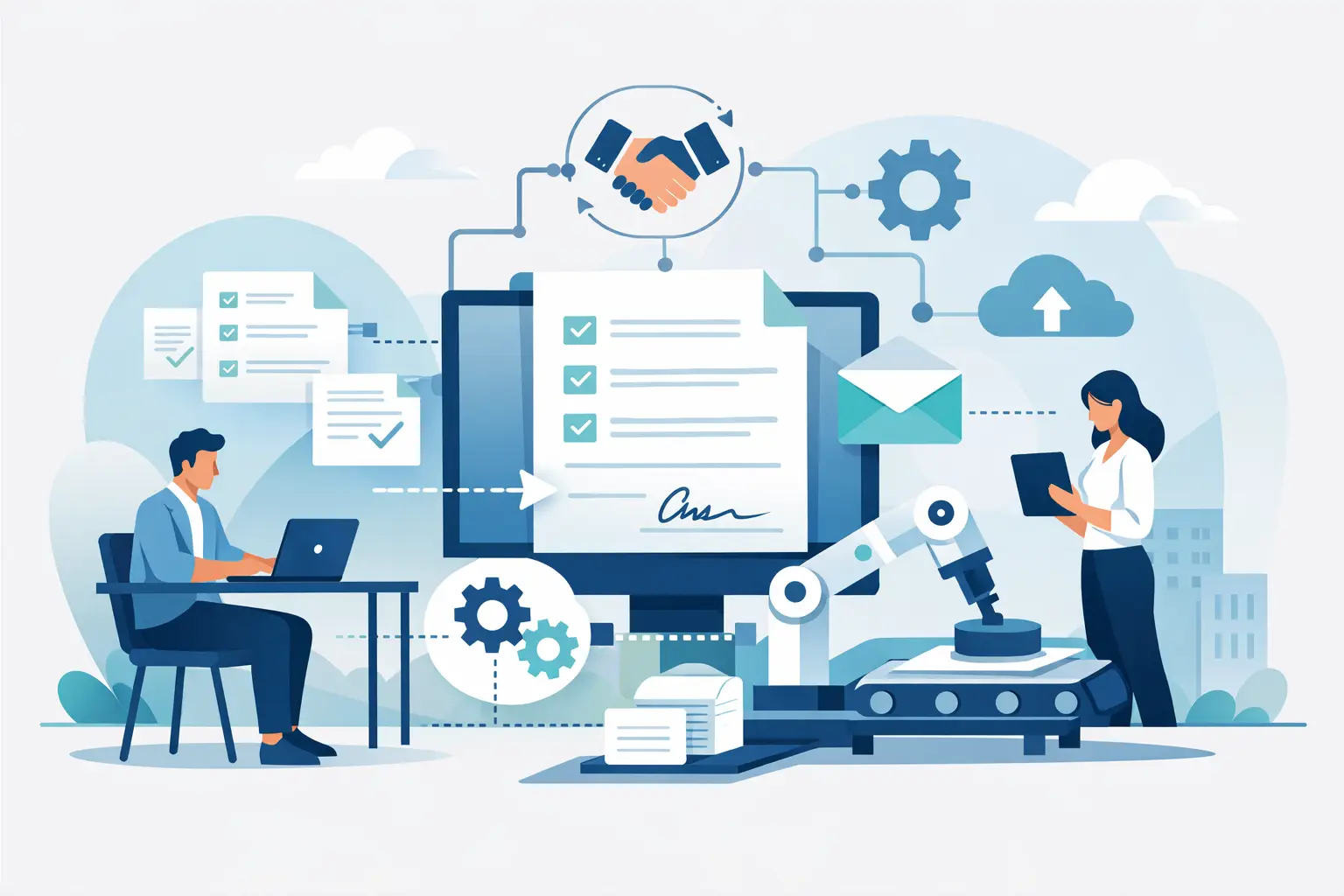
A sales contract sitting in an approver’s inbox for three days can cost more than a missed deadline. It can stall revenue, create version confusion, and send a buyer the wrong signal about how your business operates. This guide to agreement workflow automation explains how to replace that email chase with a controlled process that moves documents from draft to signed record without losing security or accountability.
Agreement workflow automation is not simply adding an eSignature field to a PDF. It is the system around the signature: who prepares the document, which template they use, who must approve it, when each recipient receives it, how identity is verified, and where the completed agreement is stored. When those steps are designed well, teams spend less time asking for status updates and more time moving work forward.
What agreement workflow automation actually does
A good workflow turns a repeatable agreement process into a set of clear rules. For a standard sales agreement, that might mean a sales rep selects an approved template, enters customer details, sends the document to Sales Operations for review when a discount exceeds a threshold, and then sends it to the buyer in a defined signing order.
The same model works for employee offer letters, vendor agreements, patient intake forms, leases, and compliance acknowledgments. The document changes, but the operating problem is familiar: too many handoffs, too many versions, and too little visibility once an agreement leaves someone’s desk.
Automation brings those handoffs into one workflow. It can assign roles, trigger approvals, send reminders, capture signatures, and preserve an audit trail showing when every action happened. The result is faster processing, but speed is only useful when the process is still controlled.
Start with the agreement, not the software
The fastest way to automate a broken process is to make the broken process happen faster. Before configuring rules or templates, map one high-volume agreement from beginning to end.
Ask who creates the first draft, where the approved language lives, what changes require legal review, who signs internally, who signs externally, and what must happen after execution. Include the exceptions. For example, a standard nondisclosure agreement may need no legal review, while a customer redline or nonstandard liability clause absolutely does.
Keep the first workflow narrow. A common mistake is trying to standardize every agreement type at once. Start with the document that creates the most manual work or has the clearest repeatable path. Sales order forms, offer letters, and routine vendor agreements are often strong candidates because the fields, approvers, and completion steps are predictable.
Define the decision points
Every automated workflow needs a few explicit decisions. Who can use the template? Which values require an approval? Does the signer receive the document immediately, or only after internal approval? Is one signature enough, or must signers act in sequence?
Write these decisions in plain language before building them. “If the contract value is above $50,000, Finance approves before sending” is a usable rule. “Finance should review bigger deals” is not. Clear rules make automation easier to configure and easier to audit later.
Build templates that protect the approved process
Templates are where workflow automation becomes practical at scale. Instead of uploading a new PDF and placing fields for every request, teams use an approved document structure with preconfigured signer roles, fields, and routing.
A sales template might contain customer name, legal entity, agreement date, pricing fields, a sales representative signature, and a customer signature. An HR template might include employee details, start date, policy acknowledgments, and a people operations approval. The person preparing the document fills in the variables, assigns recipients, and sends it through the right path.
Templates should make the correct action the easy action. Lock approved legal language where appropriate, use required fields for information that cannot be skipped, and give roles clear names such as “Customer Signer” or “HR Approver.” Avoid building one giant template to cover every possible exception. That usually creates confusing forms and gives users too many ways to choose the wrong path.
There is a trade-off here. More flexibility helps teams handle unusual cases, while stricter templates reduce risk and rework. For high-volume agreements, favor standardization. For negotiated contracts, allow controlled editing and route changes to the right reviewer.
Design routing around real accountability
A document should never move forward because someone happened to be copied on an email. Set explicit participants and actions: preparer, approver, internal signer, external signer, and observer where needed.
Sequential routing is useful when order matters. A manager may approve an offer letter before HR signs, and the candidate should not receive it until both internal steps are complete. Parallel approvals can be useful when Legal and Finance can review at the same time. Choose the simpler route unless there is a clear business reason to add complexity.
Automated reminders are equally valuable. They reduce the awkward follow-up work that sales, HR, and operations teams do manually, while giving recipients a simple path back to the document. Use reasonable reminder timing. Too many reminders feel like pressure; too few let urgent agreements disappear into busy inboxes.
Status visibility matters just as much as notifications. Team members should be able to see whether an agreement is in draft, waiting for approval, viewed by a signer, completed, declined, or expired. That visibility stops the familiar cycle of “Did you send it?” and “Who has it now?”
Match signature assurance to the risk
Not every agreement requires the same level of identity assurance. A routine internal acknowledgment may only need a standard electronic signature and a complete audit trail. A high-value transaction, regulated form, or cross-border agreement may require stronger evidence of who signed.
This is where identity verification becomes part of workflow design rather than an afterthought. Depending on the use case, a workflow can require government ID capture, biometric face matching with liveness detection, or database validation before a recipient signs. These controls can support eIDAS-compliant Advanced Electronic Signatures when the agreement and jurisdiction call for them.
Higher assurance usually adds friction, so apply it thoughtfully. Requiring ID verification for every low-risk document can slow completion and frustrate legitimate signers. Skipping verification for a sensitive agreement can create a harder problem later. Legal and compliance teams should define when stronger identity checks are required, especially for agreements that may be challenged or subject to industry rules.
Make the completed agreement defensible
Automation should create evidence, not just speed. A completed agreement needs a record that shows the document’s lifecycle: when it was created, sent, viewed, approved, signed, and finalized. The audit trail should capture timestamps and relevant technical details, including IP addresses, so your team can demonstrate what happened if a question arises.
Document integrity matters too. Tamper-evident sealing helps show that a completed agreement has not been altered after signing. Encryption protects documents while they move and while they are stored. For sensitive workflows, look for TLS in transit, 256-bit AES at rest, clear workspace isolation, and controls such as expiring links.
Security is not a checkbox added at the end of implementation. It affects where documents live, who can access them, and how your organization responds to vendor security reviews. Companies with stricter requirements may also need documents and certificates stored in their own cloud environment. The right architecture depends on your data policy, regulatory obligations, and customer commitments.
Connect automation to the systems teams already use
Agreement data is most useful when it does not have to be retyped after signing. Sales teams may need signed contract status in a CRM. HR teams may need completed onboarding forms in an HR system. Product teams may want customers to sign within their own application, under their own domain and brand.
An API-first platform makes these workflows possible without forcing users to jump between systems. Your application can create documents, populate template data, send requests, check status, and retrieve completed records through the same logic available in the dashboard. BeeSign supports this approach with a REST API that mirrors its core document, template, form, and team workflows.
Integration should follow the process, not become a project for its own sake. Start by connecting the handoff that removes the most manual work. For example, creating an agreement from CRM data and writing the signed status back to the deal record is often more valuable than building a complex integration that no one maintains.
Measure what changes after launch
Once a workflow is live, measure its actual effect. Track time from creation to completion, approval turnaround, signature completion rate, decline reasons, and how often users abandon templates for manual documents. These numbers reveal whether the workflow is helping or simply moving friction to a different step.
Review exceptions monthly. If teams frequently route around a template, investigate why. The approved language may be outdated, approval thresholds may be too broad, or the process may be asking people to enter information that already exists elsewhere. Automation improves through small adjustments, not one large launch.
The practical goal is simple: every routine agreement should have a clear path from approved content to a signed, traceable record. Give teams that path, keep exceptions visible, and let the busywork disappear while the proof stays intact.
Ready to transform your workflow?
Start using BeeSign today and experience the future of document signing