Healthcare Consent Form Signatures: Get Them Right
Healthcare consent form signatures must be clear, timely, and defensible. Build secure workflows with identity checks, records, and audit trails daily.
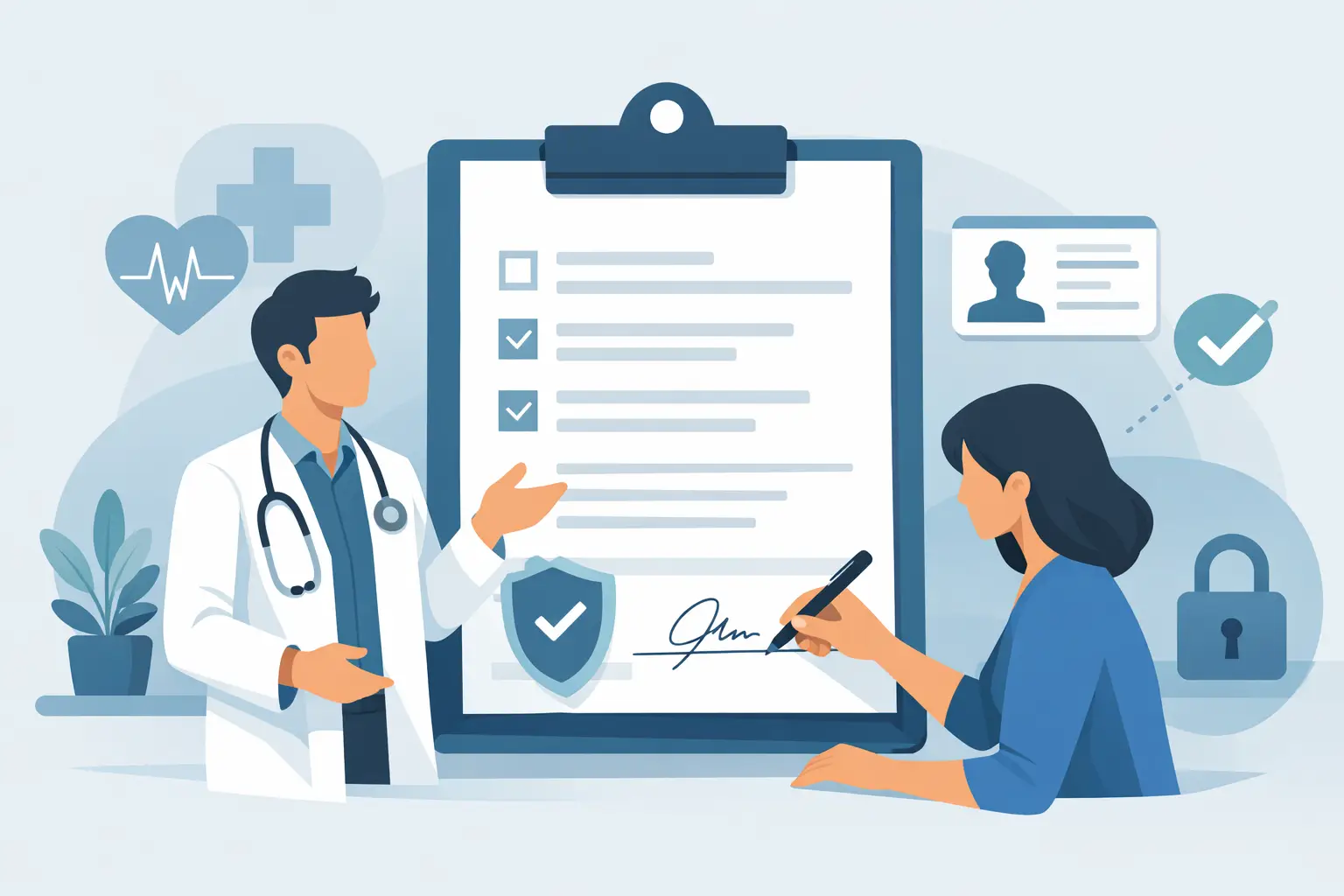
A missing signature can delay care. A signature collected from the wrong person can create a much bigger problem. Healthcare consent form signatures sit at the intersection of patient experience, clinical operations, privacy, and legal risk, so the goal is not simply to get a form signed. It is to capture informed, authorized consent in a way your organization can prove later.
Paper packets and email attachments make that harder than it needs to be. Staff chase patients, scan documents, rekey dates, and struggle to confirm which version was actually signed. A structured electronic workflow can reduce those gaps while giving patients a faster, more accessible way to complete paperwork before they arrive.
What a Valid Consent Signature Needs to Show
A signature is only one part of a valid consent record. The document and the process around it should show that the patient, or an authorized representative, received the information needed to make a decision and agreed voluntarily.
The exact requirements depend on the type of consent, your state, payer rules, accreditation requirements, and your organization's policies. A routine consent to treat is not the same as informed consent for a procedure with material risks. HIPAA authorization forms also serve a different purpose: they document permission to use or disclose protected health information in circumstances where authorization is required.
That distinction matters when you build templates. Do not reuse one generic form for every situation and assume a signature makes it sufficient. Each document should match the clinical and legal purpose it serves.
A defensible record typically connects the signed form to the right patient, the right version of the document, the date and time of signing, and the people involved in the process. For higher-risk procedures, it may also need confirmation that a clinician discussed benefits, risks, alternatives, and the opportunity to ask questions. The eSignature platform records the agreement. It does not replace the clinical conversation.
Healthcare Consent Form Signatures Need the Right Workflow
The best workflow removes friction without removing safeguards. Start by deciding who needs to act, what they need to see, and what proof your team needs to retain.
For a routine intake form, that may mean sending a mobile-friendly link to the patient before an appointment, requiring completion of key fields, and automatically filing the finished record in the patient workflow. For a surgical or specialty procedure, the process may need a clinician acknowledgment, a witness step, and a final review shortly before treatment.
A practical workflow usually follows four steps:
- Use an approved, version-controlled template that includes required disclosures and clear signature fields.
- Send the form to the patient or authorized signer through a secure, access-controlled process.
- Collect required signatures, dates, acknowledgments, and witness or clinician fields in the correct order.
- Store the completed document with its audit record and make it easy to retrieve when staff need it.
Signing order deserves more attention than it usually gets. If a clinician must explain a procedure before the patient signs, the workflow should reflect that sequence. If a parent or legal guardian must sign for a minor, do not allow the patient link to become the only verification step. Build the path that matches the real-world consent process.
Verify the signer at the level of risk
Not every form needs the same identity assurance. A low-risk administrative acknowledgment may only require a secure access link and a clear audit trail. A high-value or high-risk consent may justify stronger controls, such as a one-time passcode, government ID capture, biometric face matching with liveness detection, or database validation.
The trade-off is simple: more assurance can add friction. Use it where the consequences of a disputed signature, mistaken identity, or unauthorized representative are significant. For many organizations, a tiered approach works best. Routine forms stay fast, while sensitive authorizations and procedure consents receive added verification.
Identity verification is particularly useful when forms are completed remotely, when staff do not know the signer personally, or when a representative signs on a patient's behalf. It creates better evidence that the person completing the form was who they claimed to be, rather than merely someone with access to an email inbox or text message.
Do Not Treat Consent as a Checkbox
Electronic forms can make completion faster, but speed should never obscure comprehension. Consent language should be readable, specific, and available before the moment a patient feels pressured to proceed. Patients need a meaningful opportunity to ask questions, especially where treatment risks or alternatives are involved.
Design supports that goal. Use plain language, sensible section breaks, and clear labels instead of dense blocks of legal text. Avoid prechecked consent boxes. Make required acknowledgments explicit. If your population needs translated materials, large-print options, or support for screen readers, plan for those needs at the template stage rather than making exceptions manually at the front desk.
Capacity and authority also require human judgment. A system can route a form to a guardian or personal representative, but staff must still confirm that person's authority under applicable law and policy. The same applies when a patient may lack decision-making capacity. Automation should flag exceptions and document the resolution, not pretend they do not exist.
Keep the evidence, not just the PDF
A completed PDF is useful. It is not always enough when someone asks how, when, and by whom consent was obtained. Your organization should be able to retrieve the full signing history without hunting through inboxes or relying on an employee's memory.
A strong audit trail records document creation and sending events, views, field completion, signatures, timestamps, and relevant IP address data. Tamper-evident sealing helps show that the completed document has not changed after signing. Together, these records provide context around the signature and support internal reviews, disputes, and audits.
Security belongs in the workflow as well. Consent forms often contain protected health information, so access should be limited by role and need. Use encryption in transit and at rest, require secure authentication for staff, and set appropriate retention and deletion policies. Expiring signing links can reduce the chance that an old message is forwarded or accessed by the wrong person.
HIPAA does not prescribe one signature tool or a single technical configuration. It does require covered entities and business associates to protect the confidentiality, integrity, and availability of electronic protected health information through appropriate safeguards. Your security and compliance teams should review the vendor relationship, access model, audit controls, and data-handling practices before a new workflow goes live.
Make Consent Easier for Staff to Manage
The operational win comes from standardization. When every location, department, or care team uses its own unofficial version of a consent form, compliance becomes difficult to measure. Central templates let legal and clinical leaders update approved language once, then make the current version available everywhere it is needed.
Set clear ownership for each template. Someone should be responsible for reviewing legal language, clinical content, required fields, and expiration dates. Retire old versions rather than leaving them available beside the current form. This matters when a policy changes, a service line adds a procedure, or state requirements shift.
For organizations managing volume, integrate the signing workflow with the systems staff already use. An API-first platform can create documents from patient or appointment data, trigger the correct form package, monitor completion, and return the completed record to the appropriate system of record. The point is not to automate every decision. It is to eliminate repetitive handoffs that create delays and data-entry errors.
BeeSign supports this approach with configurable templates, signing order, audit trails, encryption using TLS and 256-bit AES, and optional identity verification for workflows that need stronger signer assurance. Teams can move routine paperwork quickly while keeping the evidence and controls that sensitive healthcare documents demand.
Before launch, test the process with the people who will use it most: front-desk staff, clinicians, compliance teams, and patients. Watch where people pause, where they choose the wrong option, and where an exception sends the workflow off course. The best consent experience feels simple to the patient and remains thoroughly documented for the organization.
When consent is treated as a clear conversation supported by a reliable record, signatures stop being an administrative bottleneck. They become one more way to help patients move forward with confidence and help care teams stay focused on care.
Ready to transform your workflow?
Start using BeeSign today and experience the future of document signing