How to Automate Employee Onboarding Forms
Learn how to automate employee onboarding forms with secure templates, approvals, eSignatures, and audit trails that keep new hires moving forward quickly.
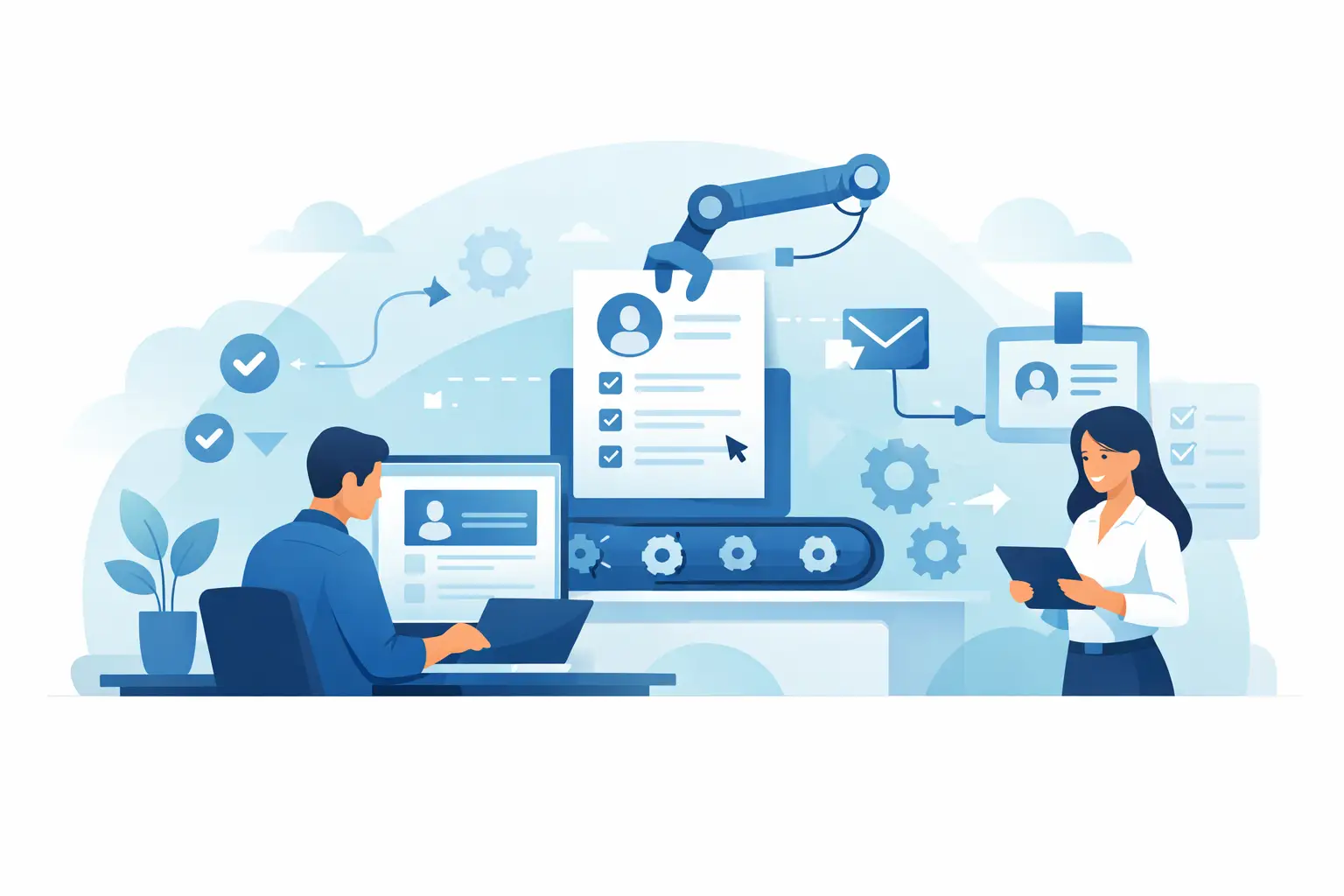
A new hire should not spend their first week chasing PDFs, printing tax forms, or wondering whether HR received their signed handbook. Learning how to automate employee onboarding forms turns that administrative pileup into a guided process: the right forms go to the right person, in the right order, with clear proof of completion.
For HR and people operations teams, the payoff is bigger than fewer reminders. A well-designed workflow reduces missing information, gives managers visibility before day one, and creates a defensible record for sensitive employment documents. The goal is not to automate every human interaction. It is to remove the repetitive document work so your team can focus on welcoming people well.
What onboarding form automation should do
Employee onboarding usually involves more than one signature. There may be offer acknowledgments, tax forms, direct deposit details, confidentiality agreements, policy acknowledgments, equipment receipts, benefits elections, and role-specific compliance forms. Sending these as separate email attachments creates gaps fast.
Automation puts those steps into a controlled workflow. A new employee receives a secure invitation, completes only the fields assigned to them, and signs where required. HR, payroll, IT, and the hiring manager can receive their own tasks or approvals at the appropriate point. Once complete, the signed documents and audit records are stored together.
The best workflow also handles exceptions. A contractor may need a different agreement than a full-time employee. A new hire in a regulated role may need identity verification or an additional compliance acknowledgment. Automation should make these variations easier to manage, not force every person through the same generic packet.
How to automate employee onboarding forms step by step
1. Map the process before building forms
Start with the real onboarding journey, not the files currently sitting in a shared drive. List every document collected from acceptance through the first week, who owns it, who completes it, and what must happen before the next step can begin.
This exercise often reveals unnecessary duplication. For example, if a new hire enters their legal name, home address, and emergency contact information in three separate documents, consolidate those fields where possible. Fewer repeated entries means fewer errors and a better first impression.
Separate documents into three groups: forms the employee completes, agreements the employee signs, and internal checklists or approvals. This distinction matters because not every task needs a signature, while every signed agreement should have a clear audit trail.
2. Build reusable templates with smart fields
Create a template for each standard document or onboarding packet. Add text fields, date fields, checkboxes, initials, signatures, and attachments directly to the document. Assign every field to a role such as New Hire, HR, Manager, or Payroll instead of assigning it to a named person.
Role-based templates make the workflow reusable. When a new employee starts, you only need to select recipients for those roles rather than rebuilding the document from scratch.
Use prefilled fields carefully. You can populate information already confirmed in your HRIS or offer process, such as the employee's name, job title, department, start date, and manager. But do not prefill details that the employee must personally verify, such as banking information or tax elections. Let them enter and confirm those details themselves.
3. Create separate workflows for meaningful variations
One giant onboarding packet looks efficient until it reaches the wrong person. A sales hire may need commission-plan acknowledgments. A healthcare employee may need privacy and training documents. An executive may have equity paperwork and additional approvals.
Create a core workflow for all employees, then add targeted templates for departments, locations, employment types, or risk levels. Keep the number of paths manageable. If your team creates a unique workflow for every job title, maintaining templates becomes its own administrative burden.
A practical approach is to use a standard packet plus a small set of add-ons. It gives you consistency without treating every hire as identical.
4. Set signing order and internal approvals
Signing order prevents documents from moving before required actions are complete. You might send an employment agreement to the new hire first, route it to HR for countersignature, then notify IT only after the agreement is complete. For policy acknowledgments, the employee may be the only signer, while HR simply receives a completed copy.
Think beyond signatures. An internal approval step can confirm compensation terms, employment eligibility documentation, or requested equipment before a document is released. This is especially useful when multiple teams share responsibility for onboarding but do not work in the same system every day.
Avoid using approvals as a default gate for every document. Too many gates slow down a process that should feel welcoming. Reserve them for steps where review or authorization actually reduces risk.
5. Automate reminders, deadlines, and status updates
A secure onboarding workflow should not rely on an HR coordinator manually following up with every new hire. Set reminders before deadlines, define when a request expires, and give your team a clear view of what is sent, viewed, completed, or still waiting.
Timing matters. Send essential preboarding forms early enough for payroll and IT to prepare, but do not overwhelm a new hire with ten documents the moment they accept an offer. Consider a staged sequence: employment and payroll documents first, day-one acknowledgments next, then optional benefits or training forms when they are relevant.
Use plain-language email messages that explain what is needed and how long it should take. A form request that says, “Please complete these three items before your start date,” gets a better response than a vague message with an unfamiliar attachment.
6. Protect sensitive employee information
Onboarding forms contain some of your company’s most sensitive data. Social Security numbers, addresses, bank details, health information, identification documents, and signed agreements need stronger controls than a standard email attachment can provide.
Choose a platform that encrypts documents in transit and at rest, limits access by workspace and user role, and records every material event. A complete audit trail should show when a document was created, sent, viewed, signed, and completed, along with timestamps and IP information.
For higher-risk workflows, add identity verification before signature. Government ID capture, biometric face matching with liveness detection, and database validation can provide stronger evidence that the intended person completed the agreement. The appropriate level of verification depends on your industry, location, document type, and legal requirements. Not every handbook acknowledgment needs the same assurance as a regulated employment agreement.
7. Connect onboarding to the systems your team already uses
Automation is strongest when the document workflow is not isolated. Connect it to the systems that hold employee and operational data, such as your HRIS, applicant tracking system, payroll platform, identity provider, or internal portal.
For many teams, a simple trigger is enough: when a candidate reaches “hired” status, create an onboarding packet, prefill approved data, and send it to the employee. Once the packet is completed, notify payroll, create an IT task, or update the employee record.
If you need a branded experience or more control, an API-first platform can create, send, and track documents directly from your own application. BeeSign, for example, lets teams manage templates, forms, recipients, approvals, and signatures from the dashboard or through a REST API. That flexibility matters when onboarding is part of a larger employee portal rather than a standalone HR task.
Common mistakes that make automation feel impersonal
The biggest mistake is treating automation as a document cannon. New hires should not receive a confusing bundle with no context, unclear deadlines, or forms they do not need. Give each request a purpose and keep the sequence understandable.
Another common failure is failing to test the workflow from the recipient’s perspective. Before launching, send the packet to a test user on a phone and a laptop. Check that fields are easy to complete, signer roles are correct, reminders are reasonable, and completed documents reach the right internal team.
Finally, do not confuse a signed PDF with a complete record. If a question arises later, you need to be able to show the final document, the signatures, the event history, and the controls used to protect it. That record supports both operational confidence and compliance reviews.
Measure whether the workflow is working
Track completion time, reminder volume, incomplete packets, correction requests, and the number of manual follow-ups required per hire. If one form routinely delays onboarding, investigate why. The issue may be unclear wording, an unnecessary approval, a mobile usability problem, or a request sent too early.
Review templates whenever employment policies, state requirements, benefit plans, or internal processes change. Automation does not mean set it and forget it. It means making improvements once and applying them consistently to every future hire.
The best onboarding workflow feels simple to the employee and controlled to the business: a few clear steps, secure documents, timely reminders, and reliable proof that every required form is complete before the first day begins.
Ready to transform your workflow?
Start using BeeSign today and experience the future of document signing