How to Collect Signatures Faster at Work
Learn how to collect signatures faster with better routing, reminders, mobile signing, and secure e-sign workflows that cut approval delays.
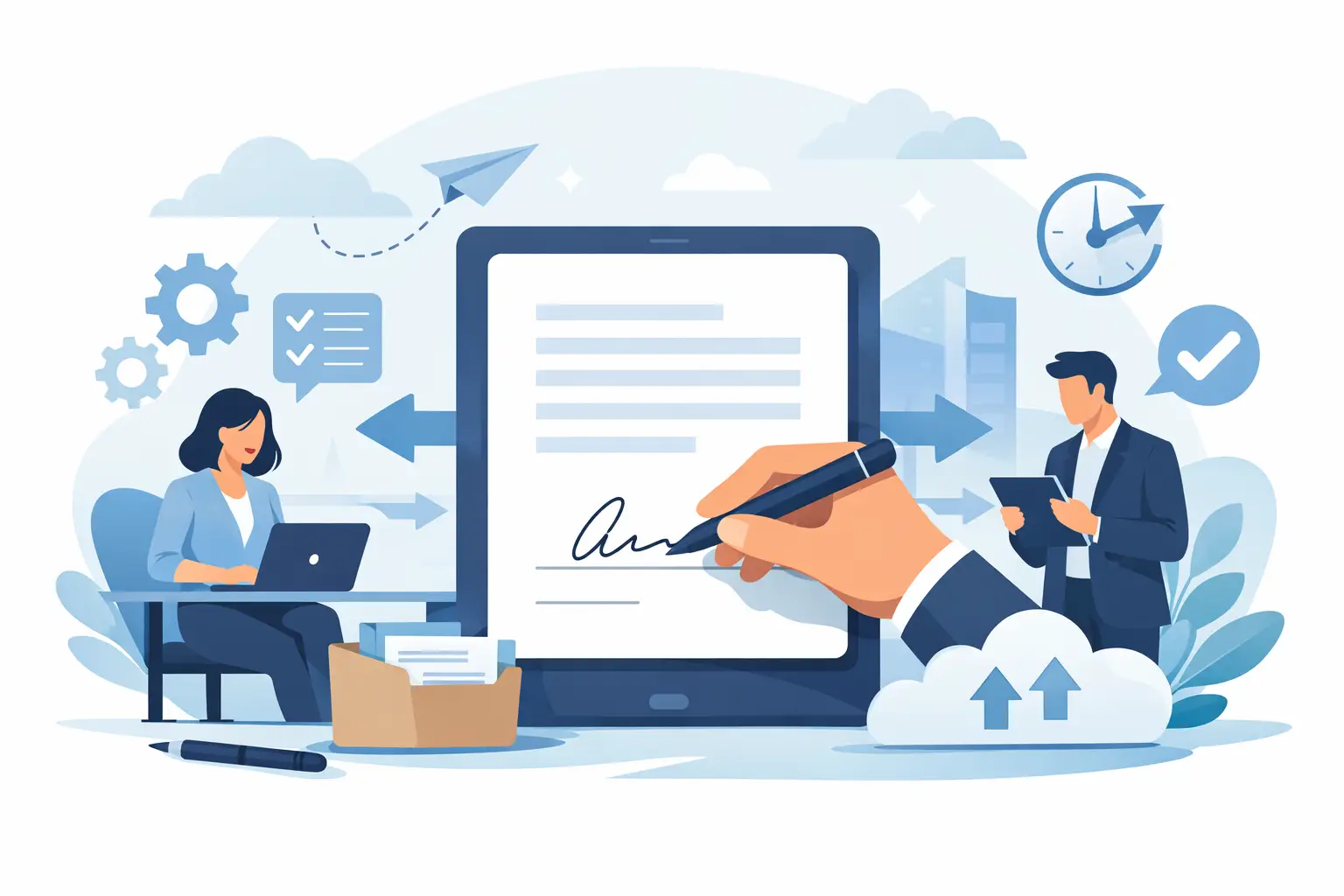
A contract that sits in someone’s inbox for three days is not a signing problem. It’s a workflow problem. If you’re looking for how to collect signatures faster, the biggest gains usually come from removing small points of friction that slow people down before they ever click Sign.
That matters whether you’re closing sales agreements, onboarding new hires, sending vendor paperwork, or managing approvals across multiple departments. The faster the signature process moves, the faster revenue, hiring, purchasing, and compliance tasks move with it. Speed is not just convenience. It affects cash flow, customer experience, and how much time your team loses chasing status updates.
How to collect signatures faster starts before you send
Most delays happen upstream. A document gets sent with the wrong signer, missing fields, unclear instructions, or no deadline. Then the follow-up cycle begins.
If you want signatures back quickly, start by tightening the send process. Use a final version of the document, confirm signer names and email addresses, and place every required field before the file goes out. The less your recipient has to figure out on their own, the faster they finish.
This is where a simple e-sign workflow beats email attachments and print-scan habits. Instead of asking people to download a PDF, print it, sign it, scan it, and send it back, you guide them directly to the action. That cuts several steps, and every removed step reduces drop-off.
Remove friction for the signer
Signers are busy. They may be on a phone between meetings, reviewing documents after hours, or approving something quickly while traveling. If the process feels tedious, they postpone it.
A faster signing experience is usually a shorter one. Keep the signer focused on what matters by sending documents that are ready to sign immediately. That means visible fields, clean formatting, and no extra instructions buried in a long email.
Mobile access also matters more than many teams assume. A lot of documents are opened first on a phone, not a desktop. If your signature process works well on mobile, you reduce the chance that the signer waits until they are back at a laptop. That alone can shorten turnaround time from days to hours.
There is a trade-off here. In high-trust or regulated transactions, you may need extra identity checks such as OTP authentication or ID verification. Those steps add a little time, but they can still be faster than correcting a risky or noncompliant process later. The goal is not removing every checkpoint. It is using the right level of friction for the document.
Use better routing to avoid internal bottlenecks
A surprising number of signature delays come from the sender’s side, not the recipient’s. Documents stall because they are sent out of order, routed to the wrong approver, or held up waiting for someone who did not need to sign in the first place.
For internal workflows, map the path before you send. Who needs to approve, who needs to sign, and in what order? If one signer can act in parallel with another, do not force a sequence. Sequential routing makes sense when each signer depends on the previous step. Otherwise, it creates avoidable waiting time.
This is especially relevant for HR packets, procurement documents, and legal approvals. Some teams build delays into their process without realizing it. They send one document to one person, wait, then manually forward it to the next. Automated routing is faster because the next signer is triggered as soon as the previous step is complete.
Set expectations in the send email
The message around the document matters almost as much as the document itself. A vague email like “Please review and sign” gives the signer no urgency, no context, and no reason to act now.
A better approach is direct and specific. Tell them what the document is, why it matters, and when you need it signed. Keep it short. If there is a deadline, state it clearly. If the document only takes a minute to complete, say so. People are more likely to act when they know the task is quick.
This is one of the simplest ways to improve how to collect signatures faster without changing your entire tech stack. Better communication reduces hesitation.
Use reminders, but do it intelligently
Manual follow-up is slow and inconsistent. Someone on your team has to remember who has signed, who has not, and when to send the next nudge. That creates more admin work and still leaves room for delays.
Automated reminders solve that problem well when they are timed properly. A reminder after 24 hours can be useful for urgent documents. For less time-sensitive requests, two or three days may be a better interval. Too many reminders feel noisy. Too few let documents go stale.
Real-time tracking helps here. When you can see whether a document was delivered, opened, and signed, you know whether the issue is lack of visibility or lack of action. That changes your response. If the recipient never opened the file, resend or verify the contact details. If they opened it twice but did not complete it, the problem may be confusion, hesitation, or missing authority.
Standardize repeatable documents
If your team sends the same types of agreements repeatedly, templates can save a lot of time. Think offer letters, NDAs, sales contracts, real estate forms, and vendor agreements.
A reusable template speeds up preparation and reduces errors. You do not need to rebuild fields each time, and your team does not need to remember where signatures, initials, or dates belong. That consistency leads to faster sends and faster completions.
Standardization also makes delegation easier. When the process is predictable, more team members can send documents confidently without bottlenecking around one operations lead or legal reviewer.
Build speed without losing control
Fast does not mean careless. The best signature workflows move quickly because they are structured, not because they skip safeguards.
For many businesses, that means using a platform that combines document upload, field placement, signer routing, status tracking, and audit trails in one process. If you also handle higher-trust transactions, advanced electronic signature options can add identity verification and digital certificates without forcing your team into enterprise-level complexity.
That balance matters. A lightweight process may be enough for simple approvals, while customer contracts, compliance forms, or regulated agreements may need stronger evidence and signer authentication. The right setup depends on what you are signing, who is signing it, and how much legal assurance the transaction requires.
Watch the metrics that actually affect turnaround time
If you want to improve signature speed over time, measure the process. Start with average time to completion. Then look at where documents stall most often.
Are delays happening before documents are sent? After they are opened? At a specific signer stage? Are some teams routing too many approvals? Are certain document types taking longer because they are harder to review on mobile or need extra explanation?
These patterns are useful because they show whether your problem is process design, signer behavior, or tool limitations. Once you know that, you can fix the right thing instead of pushing your team to “follow up harder.”
The fastest signature process is the one people will actually use
Complicated systems slow down both senders and signers. If your team needs training just to send a basic agreement, or your recipients need technical help to complete a signature, speed disappears quickly.
That is why usability matters. A clear five-step flow, easy document editing, team collaboration, and instant status visibility do more for turnaround time than feature overload. BeeSign is built around that idea: get documents out fast, make signing simple on any device, and keep every step trackable and secure.
If you are still relying on attachments, manual reminders, or disconnected approval chains, the opportunity is bigger than shaving off a few minutes. You can remove days from the process by making signing easier to start, easier to complete, and easier to manage.
The next signature you collect faster will probably not come from asking people to hurry. It will come from giving them less friction, better timing, and a process that respects how business actually gets done.
Ready to transform your workflow?
Start using BeeSign today and experience the future of document signing