Legal Contract Approval Workflow That Moves Faster
Build a legal contract approval workflow that speeds reviews, protects controls, and creates a clear audit trail from draft to legally binding signature.
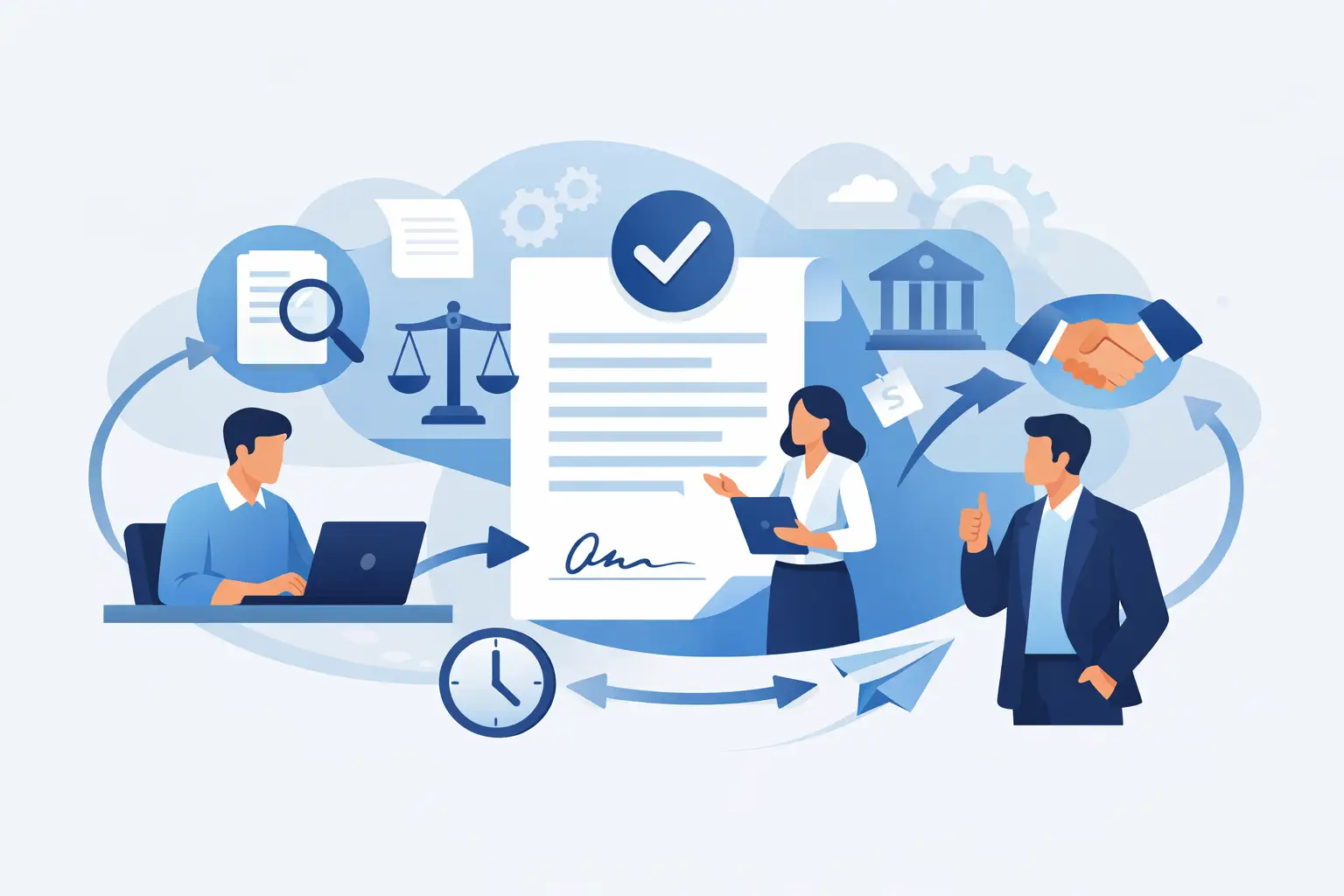
A contract can be commercially urgent without being ready to sign. The gap between those two facts is where revenue slows down, risk slips through, and teams start chasing approval status across email threads. A legal contract approval workflow gives every agreement a defined route from draft to review, approval, signature, and storage - without turning Legal into a bottleneck.
The goal is not to make every contract take the same path. It is to make the right path obvious, repeatable, and easy to prove later. For a standard sales agreement, that may mean a fast review based on approved language. For a high-value, regulated, or heavily negotiated agreement, it may require Legal, Finance, Security, and executive approval before anyone signs.
What a Legal Contract Approval Workflow Does
A legal contract approval workflow is the set of rules, roles, and actions that determine how a contract moves through your organization before it is executed. It answers practical questions: Who can create a contract? Which changes need Legal review? Who approves commercial terms? Who is authorized to sign? Where is the final agreement stored?
Without those answers, teams usually build their own process. Sales sends a PDF to Legal. Legal returns edits. Finance gets copied later. Someone forwards the final version to an executive for approval. Then the wrong attachment gets signed, or no one can explain who approved a pricing exception three months later.
A clear workflow replaces that uncertainty with visible ownership and documented decisions. It creates speed by removing unnecessary review cycles, not by skipping controls.
Why Email-Based Approvals Break Down
Email works for a one-off request. It does not work well as a system of record for a growing contract volume. Threads split, approvers change versions, and a simple question such as “Is this ready to sign?” can require five people to investigate.
The risk gets higher when the contract includes non-standard terms. A sales rep may agree to a liability cap, automatic renewal, data processing language, or payment terms that fall outside policy. If those exceptions are buried in an attachment or approved verbally, your business has accepted exposure without a dependable record of why.
The operational cost is real too. Legal teams spend time answering status questions instead of reviewing the terms that need their judgment. Sales loses momentum while waiting for an unclear next step. Leaders cannot see where agreements are stuck or which clauses cause the most negotiation.
Build the Workflow Around Risk, Not Habit
The strongest approval processes are tiered. They do not send every agreement through the same long chain, and they do not rely on employees to guess when to escalate.
Start by defining contract categories. A standard mutual NDA may be low risk when it uses approved language. A customer agreement with an unusual indemnity clause is higher risk. A vendor agreement involving personal health information, customer data, or a large annual commitment should follow more rigorous review rules.
Then establish approval triggers. Common triggers include discounts beyond a defined threshold, non-standard payment terms, liability changes, data security commitments, auto-renewal clauses, unusual termination rights, and contract values above a set amount. These rules should be specific enough for a business user to follow without interpreting legal policy.
This is where trade-offs matter. A workflow with too few controls can expose the company. A workflow that requires four approvals for a routine NDA will simply be bypassed. The right design makes the safe path the fastest path for standard agreements and adds review only when risk increases.
Define who owns each decision
Legal should own legal risk, but it should not be asked to approve every business decision. Finance may own payment and revenue-impacting exceptions. Security or Privacy may own data handling commitments. Sales leadership may approve commercial concessions. An authorized signatory provides final execution approval.
Put those responsibilities in writing. Approval rules work best when each person knows whether they are reviewing, approving, or simply being notified. A reviewer can suggest edits. An approver can accept risk or reject the agreement. A signer can execute only after required approvals are complete.
A Practical Contract Approval Flow
For most organizations, the workflow begins with an approved template or an uploaded third-party document. The requester selects the contract type, enters the key deal details, and identifies the parties. That information should determine the approval route automatically wherever possible.
Next comes the initial review. For standard agreements, the requester may be allowed to use pre-approved language with no Legal touchpoint. If the document contains edits, non-standard clauses, or risk triggers, it routes to the relevant reviewers. Comments and revised versions should stay attached to the agreement rather than scattered across inboxes.
Once reviewers are satisfied, designated approvers make a recorded decision. At this stage, the workflow should prevent signing until every required approval is complete. This matters because a contract that looks final is not necessarily approved to execute.
Then the agreement moves to signature. Set the signing order when one party must sign before another, and make signer roles explicit. After completion, store the executed document and its completion certificate in a controlled location that is easy to search later.
A simple process looks like this:
- Create from an approved template or upload the negotiated agreement.
- Capture contract type, value, terms, and risk triggers.
- Route the document to the right legal, commercial, finance, security, or privacy reviewers.
- Collect documented approvals before releasing it for signature.
- Send in the required signing order and preserve the completed agreement with its audit evidence.
Make Approvals Easy to Audit
Approvals should be more than a checkbox. If a dispute, audit, or internal review happens later, your team needs to show what was approved, by whom, when, and against which version of the contract.
A reliable agreement platform records the lifecycle of the document: when it was created, sent, viewed, edited, approved, declined, and signed. It should preserve timestamps and user details, and it should make version history clear enough that reviewers are not approving a moving target.
For signatures, a tamper-evident completion record adds another layer of confidence. BeeSign, for example, keeps full audit trails for sends, views, and signatures, with timestamps and IP addresses, while encrypting documents in transit with TLS and at rest with 256-bit AES on Google Cloud.
The level of identity assurance should fit the agreement. Many business contracts can use standard electronic signatures with a strong audit trail. Higher-risk scenarios may call for identity verification, including government ID capture, biometric face matching with liveness detection, and database validation. That can support eIDAS-compliant Advanced Electronic Signatures when identity certainty is part of the requirement.
Keep the Workflow Moving Without Losing Control
Automation is most useful when it removes waiting, not accountability. Send reminders when an approver has not acted. Notify the requester when the agreement moves to the next stage. Escalate only after a defined deadline, and give an alternate approver a clear way to step in when someone is out of office.
Templates are another major speed lever. Legal can maintain approved agreements, clause language, and field placement so business teams are not rebuilding the same documents from scratch. This also reduces formatting errors and keeps commonly used terms consistent.
For higher-volume teams, connect the workflow to the systems where work already starts. Sales agreements may originate in a CRM. Employee documents may begin in an HR system. Product teams may need to create agreements from their own application through an API. The useful test is simple: can the team initiate the right workflow without copying data into three separate tools?
Metrics That Show Whether the Process Works
Do not measure success by the number of approvals collected. Measure whether the process helps the business move quickly while keeping exceptions visible.
Track contract cycle time from request to signature, then break it down by contract type and approval stage. Watch how long agreements wait with Legal, Finance, or the customer. Monitor the percentage of contracts using approved templates, the number of non-standard term requests, and the frequency of late-stage changes.
Those numbers reveal where to improve. If standard agreements still wait days for Legal, the template or routing rules may be too restrictive. If most contracts trigger exceptions, your playbook may not reflect real commercial needs. If signatures are fast but post-signature retrieval is slow, your system of record needs attention.
A legal contract approval workflow should give teams a clear answer to the question that matters most: what needs to happen before this agreement can be signed? When that answer is built into the process, contracts stop being an inbox problem and become a controlled, trackable part of how your business moves.
Ready to transform your workflow?
Start using BeeSign today and experience the future of document signing