Top 5 PandaDoc.com Alternatives 2026
Discover 5 cost-effective PandaDoc.com alternatives for document management and eSignature solutions to enhance your business efficiency.

Managing legally binding signatures while keeping workflows efficient and data secure creates unnecessary complexity for teams and businesses. Many mainstream electronic signature platforms restrict brand customization, store files on external infrastructure, or put critical features behind add-on fees. This comparison covers compliance policies, brand control, API access, and pricing so teams and businesses can select an electronic signature tool that fits workflow and data needs.
Table of Contents
BeeSign
At a Glance
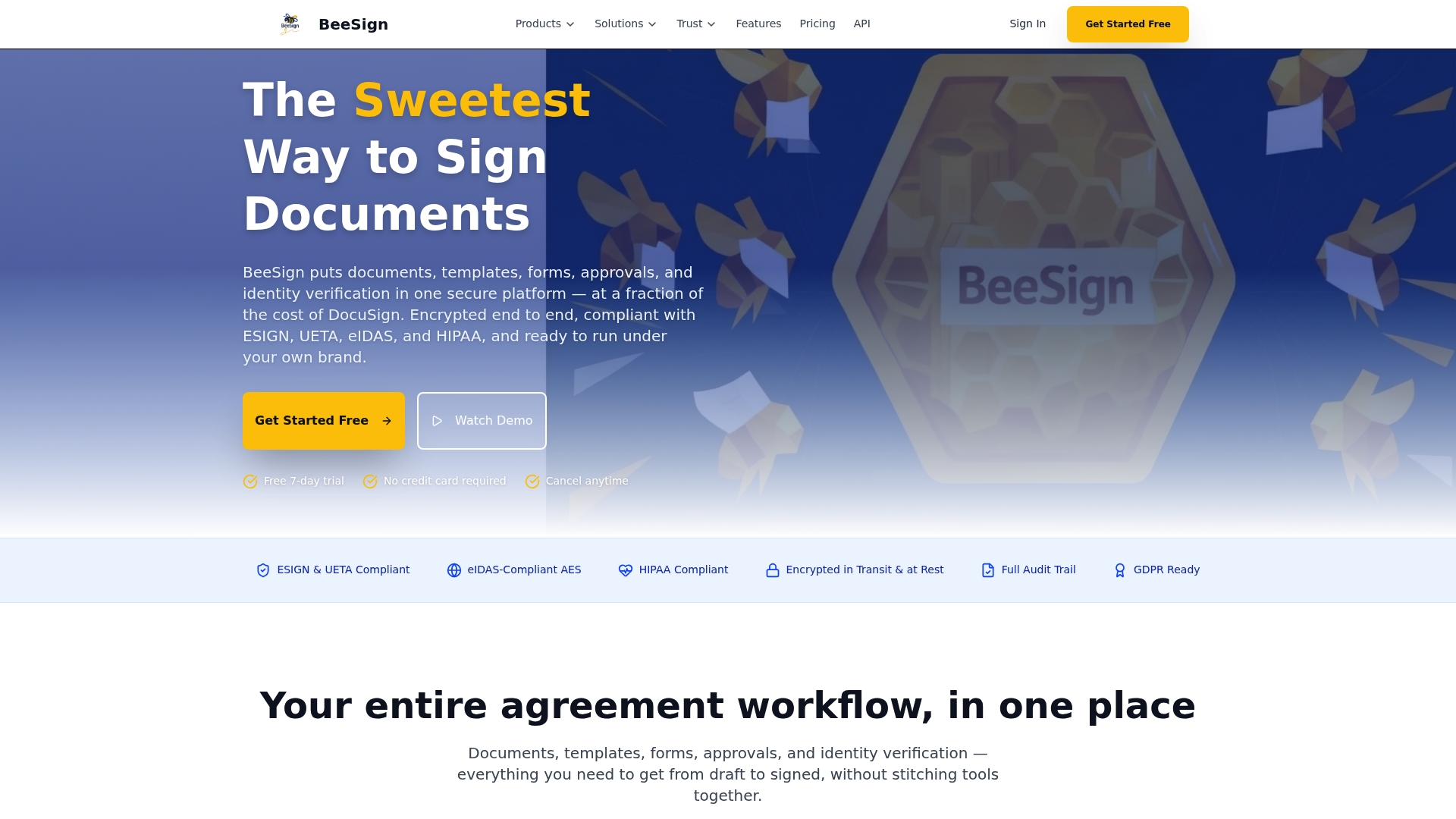
Starts at $9.99/month while supporting white label deployments and bring your own cloud storage. BeeSign advertises end to end encryption and identity verification for high stakes documents. The vendor’s marketing materials state compliance with ESIGN, UETA, eIDAS, HIPAA, and GDPR.
Core Features
BeeSign includes document upload with drag and drop signature and form fields, reusable templates, and fillable forms for intake and onboarding. It supports multi party workflows with automated approval routing and a complete audit trail for signed files. Identity verification combines government ID checks, biometric face matching, and database validation using eIDAS compliant AES, while mobile compatibility and a public API let you automate and track signatures in real time.
Key Differentiator
White label deployments with custom domains and the option to bring your own cloud storage stand out as the platform’s defining capability. That approach keeps signing under your brand and stores data inside your infrastructure for stricter data residency control. According to the company, BeeSign delivers these enterprise features at a fraction of competitors’ cost. This makes it feasible for growing teams to adopt enterprise style controls without enterprise level spend.
Pros
BeeSign offers end to end encryption and declares compliance with major signatures and privacy regimes, which supports legal enforceability for high value contracts. The product exposes a comprehensive API for embedding signing into back office workflows and CRMs, reducing manual handoffs. White label options, custom domains, and bring your own cloud storage let you match corporate branding and retain custody of sensitive files. Templates, fillable forms, audit trails, and mobile compatibility speed routine processes across sales, real estate, legal, and healthcare.
Cons
- May require technical resources to fully utilize the API and branding customization.
Who It’s For
Professionals and growing businesses that need secure, legally defensible electronic signatures and the ability to customize branding. Teams that plan to integrate signing into existing systems will benefit from the API and automation capabilities. Organizations with strict data residency needs will use the bring your own cloud storage option.
Unique Value Proposition
White label signing with bring your own cloud storage and custom domains lets you run the signing service under your brand while keeping files inside your infrastructure. That model reduces reliance on third party storage and simplifies compliance workflows for documents governed by strict rules. Paired with an API, the setup lets your engineers automate template generation, routing, and real time tracking to shorten signing timelines.
Real World Use Case
A real estate agent uses BeeSign to send lease templates with preplaced fields, verify tenant identity with government ID and biometric checks, and monitor signature progress in real time. The agent’s CRM receives status updates via the API, and signed leases are routed to the broker’s cloud storage for record keeping. This cuts manual follow up and centralizes audit trails for future disputes.
Pricing
Pricing starts at $9.99/month for individual plans. Enterprise options and custom plans are available on request for larger deployments and white label projects. Exact enterprise pricing is provided after scope review.
Website: https://beesign.net
signNow
At a Glance
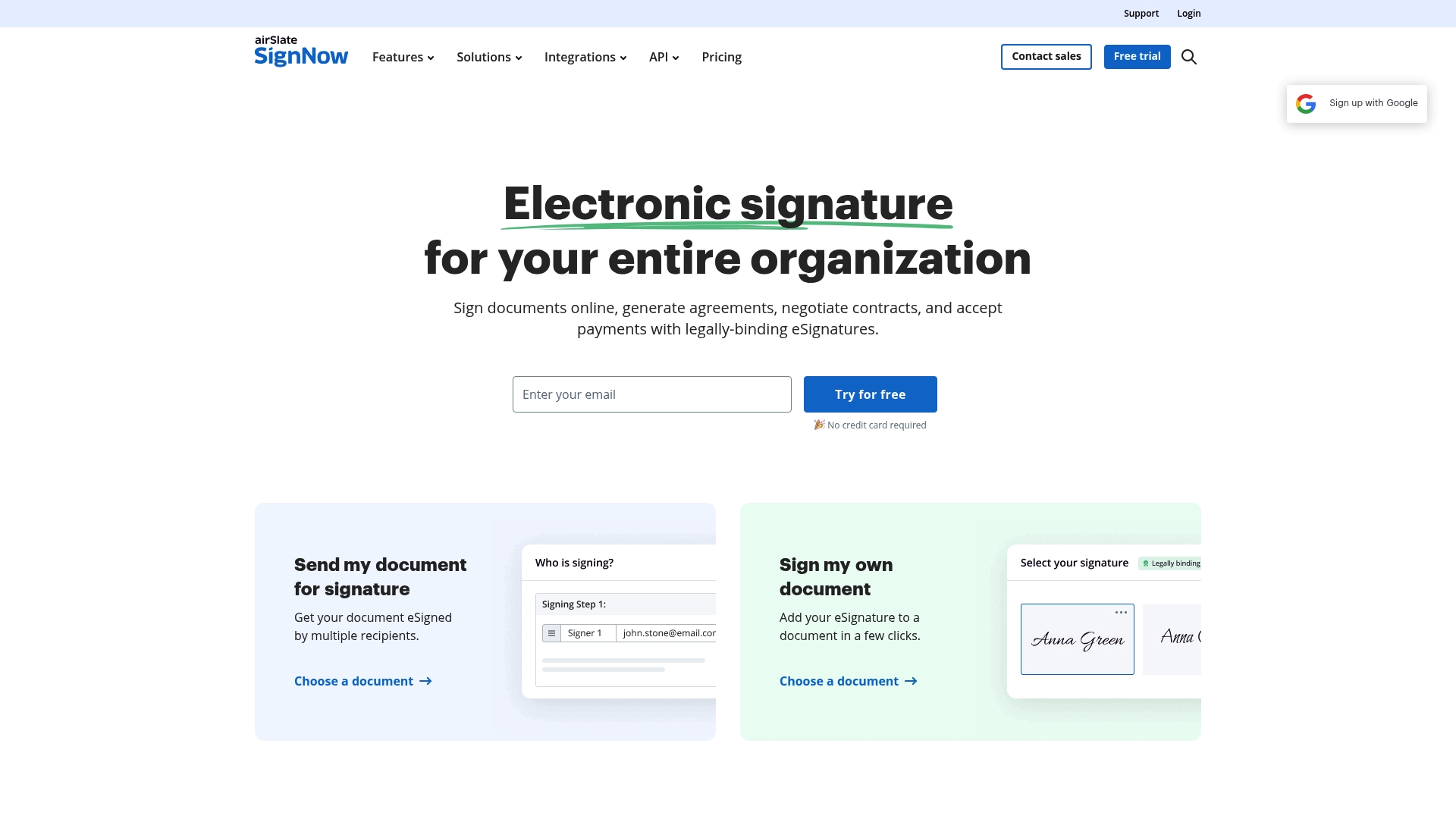
Unlimited users and templates at no extra cost anchor signNow’s commercial approach. That allowance often lowers per-seat sticker shock for growing teams. The platform pairs that pricing attribute with automation and enterprise integrations aimed at high-volume signature workflows.
Core Features
signNow handles eSignature and send for signature, plus document templates and fillable fields for repeated contracts. It supports team collaboration and document organization alongside mobile apps for iOS and Android. The platform also exposes APIs for custom integrations and automation, and it offers web forms, payment collection in signing flows, advanced contract management, and robotic process automation capabilities.
Key Differentiator
The central differentiator is the combination of unlimited users and templates with configurable automation and broad integrations. That mix targets teams that need many contributors without per-seat license costs while keeping automation for approval routing and contract negotiation. The model suits organizations that want to scale document volume without multiplying user fees.
Pros
The interface requires little training and does not force downloads, so teams start sending documents quickly. The vendor advertises SOC 2, GDPR, HIPAA, and PCI DSS, which supports regulated workflows and compliance needs. signNow also reports deep integrations with Salesforce, Google Workspace, Netsuite, ChatGPT, Gmail, and Claude, and it includes flexible automation and workflow customization for contract routing and approvals.
Cons
-
Some advanced features such as bulk sending and certain signing tools may sit behind higher tiers or add-on costs.
-
New users can face complexity when configuring advanced automations and contract negotiation workflows.
-
Pricing per signature invite or flexible usage models may increase costs for very high volume operations.
When It May Not Fit
If you need every advanced feature on a single low-cost tier, signNow may not match that expectation. Organizations that count on out of the box bulk sending or specific enterprise connectors may require a higher plan. Teams with minimal internal IT staff could find complex workflow setup time consuming.
Notable Integrations
signNow connects with major productivity and CRM systems to keep documents inside existing workflows. That helps you avoid manual exports when moving signed files into other platforms.
- Microsoft
- Salesforce
- Cloud storage and CRM platforms
Who It’s For
Companies from small teams to large enterprises that want scalable eSignature workflows and automation will find signNow relevant. Legal, HR, finance, and real estate teams benefit when many contributors must access templates without added per-user fees. Organizations needing regulatory controls and audit trails will value the platform’s compliance claims.
Real World Use Case
A mid sized law firm automates its client intake and contract signing with signNow to reduce turnaround time. Paralegals send template agreements with prefilled fields and collect payments during signing. That setup shortens signature cycles and reduces manual file handling.
Pricing
Plans vary by feature set and automation level and start at $10.00 per month for the Business plan with unlimited users. Site license pricing is listed at $1.50 per signature invite with volume discounts available for larger deployments.
Website: https://signnow.com
Signeasy
At a Glance
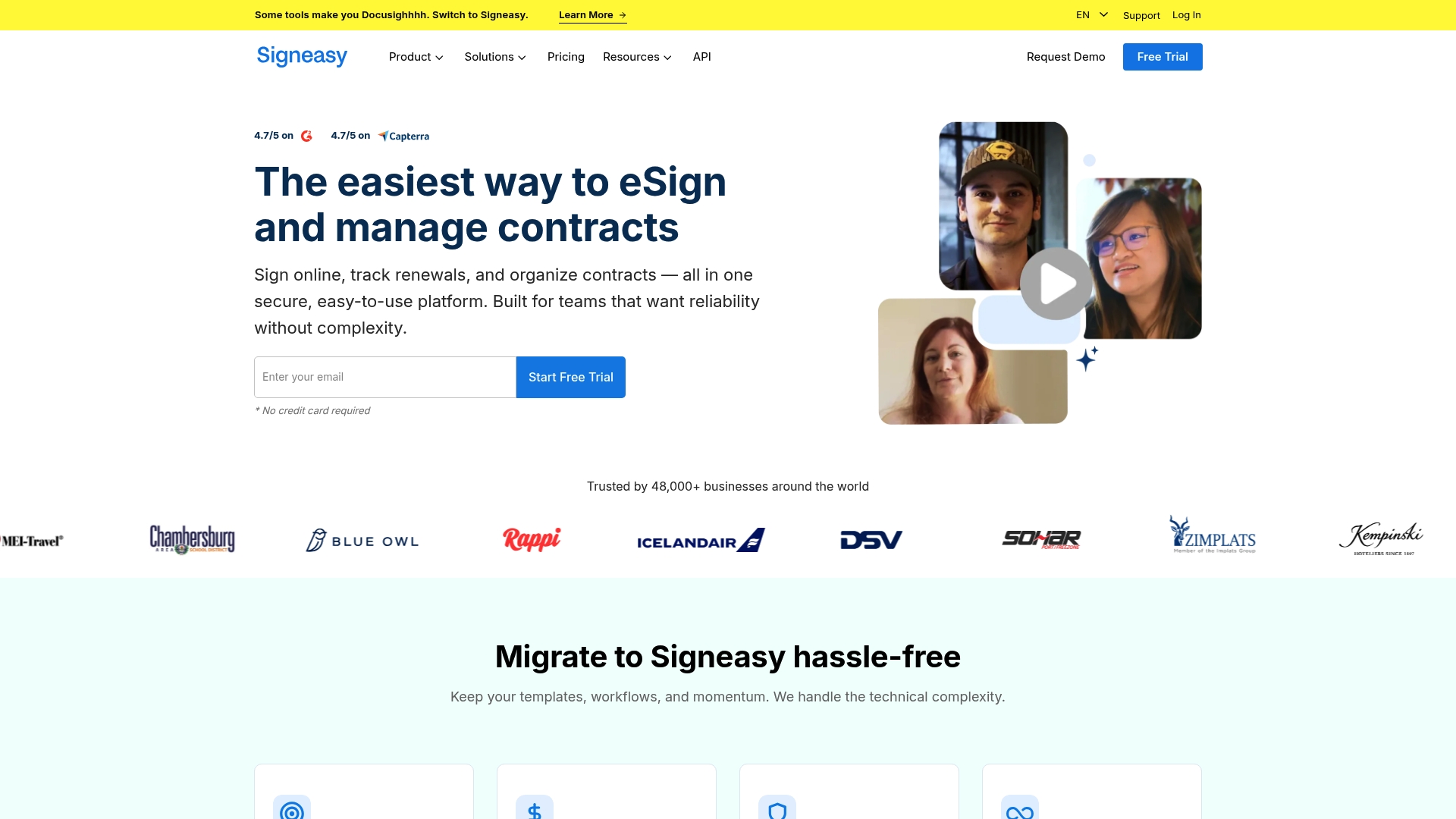
Signeasy reports it is trusted by over 48,000 organizations worldwide. The platform targets teams that need fast signing, searchable contract storage, and renewal tracking without heavy admin overhead. It emphasizes migration support and claims cost savings during onboarding.
Core Features
Signeasy combines electronic signature capture and document tracking with a searchable contract repository and renewal alerts. The platform includes AI powered contract insights for search, summarization, and key term extraction and offers shared workspaces with role based access control. An embeddable API and mobile friendly flows let teams sign and manage contracts from both desktop and phone.
Key Differentiator
Signeasy stands out for its integrated AI features that surface clauses, summarize long contracts, and extract key terms directly inside the contract repository. That capability helps legal and procurement teams spot risks and deadlines without manual review. The AI focus suits teams that want faster review cycles and clearer handoffs between sales and legal.
Pros
Signeasy provides an easy to use API for embedded signing and a mobile friendly interface that reduces friction for remote signers. The vendor advertises compliance with GDPR, HIPAA, and SOC 2, which supports regulated industries that need documented controls. Signeasy reports a 4.7 out of 5 review score, and customer feedback often praises the clean UI and straightforward template management.
Cons
-
Third party reviews note that some workflows feel complex at first and require onboarding support for administrators.
-
Advanced automation capabilities exist, but some teams will need training to use them effectively.
-
Pricing details are not publicly listed on the website, so teams must contact sales for specific plan and quote information.
When It May Not Fit
If your team needs an out of the box advanced automation suite with no onboarding, Signeasy may demand upfront training. Large enterprises that require fully transparent published pricing or highly customized contract lifecycle automation may prefer a vendor that publishes detailed plan features and rates. Teams that cannot allocate time for migration support may find the initial setup slower.
Notable Integrations
- Google Workspace
- Microsoft SharePoint
- HubSpot
- Teamtailor
- Gmail
- Google Drive
- Google Sheets
- Google Docs
These integrations let you move documents to Signeasy from common productivity and CRM tools and keep signing workflows inside existing apps.
Who It’s For
Signeasy fits teams and businesses that want a reliable, easy to use contract management and eSignature solution with AI assisted review. It suits sales teams closing deals, HR groups managing employee agreements, and compliance teams in healthcare or finance that need searchable records. Organizations that value migration support and mobile signing will find it especially useful.
Real World Use Case
A healthcare provider uses Signeasy to manage patient and vendor contracts while addressing HIPAA related controls. The provider uses the AI insights to surface renewal clauses and confidentiality terms. That workflow cut manual review time and added searchable audit trails for compliance checks.
Pricing
Signeasy publishes tiered plans tailored to business needs and offers API plans for varying business sizes, but specific prices are not listed on the public site. Teams should request a quote to compare seats, API limits, and enterprise options.
Website: https://signeasy.com
Legalesign
At a Glance
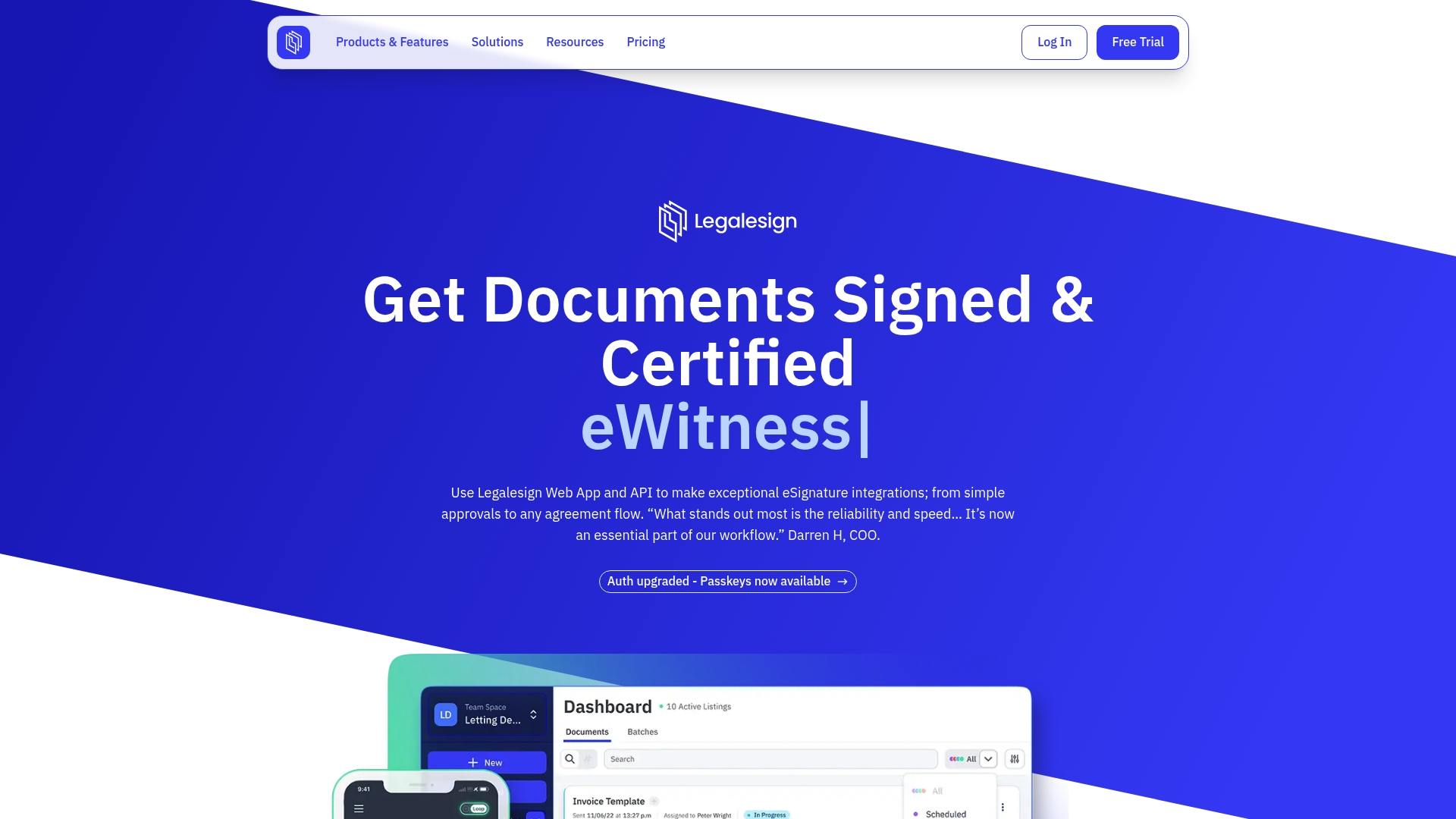
Pay As You Go pricing starts at £1.50 per document. That rate makes Legalesign viable for low-volume needs and pilot projects. The platform also advertises enterprise certifications such as ISO 27001 and Cyber Essentials Plus, which supports regulated use cases.
Core Features
Legalesign combines an API first architecture with REST and GraphQL endpoints, embeddable components, and workflow orchestration for batching and conditional routing. It supports electronic signatures that meet UK, EU, and US requirements, a drag and drop form builder, witnessing workflows, bulk send with content merge, and audit trails with real-time document status.
Key Differentiator
The product’s API first approach pairs deep integration options with enterprise security and compliance features. That combination makes Legalesign suited to teams that need custom integrations, high-volume processing, and features such as QES support via Digidentity.
Pros
Legalesign runs on a highly reliable and scalable infrastructure. The platform offers extensive workflow automation, from bulk sending to conditional routing and content merge, which reduces manual routing for large batches. Security and compliance appear central to the offering, with audit trails, witnessing workflows, and the certifications named above. Integration options include Microsoft Power Platform and embedding components, which helps teams connect signing flows to CRM systems and internal portals.
Cons
-
Advanced team permission controls are limited in lower tier plans, so administrators may lack fine-grained access rules.
-
Single sign on and some team management capabilities appear in higher plans or enterprise packages only.
-
Pricing can become complex for very high volumes or bespoke enterprise customization, which adds procurement overhead.
-
Support for witness uploads and multi signature workflows varies by plan and may require an upgrade for full functionality.
When It May Not Fit
If you need enterprise identity and team controls on a strict budget, lower plans may not meet your needs. Organizations that require SSO or full GDPR tooling should plan for a higher tier or a custom enterprise package. Very small teams that want simple, flat pricing could find the per document model less predictable.
Notable Integrations
Legalesign lists integrations with Microsoft Power Platform, Salesforce, and various CMS platforms. These connectors work for embedding signing flows into CRMs and low code tools, which reduces custom development for common workflows.
Who It’s For
Companies that need a secure, integrative eSignature solution with API access and enterprise controls will find Legalesign compelling. It fits legal, property, finance, and government teams that process many compliance documents and need witness or QES capabilities.
Real World Use Case
A public sector organization used the Legalesign API to automate approvals, track status in real time, and manage multi party witness signing. The integration removed manual handoffs and provided auditable records for compliance teams.
Pricing
Pricing mixes Pay As You Go and subscription tiers. The vendor lists Pay As You Go at £1.50 per document, Solo Basic from £10/month, and Teams at £20/user/month, with enterprise options priced for high volume and custom compliance needs.
Website: https://legalesign.com
Xodo Sign
At a Glance
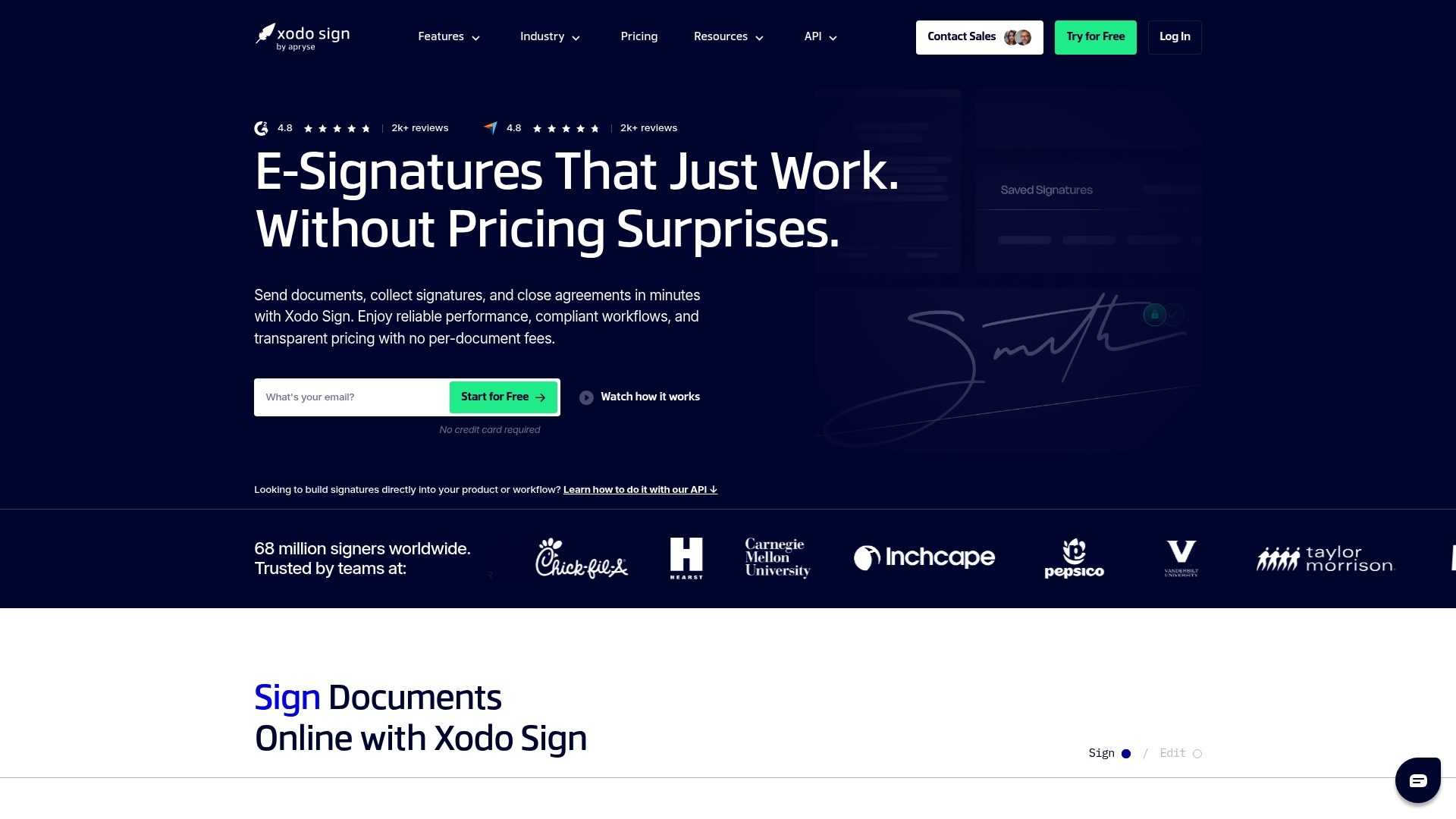
No per document fees, and paid plans start at $10/month for individuals. The product bundles editing, signing, and an AI summarizer into one workflow. That combination targets teams that want document prep and signature tools in a single interface.
Core Features
Xodo Sign combines Electronic Signatures, a File Editor, and an AI Summarizer so you can prepare, condense, and sign contracts without switching apps. The platform also offers signature compliance controls and document security for files at rest and in transit. API access supports embedded signing and basic automation for approval flows.
Key Differentiator
Xodo Sign stands out by integrating document editing and automation with contract summarization inside the e signature flow. This makes review and approval faster when teams handle dense contracts frequently. The approach suits teams that prefer an integrated editor and AI tools rather than a white label self hosted option like Beesign.
Pros
Xodo Sign reports high user ratings for ease of use. That rating suggests the product is straightforward to roll out for small teams and individual professionals. The vendor highlights a robust API for automation and custom workflows, and it advertises transparent pricing with no per document fees. The vendor also states it holds industry certifications, which supports regulated use cases.
Cons
- Limited free plan. Key features sit behind paid tiers, so trial users may hit restrictions quickly.
- Advanced PDF editing requests exist. Some teams need deeper redaction or layout controls than currently available.
- Interface learning curve for some users. The editor and signing workflow require a short adjustment period.
When It May Not Fit
Xodo Sign requires an internet connection for use, so teams that need offline signing will find gaps. Advanced capabilities often require higher tier plans, which raises costs for power users. Organizations that need extensive offline signing or full on prem hosting should look elsewhere.
Notable Integrations
Xodo Sign connects with common cloud storage and automation tools to move documents into signing flows. Available integrations include Gmail, Google Drive, Dropbox, Evernote, OneDrive, Box, Salesforce, and Zapier. These integrations help attach files and push signature events into CRM and automation systems.
Who It’s For
Solo professionals, small businesses, and larger organizations that need legally compliant e signature and document editing together will find Xodo Sign a practical choice. It fits teams that want quick contract summaries and API driven automation without managing separate editing and signing providers. It also fits groups that prefer transparent, per user pricing and no per document fees.
Real World Use Case
A real estate agent sends multiple property contracts for signature, manages client contacts, and automates approval workflows using Xodo Sign’s API. The agent uses the AI summarizer to highlight key terms for clients before sending. That saves time on repetitive contract reviews and reduces back and forth.
Pricing
Free plan available for basic use. Paid plans start at $10/month for individuals, with tiered options for teams and enterprises. The vendor emphasizes transparent pricing and no per document fees as part of its model.
Website: https://xodosign.com
Comparison of alternatives
BeeSign distinguishes itself with its unique white-label deployment options coupled with custom domain usage and private storage hosting, delivering a level of brand integration that resonates strongly within this category.
Branding and integration options
BeeSign’s flexibility in branding through white-label solutions and its support for private cloud storage sets it apart. Users can maintain their brand logos, custom URLs, and data within their chosen infrastructure. However, signNow’s extensive array of integrations with services like Salesforce and Google Workspace supports embedding of eSignatures into existing workflows, excelling for teams heavily reliant on these platforms.
Scalability and advanced tools
signNow’s unlimited user licensing model provides a cost-effective solution for larger teams, overcoming entry barriers due to pricing. On the other hand, Signeasy introduces AI-driven contract analysis tools that enhance understanding and speed up reviews, beneficial for organizations handling detailed documentation. BeeSign excels in offering enterprise-style features to growing businesses without matching enterprise-level costs.
Best fit
- Organizations valuing tight brand control and private document storage will find BeeSign’s infrastructure customization capabilities beneficial.
- Firms requiring scalability for a large number of users should explore signNow’s unlimited user plans, which optimize costs for growing teams.
- Businesses prioritizing AI-driven contract analysis and usability may select Signeasy to expedite document review processes.
- Enterprises performing bulk document actions or conditional routing should consider Legalesign’s orchestration and integration capabilities.
- Groups preferring document creation combined with signing tools will find Xodo Sign’s unified platform appealing.
Our pick
BeeSign excels as a solution for businesses prioritizing brand identity control and local file storage. While competitors such as signNow and Signeasy offer compelling features in scalability and automation, BeeSign’s infrastructure-level customizations make it an choice for teams looking for bespoke eSignature workflows.
When selecting an electronic signature platform, factors such as customization, integration, and pricing play a critical role.
| Product | Core Features | Key Differentiator | Best For | Pricing | Notable Limitation |
|---|---|---|---|---|---|
| Beesign | Drag-drop templates, eIDAS ID checks | White-label deployments with cloud storage choice | Businesses needing secure, customizable solutions | From $9.99/month | Technical resources required for API integration |
| signNow | Team collaboration, mobile apps | Unlimited users and templates | Large teams scaling document volume effectively | From $10/month | Advanced features require higher tiers or separate purchases |
| Signeasy | AI insights, contract repository | AI summarization and search tools | Teams seeking rapid contract review | Price not published | Setup may be complex for larger organizations |
| Legalesign | API-first workflows, compliance | QES signing and witnessing workflows | Legal and public sector requiring compliance tools | From £1.50/document | Missing advanced team controls in lower-tier plans |
| Xodo Sign | E-signature, integrated editor | Document editing and summarization in one app | Small teams managing detailed contracts | From $10/month | Requires internet connection for full functionality |
Finding the Right Solution Among pandadoc.com Alternatives
If your team faces challenges with branding control, data privacy, or workflow automation, Beesign offers a distinctive option among pandadoc.com alternatives. Its white-label capabilities enable you to run document signing under your own brand with custom domains and cloud storage, keeping sensitive data within your infrastructure for better compliance with ESIGN, eIDAS, and HIPAA.
Beesign also supports growing businesses and professionals who require secure electronic signatures combined with API-driven automation for real-time tracking and faster contract completion. Visit Beesign’s platform to see how you can customize your signing service and cut manual processes with a fully integrated, compliant signing solution tailored to your needs.
FAQ
How does Beesign ensure the security and legal compliance of electronic signatures?
Beesign provides end-to-end encryption and declares compliance with ESIGN, UETA, eIDAS, HIPAA, and GDPR. These features support the legal enforceability of high-value contracts while ensuring data is securely handled. Companies prioritizing data privacy can adopt Beesign confidently, knowing their documents meet strict legal standards.
What is the difference between signNow and Beesign in terms of user access?
signNow offers unlimited users and templates at no extra cost, which often reduces per-seat expenses for growing teams. Beesign, on the other hand, emphasizes white label deployments and the ability to bring your own cloud storage, which suits enterprises looking for branding and data residency control. Depending on a team’s focus, one platform may fit better than the other.
Which platform provides better automation capabilities for electronic signature workflows?
signNow features extensive automation options for approval routing and contract negotiation workflows. In contrast, Beesign focuses on providing document upload with automated approval and a complete audit trail. Organizations with advanced automation needs may find signNow’s features more appealing, while those seeking integration with their branding would prefer Beesign.
Can Beesign handle custom branding for electronic signature solutions?
Yes, Beesign supports white label deployments with custom domains, allowing organizations to match their corporate branding. This capability is crucial for companies seeking to maintain a consistent brand identity throughout their document signing processes, distinguishing it from other platforms that may not offer such options.
How does Beesign assist in identity verification compared to competitors?
Beesign incorporates government ID checks, biometric face matching, and database validation using eIDAS compliant AES for identity verification. This robust method ensures that high-stakes documents are signed securely, appealing to businesses needing comprehensive verification for sensitive transactions. Readers should expect strong identity verification features from Beesign to meet regulatory standards.
Recommended
Ready to transform your workflow?
Start using BeeSign today and experience the future of document signing