Top 6 Affordable eSignature Solutions for xodosign.com Alternatives 2026
Explore 6 xodosign.com alternatives to find the best eSignature solutions that meet your needs and budget effectively.
Comparing electronic signature software often exposes hidden costs, narrow feature sets, or required sales contact just to unlock basic capabilities. Many popular eSignature services restrict key integrations, bulk sending, or advanced compliance features to high-priced enterprise plans or lack transparent pricing. This overview samples six affordable xodosign.com alternatives so teams can match document volume, feature needs, and compliance without jumping into endless demos.
Table of Contents
BeeSign
At a Glance
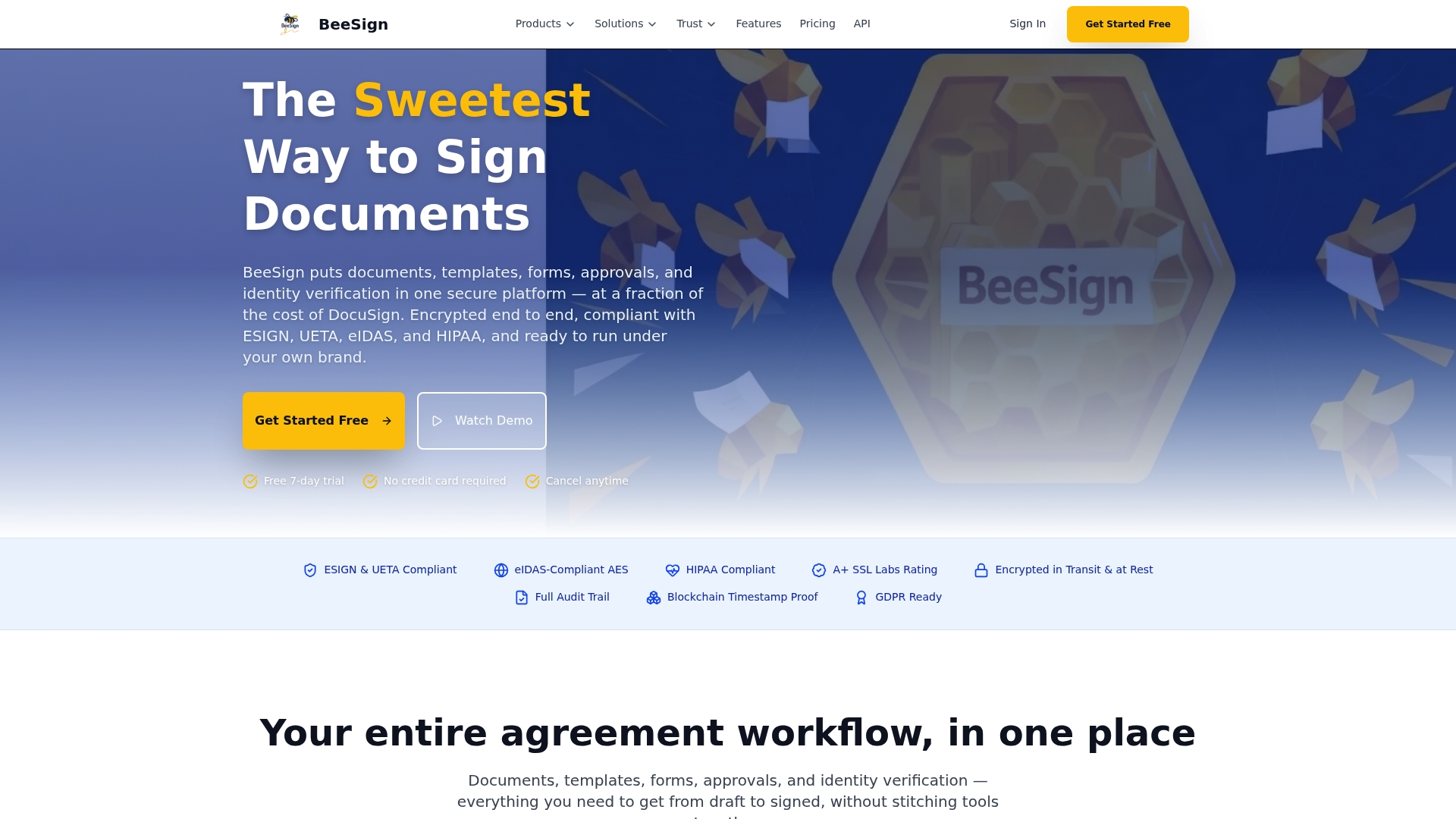
Blockchain timestamp proof records a verifiable signature time on an immutable ledger for sign verification. According to the company, BeeSign complies with ESIGN, UETA, Midas, HIPAA, and GDPR. The platform also offers white-label branding and Bring Your Own Cloud hosting for enterprise control and branding integration.
Core Features
BeeSign uses end-to-end encryption and a comprehensive audit trail with tamper-evident seals to protect documents and records. Identity verification includes government ID checks, biometric face matching, and one-time passcodes for higher-assurance signatures. Templates, forms, approvals, and a public API let teams automate signature workflows and integrate with internal systems.
Key Differentiator
Support for eIDAS-level advanced electronic signatures combined with comprehensive identity verification and self-hosting options gives enterprises control over signature assurance and data residency.
Pros
Security layers and a tamper-proof audit trail reduce legal exposure on high-value contracts and compliance documents. The white-label and BYOC hosting let organizations run the signing service under their own brand while keeping data in their cloud. The API and connectors let developers embed signing into portals and back-office systems without rebuilding workflow logic.
Cons
- Enterprise pricing is custom and may be costly for small organizations.
Notable Integrations
- Google Drive (coming soon) for document storage and retrieval.
- CRM connectors for Salesforce, HubSpot, Pipedrive, and Zoho to push signed records into sales workflows.
- Automation platforms Zapier, Make, n8n, and Workato for cross-platform workflows.
- Team communication tools Slack, Microsoft Teams, and Discord for signature notifications.
Who It’s For
Professionals and growing businesses that need secure, auditable signatures plus API access and identity verification. Organizations that require data residency or brand control will benefit from white-label and BYOC options. Legal teams and compliance-first departments will find the identity features useful for high-stakes documents.
Unique Value Proposition
White-label deployment with Bring Your Own Cloud hosting lets you apply your domain and retain custody of documents inside your infrastructure. That setup avoids vendor-hosted storage for regulated records and simplifies corporate procurement by aligning with existing cloud contracts. Developers can still call the BeeSign API while the operations team retains control of storage and retention policies.
Real World Use Case
A mid-size legal firm embeds BeeSign into its client intake portal. Clients upload IDs and complete biometric face checks before signing. Signed agreements land in the firm’s cloud storage and the audit trail shows blockchain timestamp proof for each executed document.
Pricing
Individual plans start at $9.99/month. Enterprise plans use custom pricing and can include white-label and BYOC deployment, which typically requires a tailored quote.
Website: https://beesign.net
Signeasy
At a Glance
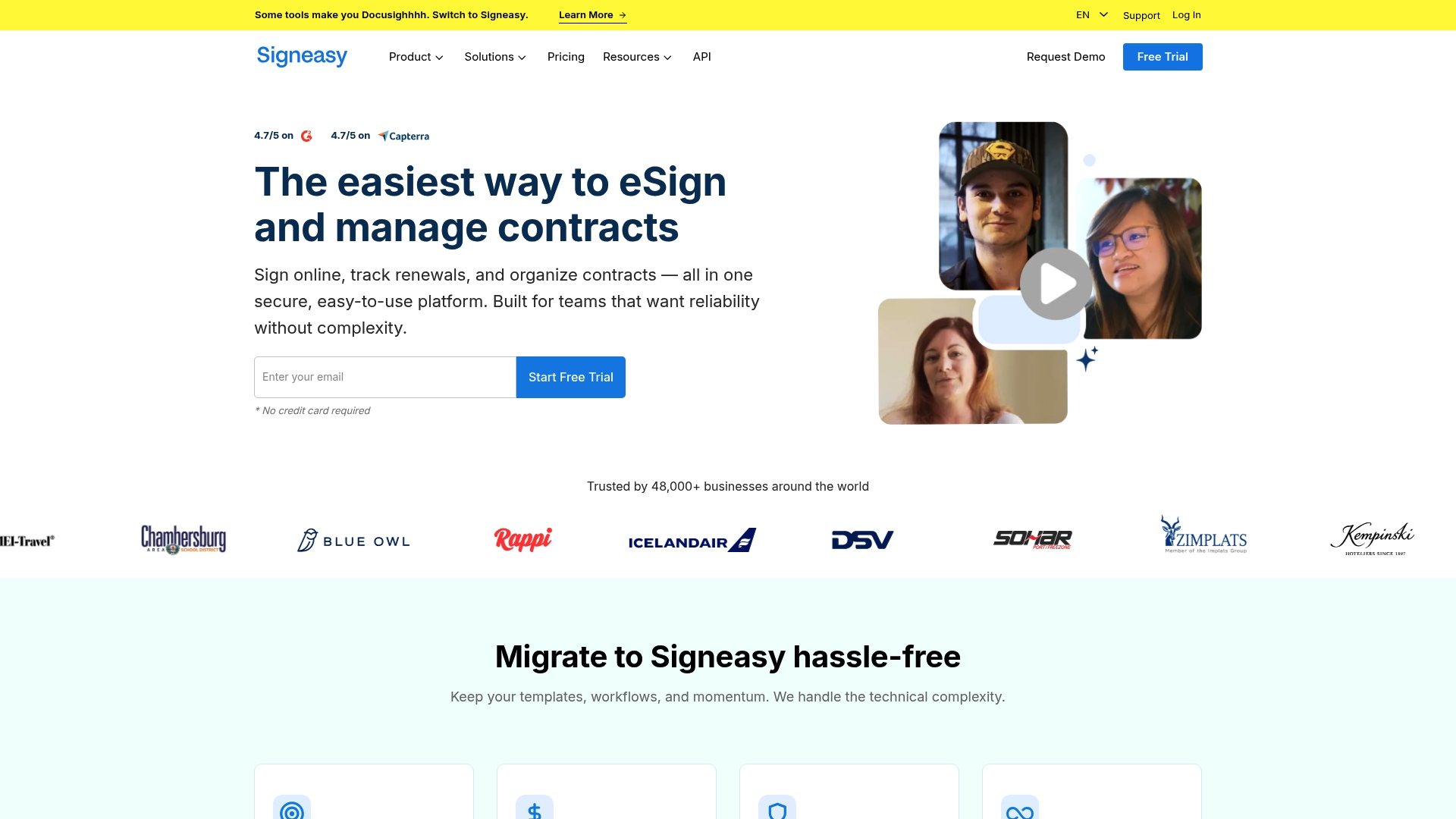
Signeasy reports being trusted by over 48,000 businesses. That claim highlights broad adoption among small and mid sized teams. The product combines mobile signing, renewal alerts, and AI driven contract summaries in one suite. These capabilities aim to reduce manual tracking and repetitive drafting.
Core Features
Signeasy covers electronic signing, sending, and tracking while storing agreements in a centralized contract repository with search and tagging. The platform offers AI powered contract insights that extract key terms and generate summaries, plus renewal tracking with alerts and activity logs. Team collaboration includes role based access control, reusable templates, mobile apps for iOS and Android, and APIs for embedding signatures into workflows.
Key Differentiator
The product focuses on the full contract lifecycle combined with built in analytics and wide third party connectivity. That blend lets teams move from draft to renewal within one platform and keep contract context with CRM and document tools.
Pros
Onboarding feels lightweight and clear, which helps teams start sending documents quickly. The vendor advertises support for ESIGN, UETA, eIDAS, SOC 2, GDPR, HIPAA, and 21 CFR, which may matter for regulated industries. The API and integrations make automation and CRM connections straightforward. The company also offers migration assistance and a white glove transition option to move existing contracts and templates.
Cons
-
Limits the number of signers per document to three on standard plans, which can block larger multi party deals.
-
Public pricing is sparse, so teams often must contact sales to get detailed cost information.
-
The feature set targets small to medium sized organizations and may not include every advanced enterprise capability.
-
Cloud operation requires an internet connection, so offline signing is not supported.
When It May Not Fit
If your contracts regularly require more than three signers per document, Signeasy will feel restrictive. Large enterprises needing fully public pricing and on prem signing workflows will find its model a poor fit. Also avoid it if you must collect signatures without reliable internet access.
Notable Integrations
Signeasy connects with common business tools to keep contract work in context. Key integrations include Google Workspace, Microsoft SharePoint, HubSpot, Microsoft Teams, Gmail, Google Drive, Google Sheets, and Google Docs.
Who It’s For
Teams and small to medium sized businesses that need a secure, integrated electronic signature and contract management tool benefit most. You will appreciate the mobile apps, AI driven summaries, and prebuilt connections to CRMs and document stores. Legal and sales teams that value quick onboarding will find this a practical option.
Real World Use Case
A sales team prepares and sends proposals from their CRM, then uses Signeasy to track signatures and capture signed copies in cloud storage. AI driven summaries flag renewal dates and important clauses. Renewal alerts keep the account team aware of upcoming expirations without manual calendar checks.
Pricing
Signeasy offers tiered plans and API subscriptions plus a free trial. Pricing details depend on volume and selected features, and enterprise level costs typically require direct contact with sales.
Website: https://signeasy.com
SignWell
At a Glance
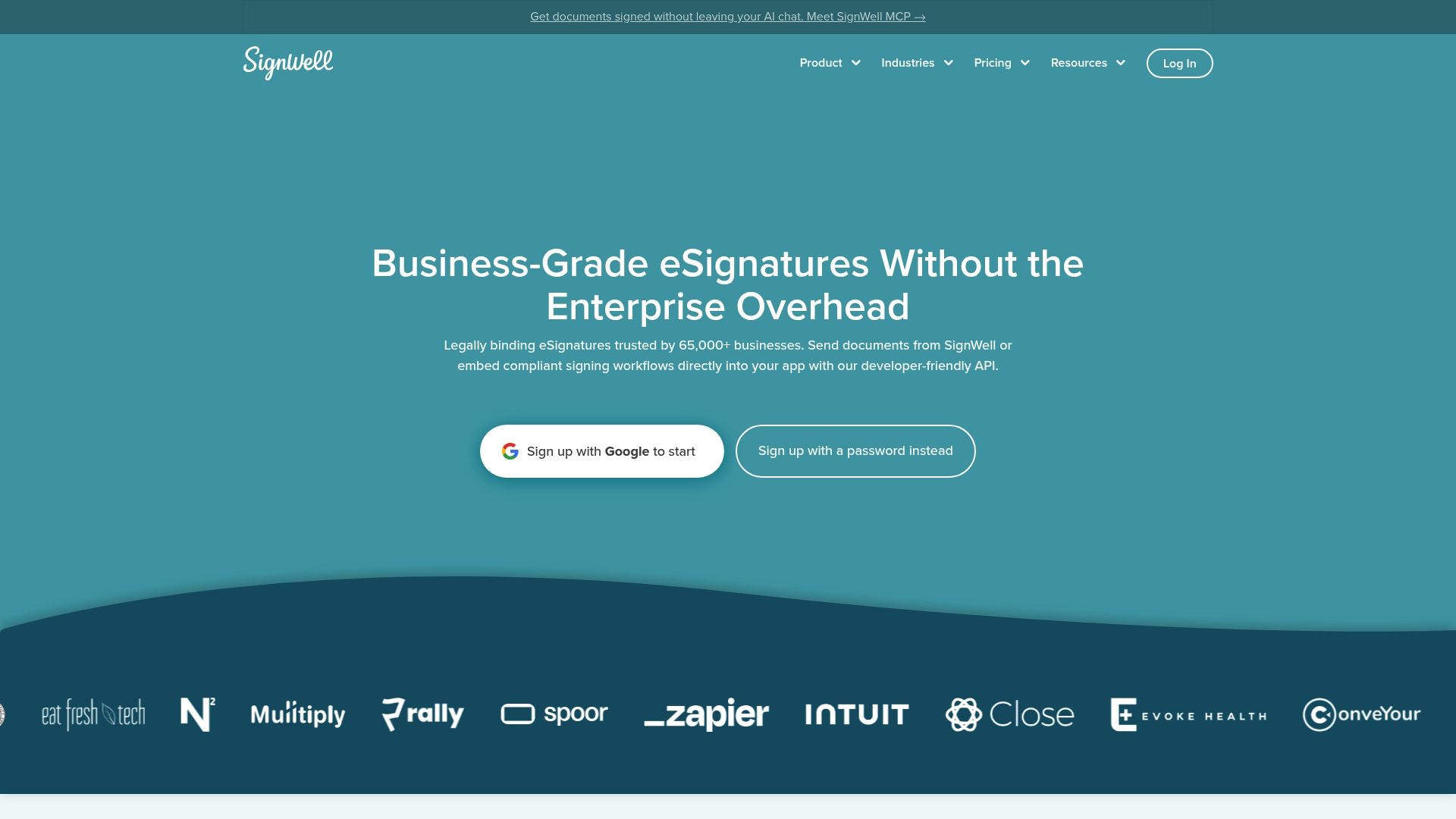
SignWell reports that it is trusted by over 65,000 businesses. The vendor advertises straightforward pricing starting at $12/user/month, plus a free plan with no per document charges. The product emphasizes legal compliance and developer APIs for embedding signing workflows.
Core Features
SignWell delivers legally binding electronic signatures with audit trails and conditional signing order. The platform provides an API to embed signing in to applications, plus templates and webhooks for automated flows. According to the company, SignWell meets SOC 2, GDPR, HIPAA, and eIDAS requirements.
Key Differentiator
SignWell stands out for its developer friendly API combined with predictable pricing. The product bundles native integrations and Zapier support, so teams can connect common business tools without custom engineering. That mix targets teams that need quick integration and clear per user costs.
Pros
That user count supports SignWell’s reliability claim for many buyers. The interface is simple and user friendly, which speeds adoption for nontechnical staff. Pricing is predictable with no per document charges, which simplifies budgeting for recurring signing needs. The security and compliance set helps organizations that must meet regulatory standards and audit readiness.
Cons
- Lacks some advanced workflow capabilities found in enterprise offerings such as advanced compliance customization and deep conditional routing.
- The free plan has a limited document volume, which forces higher volume teams to upgrade.
- Large organizations with complex procurement needs may need custom enterprise contracts and negotiated pricing.
When It May Not Fit
SignWell may not fit companies that require highly customized compliance controls or complex, multi step enterprise workflows. Organizations with very high signing volumes will likely outgrow the free plan and need a paid or custom enterprise plan. Buyers needing niche regulatory features should evaluate more enterprise focused vendors.
Notable Integrations
SignWell offers native connectors for QuickBooks Online, Xero, and Close. It uses Zapier to reach thousands of apps and supports Clio as a coming integration. Webhooks and API hooks enable automation with existing backend systems.
Who It’s For
SignWell fits small and medium sized businesses and solo professionals who need legally compliant signatures without complex setup. It also suits larger teams that want an easy API to embed signing into existing applications. Legal firms, real estate teams, HR departments, and sales teams will find the feature set practical.
Real World Use Case
A legal firm used SignWell to send, track, and secure client signatures across multiple jurisdictions. The firm reduced manual paperwork and improved audit readiness by centralizing templates and audit trails. Developers embedded the signing flow into the firm’s client portal using the API.
Pricing
Plans start at $12/user/month and a free tier exists with no per document charges. Enterprise pricing is customizable for large teams that need additional volume or compliance features. There are no hidden fees for signers or documents on paid tiers.
Website: https://signwell.com
signNow
At a Glance
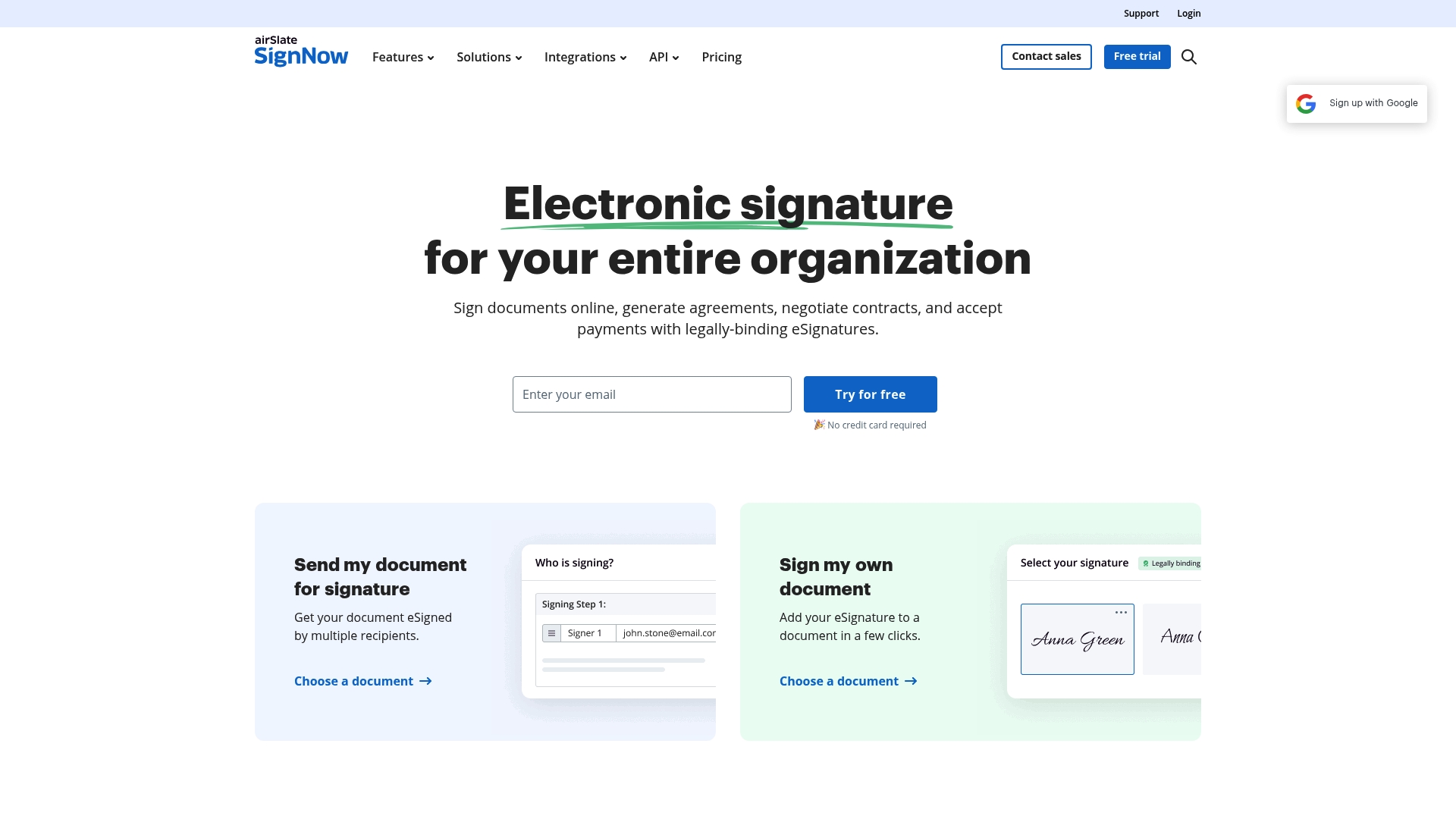
The vendor advertises unlimited users at no extra cost. That pricing model lowers the barrier for teams that add collaborators frequently. It pairs broad access with an API and prebuilt app connectors to automate document flows.
Core Features
Signature creation, sending, and signature tracking work across desktop and mobile without downloads. Users can save reusable templates, add fillable fields to forms, and route tasks by role. Team features include shared folders, role based routing, and API access for custom workflow automation.
Key Differentiator
signNow combines unlimited user access with a configurable API and wide app connectivity. That mix favors organizations that prioritize low per person cost and many third party integrations rather than white label hosting. It therefore serves a different niche than Beesign, which emphasizes white label control and self hosted data options.
Pros
The interface is straightforward and requires little training, so teams onboard quickly. That access model cuts seat fees for expanding departments. Signatures are legally binding, and the product offers prebuilt connectors to major apps plus an API for automation.
Cons
-
Pricing structure can be hard to parse. Multiple tiers and add ons make comparisons slow.
-
Advanced signing tools and bulk sending are gated behind higher plans or additional purchases. Small teams that need those features may pay more.
-
Some integrations and features require enterprise or higher plans, which raises total cost for larger workflows.
When It May Not Fit
If you need bulk sending and advanced signing tools on a low tier, signNow will not be a good fit. Buyers who require every integration at the base level will face plan limits. Organizations that need white label hosting or deep brand control may prefer a different vendor.
Notable Integrations
Prebuilt connectors include Microsoft, Google, and Salesforce. The platform also links to general CRM systems, cloud storage providers, productivity suites, and security tooling. Those integrations help push signed documents directly into existing business systems.
Who It’s For
Businesses that want a scalable, user friendly eSignature solution with low per person cost will find signNow appealing. Teams that rely on many third party apps and need API automation will gain the most. Organizations that require out of the box white label hosting are not the primary audience.
Real World Use Case
A legal team automates contract signing involving multiple stakeholders across departments. They use templates and role based routing to remove repetitive steps. Audit trails and stored signatures support regulatory record keeping.
Pricing
Pricing varies by plan. Business starts at $8/month per user, Premium at $15/month, and Enterprise at $30/month. The vendor lists volume discounts and site license options for large deployments.
Website: https://signnow.com
Legalesign
At a Glance
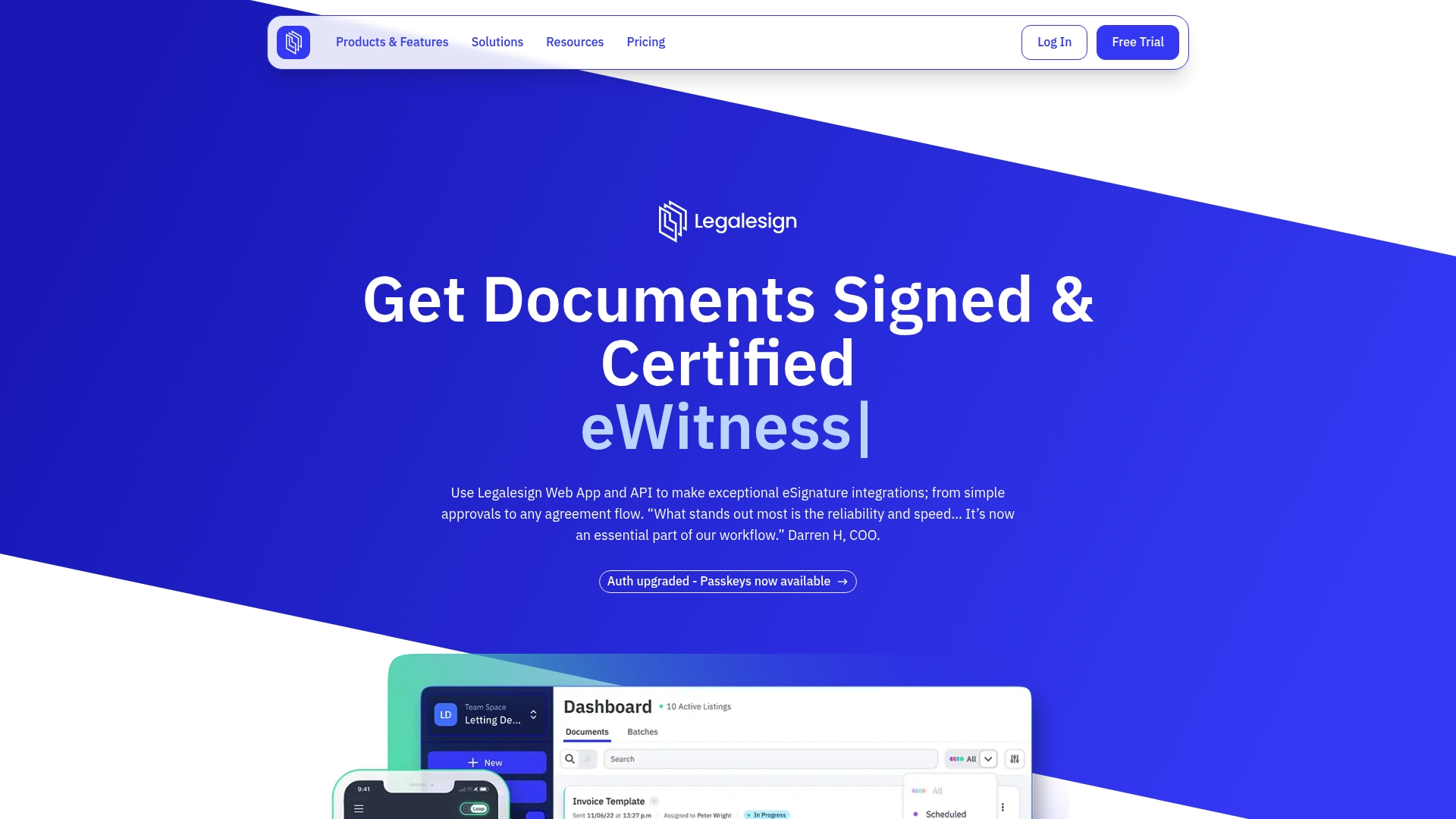
Legalesign’s marketing materials state it holds ISO 27001 and Cyber Essentials Plus certification. The platform emphasizes an API first approach for embedding signing in to existing systems. That combination suits teams that need strong compliance and programmatic signing.
Core Features
Legalesign exposes both REST and GraphQL APIs for embedding signing, templates, and workflow calls into other systems. The product includes a drag and drop form builder, template library, and conditional routing for batching and ordered signing. It also offers eWitness functionality, bulk sending with content merge, real time tracking, and a permission based team hierarchy for multiuser environments.
Key Differentiator
Legalesign pairs an API first architecture with workflow orchestration that covers batching, ordering, and conditional routing. Those workflow tools integrate with witnessing and advanced signature types to support regulated signatures. The vendor positions this as a developer friendly platform for automating complex signing processes.
Pros
Legalesign delivers a developer oriented API that supports deep automation and CRM integration. The form builder and template library reduce repetitive setup for recurring documents. Those certifications contribute to an audit friendly environment that larger organizations often require. Witnessing and qualified electronic signature support help legal and HR teams meet stricter signing rules. Customer onboarding and dedicated support are emphasized for enterprise customers.
Cons
- Pricing details are not specified and enterprise features may come at a higher cost.
- Witness functionality is limited to certain plans, which fragments feature availability across tiers.
- Single sign on and automated export features appear restricted to higher tier plans.
- Custom workflows can require technical skill to implement and maintain.
When It May Not Fit
If you need a free forever plan with broad feature access, Legalesign may not be a good match. Small teams without developer resources will find custom workflow setup challenging. Organizations that require SSO or automated exports on every seat should budget for higher tier plans. If you want a turnkey, no-code signing tool with all features enabled at the lowest price point, choose a different vendor.
Who It’s For
This product fits mid size and enterprise organizations that need secure, auditable signatures and developer automation. It matches legal, HR, and procurement teams that require witnessing and qualified electronic signature support. Use it if your workflows need batching, conditional routing, or deep integration with back end systems.
Real World Use Case
A multinational integrates Legalesign’s REST API with its CRM and document store to automate contract generation and signing. The system creates a template, merges customer fields, and triggers a batched signing workflow with witness handling. Audit trails and the permission based environment capture compliance data across regions.
Pricing
Legalesign offers a free trial and tiered subscription plans that range from low cost per user options to enterprise licensing. Advanced features such as SSO, automated exports, and expanded witness support require higher tier plans. Contact sales for exact enterprise pricing and volume discounts.
Website: https://legalesign.com
Blueink
At a Glance
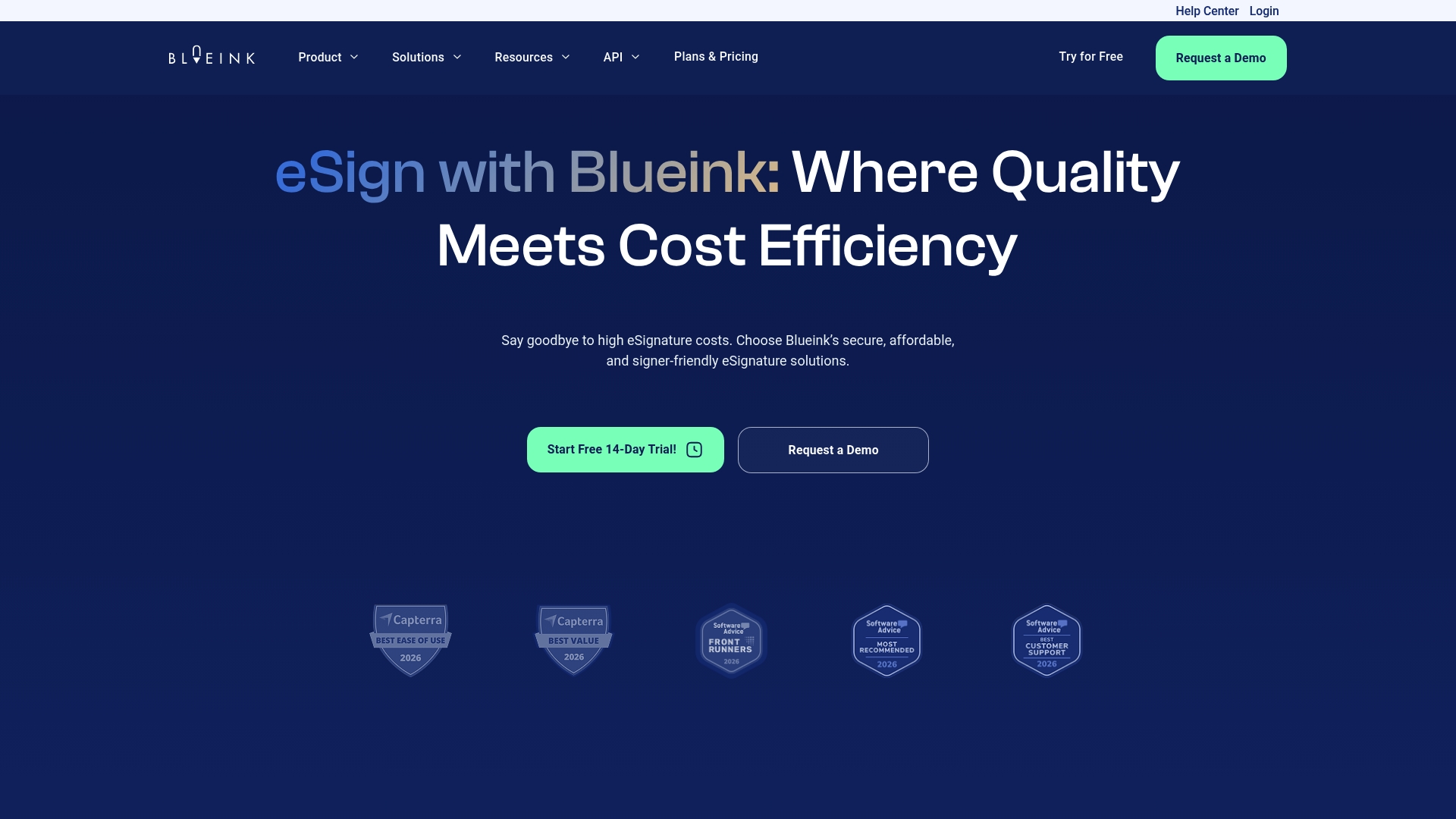
According to the company, the City of Mesa saved 42% after switching to Blueink and completed rollout in three days. Blueink claims cost savings versus major incumbents while keeping a small implementation window. The example signals fast onboarding and a focus on budget conscious public sector buyers.
Core Features
Blueink includes Auto Detect Fields, bulk sending, and Smart Link forms for mass distribution, plus in person signing and SMS delivery to reach signers where they are. The platform offers payments via Blueink Payments, a Certificate of Evidence for audit trails, signing brands, and a real time dashboard for tracking envelopes. An API and team management features let you embed signing in to existing workflows.
Key Differentiator
The vendor markets Blueink as offering the same feature set as DocuSign at half the cost. That positioning targets organizations that want parity with market leaders without paying premium prices. The emphasis lands on lean operations, customer support, and compliance for regulated sectors.
Pros
Blueink reports a 4.9/5 customer rating, which the company uses to highlight satisfaction among small and large customers. The vendor states Blueink supports HIPAA and GDPR compliance, a useful claim for healthcare and European workflows. The mobile experience for signers and the mix of bulk send, in person signing, and API access make Blueink flexible for contract and form-heavy processes.
Cons
- Affordability focus may come at the expense of the newest enterprise features. Some advanced capabilities offered by larger vendors might be missing or less mature.
- Buyers with very niche regulatory needs should confirm compliance details before committing. The vendor-level compliance claims require customer verification for edge cases.
- As a newer alternative to legacy providers, some large ecosystems and third party connectors may be less established.
When It May Not Fit
If your organization relies on deep, specialized enterprise integrations, Blueink might feel lightweight. Large global enterprises that need every advanced workflow and connector could prefer a more established vendor. Teams that require vendor audited certification evidence beyond what is advertised should budget time to validate coverage.
Notable Integrations
Blueink lists integrations with Salesforce, Google Drive, Slack, Airtable, ClickUp, and ServiceDesk. These connections support common document storage, task tracking, and CRM workflows. The API further extends integration options for custom in app signing.
Who It’s For
Blueink fits organizations that need secure eSignature capabilities but must control costs, including government offices, education departments, and healthcare clinics. Small legal teams and midmarket companies handling recurring forms or mass distributions will find the bulk send and Smart Link forms useful. IT teams that want a straightforward API without a steep price premium will also find Blueink appealing.
Real World Use Case
City of Mesa migrated to Blueink to remove paper forms and speed approvals, and the vendor reports a 42% cost reduction along with a three day implementation. Healthcare providers use Blueink to collect patient forms while maintaining audit trails and privacy controls. That combination shows how the platform handles volume and compliance simultaneously.
Pricing
The vendor advertises pricing that starts at about half the cost of DocuSign, with exact plans and prices posted on the website. Pricing focuses on lower per seat or per envelope spend versus major incumbents. Prospective buyers should review the published tiers for feature and volume limits.
Website: https://blueink.com
Comparison of alternatives
Securing a reliable eSignature solution involves assessing both costs and capabilities, with providers offering unique advantages depending on organizational needs.
Advanced Customization and Development Support
Providers vary in the degree to which their services accommodate complex workflows and integrations. Legalesign excels in developer-focused adoption, offering GraphQL and REST APIs to embed advanced signing workflows directly into specific organizational systems. These capabilities allow larger organizations or those with tailored requirements to take control over their automation processes. Moreover, conditional routing and workflows enable handling multiple signing scenarios with precision. By contrast, BeeSign integrates APIs and connectors that facilitate implementation without extensive customization.
Pricing Flexibility and Accessibility
For businesses with tight budgets or large-scale user needs, signNow leads with its unlimited user model at competitive tiered prices starting at $8 per month. This approach benefits expanding teams by reducing incremental access costs. Meanwhile, Blueink targets cost-conscious users achieving operational effectiveness with published pricing positioned significantly below major competitors. While these solutions prioritize affordability, their feature range may present limits compared to enterprise-level functionality available in BeeSign with its scalability and end-to-end encryption.
Best fit
- Organizations prioritizing compliance and deployment autonomy should choose BeeSign due to its blockchain timestamping and Bring Your Own Cloud hosting options, ensuring data privacy and alignment with regulations.
- Developer-centric firms needing highly customizable integrations will benefit from Legalesign, which offers both REST and GraphQL APIs to create tailored workflows for complex use cases.
- Teams seeking affordability while supporting large groups should opt for signNow, whose unlimited user plans pair well with departments experiencing rapid growth.
- Public sector entities managing bulk forms and approvals would find Blueink suitable because of its cost-effective pricing and Smart Link distribution features.
- Companies emphasizing mobile-friendly functionality and contract insights could leverage Signeasy for its AI-driven contract summaries and renewal tracking.
Our pick
For enterprises prioritizing signature authentication and branding through data hosting autonomy, BeeSign provides a practical and secure solution. Features such as the blockchain timestamp verification and white-label deployment reinforce its emphasis on compliance and infrastructural control. However, businesses seeking purely developer-focused tools or extensive bulk operations should evaluate alternatives best matching those priorities.
You can evaluate the following alternatives based on your needs for secure digital signature capabilities and integration options.
| Product | Core Feature | Best For | Pricing | Notable Limitation |
|---|---|---|---|---|
| Beesign | End-to-end encryption, audit trail | Professionals and growing businesses | From $9.99/month | Custom pricing for enterprises may be costly. |
| Signeasy | AI-powered contract insights, role-based access | Small-to-medium-sized business teams | Price not published | Allows only up to three signers in standard plans. |
| SignWell | Predictable pricing, developer-friendly API | Small and medium-sized businesses | From $12/user/month | Lacks advanced compliance customization features. |
| signNow | Unlimited users, prebuilt app connectors | Businesses prioritizing low per-user cost | Starting at $8/month | Bulk sending gated behind premium tiers. |
| Legalesign | API-first with customizable workflows | Enterprise organizations with automation needs | Price not published | Developer resources are needed for setting up workflows. |
| Blueink | Bulk sending, smart link forms | Cost-conscious public sector entities | Half of competing prices | Advanced enterprise features may be limited. |
Choosing the Right eSignature Solution for Your Business Needs
Many teams face challenges when selecting the best xodosign.com alternatives that provide secure signing, identity verification, and full control over branding and data. BeeSign addresses these pain points by centralizing contracts, templates, and identity verification within a secure platform designed for compliance with ESIGN, eIDAS, and HIPAA. Its unique white-label option lets organizations maintain document custody inside their own cloud, eliminating concerns about vendor-hosted storage.
BeeSign supports businesses that require:
- Secure, auditable signatures with blockchain timestamp proof
- API access for automated workflows
- Real-time tracking and compliance assurance
Evaluate how BeeSign can enhance your signing processes by visiting BeeSign. Explore the platform’s features to run your branding and signature workflows efficiently while keeping data under your control.
FAQ
How does Beesign support secure document signing?
Beesign uses end-to-end encryption and a tamper-proof audit trail to secure documents and records. These features protect your documents while ensuring compliance with regulations like HIPAA and GDPR. This makes Beesign a suitable choice for professionals looking for reliable digital signatures.
What is the difference between Signeasy and Beesign?
Signeasy is praised for its lightweight onboarding, which helps teams start sending documents quickly. In contrast, Beesign’s strengths lie in its advanced identity verification and self-hosting options. If your organization prioritizes robust identity verification and compliance features, Beesign is a better fit.
Can I use Beesign for high-stakes documents?
Beesign is ideal for high-stakes documents because it includes comprehensive identity verification, such as government ID checks and biometric face matching. This level of assurance is crucial for legal teams dealing with valuable contracts. You can expect a high degree of security and auditability for critical agreements.
Does Beesign offer white-label solutions?
Yes, Beesign provides white-label branding and Bring Your Own Cloud hosting, allowing enterprises to customize the signing service under their own brand while maintaining control over data. This feature is particularly appealing for organizations that require brand consistency and data residency.
What features does SignWell lack compared to Beesign?
SignWell lacks some advanced workflow capabilities that Beesign offers, such as comprehensive identity verification and self-hosting options. If your organization needs these features for compliance or brand control, Beesign is likely to be the more effective solution.
Recommended
Ready to transform your workflow?
Start using BeeSign today and experience the future of document signing