Electronic Signature With Audit Trail Explained
Learn how an electronic signature with audit trail speeds approvals, proves signer actions, and supports secure, compliant document workflows.
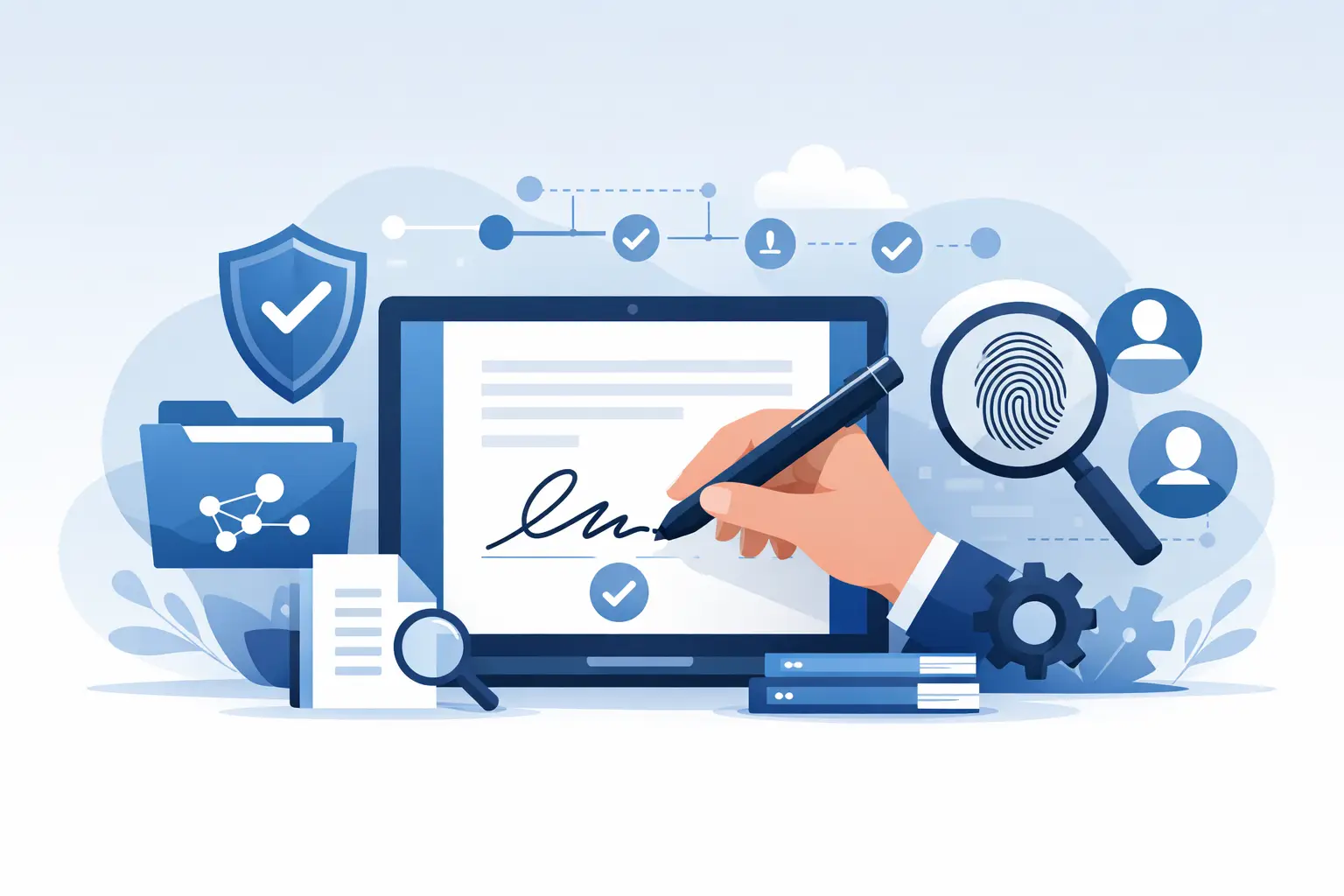
A contract shows up signed, but three weeks later someone asks the question that slows everything down: who opened it, when was it signed, and can we prove what happened? That is where an electronic signature with audit trail stops being a nice feature and starts being the record your team depends on.
For sales, HR, legal, finance, and operations teams, speed matters. But speed without proof creates new risk. If your document workflow only captures a final signature image or checkbox, you may still be left chasing the history behind the transaction. An audit trail fills that gap by recording the events around the signature, giving your business a clear timeline of what happened from send to completion.
What an electronic signature with audit trail actually includes
At a basic level, an electronic signature with audit trail combines two things: the act of signing and the evidence around that act. The signature is what confirms intent. The audit trail is the event log that documents how the process unfolded.
That record usually includes when the document was sent, when recipients received access, when they viewed it, what actions they took, when they signed, and when the document was completed. Depending on the platform and security settings, it may also capture email addresses, IP addresses, timestamps, authentication steps, and document changes.
This matters because a signed PDF alone tells you very little. It may show a name and a date, but not whether the signer was properly routed, whether the file was altered, or whether access was verified. The audit trail adds the context that turns a signed file into a defensible business record.
Why businesses need the audit trail, not just the signature
Most teams do not run into trouble on the easy documents. The friction shows up when a contract is disputed, an approval is delayed, or a compliance review asks for evidence. At that point, a status update from memory is useless. You need a document history that stands on its own.
For sales teams, the audit trail helps reduce deal friction. If a signer says they never received the agreement, you can verify delivery and view activity. If a contract stalls, you can see where it stopped instead of chasing everyone by email.
For HR and operations, it creates accountability across onboarding packets, policy acknowledgments, and internal approvals. When timing matters, knowing exactly when a document was opened and completed can save hours of back-and-forth.
For legal and compliance teams, the value is even more direct. A documented sequence of events helps support enforceability and internal controls. It also gives teams a cleaner answer when they need to demonstrate that a signing process followed a consistent workflow.
That does not mean every audit trail is equal. A simple event log may be enough for routine approvals. Higher-risk documents may call for stronger identity checks, one-time passcodes, or certificate-backed signatures. The right level depends on what you are signing and what you may need to prove later.
What to look for in an electronic signature with audit trail
If you are evaluating platforms, focus less on marketing labels and more on the evidence the system captures. A useful audit trail should be easy to access, easy to read, and detailed enough to answer practical questions without extra investigation.
Clear event history
You should be able to see the full document journey in order. That includes when the file was uploaded, when recipients were added, when signature fields were placed, when invitations were sent, when views happened, and when signatures were applied.
A clean timeline is not just helpful for disputes. It is also what makes day-to-day tracking faster for busy teams.
Timestamps and signer details
Every key action should be time-stamped. The system should also associate actions with the correct participant, so you can tell who did what and when. If the audit trail leaves those details vague, it loses much of its value.
Authentication records
For low-risk workflows, email-based access may be enough. For more sensitive transactions, you may want stronger authentication, such as OTP verification, ID checks, or advanced signature methods tied to a digital certificate. The audit trail should show which verification steps were used.
Document integrity
A strong workflow should help demonstrate that the signed document was not changed after completion. This is especially important when agreements move across teams, devices, and storage systems.
Easy export and storage
If the evidence is buried behind admin settings or difficult to retrieve, it becomes less useful when time is tight. Teams should be able to access completed documents and their audit records without adding friction to the process.
Where teams get it wrong
A common mistake is assuming that any e-signature platform automatically gives you everything needed for compliance or dispute readiness. Some tools are built for convenience first and evidence second. They may collect a basic signature but offer only limited history.
Another mistake is overbuying for simple use cases. Not every NDA or internal form needs the highest level of identity verification. If your workflow becomes too heavy, adoption drops and users look for workarounds. The goal is to match the level of trust to the level of risk.
There is also a process issue that gets overlooked. Even with a strong platform, messy routing creates messy records. If the wrong signer is assigned, fields are missing, or documents are sent outside a controlled workflow, the audit trail will reflect that confusion. Good software helps, but disciplined setup still matters.
How an audit trail supports faster operations
It may sound like an audit trail is mainly about legal backup, but its everyday value is operational. Teams move faster when they can see document status in real time and answer questions without digging through inboxes.
A manager wants to know whether a vendor agreement is signed. A recruiter needs proof that an offer letter was accepted. A finance team is waiting on a customer authorization. In each case, the fastest path is not sending another email. It is opening the document record and seeing exactly where things stand.
That visibility cuts delays, but it also reduces internal noise. People stop asking for status updates when the status is already clear. For growing companies, that matters. A smoother signing workflow does not just close documents faster - it frees teams from manual follow-up.
Choosing the right level of trust for the document
The best electronic signature with audit trail is not always the one with the longest feature list. It is the one that gives your team enough proof without slowing the process down.
For routine agreements, a simple and well-documented workflow may be the right fit. For regulated documents, high-value contracts, or transactions where signer identity is likely to be questioned, stronger verification makes more sense. That can include one-time passwords, government ID checks, or advanced electronic signature methods that create a certificate for each signer.
This is where many businesses look for balance. They want the speed of modern e-signature tools, but they also want a credible record that can hold up under scrutiny. BeeSign is built around that balance, combining a fast document workflow with audit trails, tracking, and optional advanced identity-backed signing when the transaction calls for more assurance.
The real business case
An audit trail is not extra paperwork in digital form. It is the piece that makes a fast signature workflow trustworthy. Without it, you may still get documents signed, but you will have less visibility, less accountability, and less confidence when questions come up.
When evaluating your process, ask a simple question: if this document is challenged six months from now, will we be able to show what happened clearly and quickly? If the answer is no, the issue is not just compliance. It is operational risk.
The best document workflows do two jobs at once. They remove friction for the signer, and they create a reliable record for the business. That is what turns signing from a task into a system your team can trust.
If your business depends on approvals moving quickly and holding up later, the smartest move is not just to digitize signatures. It is to make sure every signed document comes with the evidence to back it up.
Ready to transform your workflow?
Start using BeeSign today and experience the future of document signing