Agreement Automation Software Review That Works
An agreement automation software review for teams that need faster approvals, reliable audit trails, identity checks, and control over every contract.
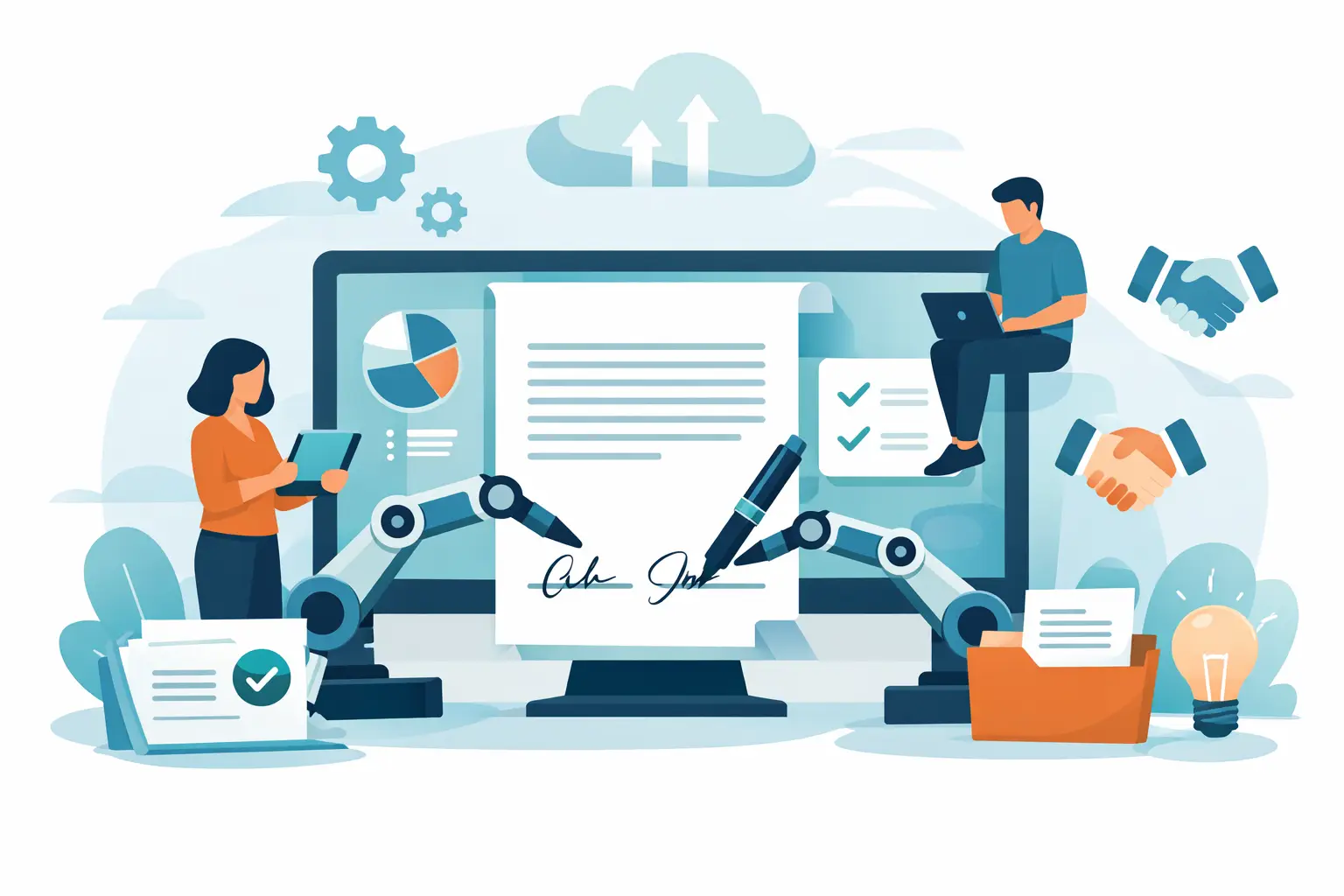
A signed PDF is not the finish line. For sales, legal, HR, and operations teams, the real work is getting the right version approved, routing it to the right people, proving who signed, and finding it six months later. A useful agreement automation software review looks beyond the signature box to test whether a platform can handle that full workflow without creating new admin work.
The best choice depends on the agreements you send, the risk attached to them, and how much of the process needs to live inside your existing systems. A startup closing standard sales orders has different needs from a healthcare provider collecting sensitive forms or a product team embedding signing into its app. Still, the evaluation questions are remarkably consistent.
What agreement automation software should automate
Agreement automation is not simply electronic signature software with a few templates added on. It is the system that moves an agreement from draft to approval, signature, storage, and follow-up with a clear record at every stage.
Start with document creation. Teams should be able to upload an existing PDF or build reusable templates, then place signature, date, text, checkbox, and attachment fields without rebuilding the same document every time. Good templates reduce errors because the approved language and required fields are already in place.
Next comes routing. A platform should let you set a signing order, add internal approvers, send reminders, and see where a document is stuck. This matters when a sales contract needs legal approval before it reaches a prospect, or when an offer letter needs a manager and candidate to act in sequence.
Finally, look at what happens after signing. Agreements need a searchable home, a completion certificate, and a full activity trail. If a team must hunt through email threads, shared drives, and separate eSignature accounts to answer a simple question, the workflow is only partly automated.
Agreement automation software review criteria that matter
A feature checklist can make every product look similar. The difference appears when you test the workflow under real conditions: an urgent renewal, a signer who is on a phone, an approver who is out of office, or a document that may be reviewed months later.
1. Document and template control
Ask how quickly a nontechnical teammate can turn a standard agreement into a reusable template. Drag-and-drop fields are useful, but they are not enough on their own. Check whether fields can be required, prefilled, conditional, or assigned to specific recipients. Also verify that completed documents cannot be mistaken for drafts and that teams can locate the current approved template.
For high-volume workflows, forms deserve attention too. A form can collect intake details before generating an agreement or route a request to the right team. That removes a surprising amount of copy-paste work from HR onboarding, customer intake, and compliance processes.
2. Approval and signing experience
The signer experience should be simple: open the request, complete required fields, sign, and receive a copy. No app installation should be required. Mobile behavior matters because many agreements are signed between meetings, at job sites, or outside standard business hours.
For internal teams, evaluate controls rather than just convenience. Can an approver reject with a reason? Can an owner see pending actions at a glance? Can reminders be adjusted without sending duplicate messages? A clean workflow prevents the familiar "just checking in" email chain that slows deals down.
3. Evidence, security, and enforceability
An electronic signature is only as useful as the evidence around it. Review how the platform records the event trail: sends, views, authentication events, signatures, timestamps, IP addresses, and final document sealing should be captured in a tamper-evident audit trail.
Security questions should be specific. Look for encryption in transit with TLS and encryption at rest with 256-bit AES. Ask where documents are stored, how workspaces are isolated, whether signing links can expire, and what access controls exist for admins and team members. A vendor that can answer these questions clearly makes procurement easier.
Identity assurance is a separate decision. Basic agreements may only require a reliable audit trail and signer intent. Higher-risk agreements, cross-border transactions, or regulated workflows may call for government ID capture, biometric face matching with liveness detection, and database validation. For EU use cases, confirm whether the workflow can support eIDAS-compliant Advanced Electronic Signatures when that level of assurance is needed.
4. Integration and brand control
Agreement automation should fit how your team already works. If your CRM, HRIS, customer portal, or internal system is where the process begins, look for an API that can create documents, apply templates, add recipients, send requests, and retrieve status without forcing users into another dashboard.
The practical test is simple: can your product or operations team reproduce the workflow available in the UI through the API? Clear REST endpoints and predictable behavior matter more than a long integration catalog when you are building a custom process.
Brand control can be equally important. A white-label experience under your domain, with messages sent from a verified company email domain, keeps customers in a familiar environment. Organizations with strict data policies should also ask about bring-your-own-cloud storage. Keeping documents and certificates in your own infrastructure can be the right trade-off when data residency or vendor-control requirements are strict.
Where platforms often fall short
Many tools are excellent at collecting a signature but weak at managing the agreement lifecycle. They may lack meaningful approvals, give administrators limited visibility, or treat templates as static files rather than controlled workflows. Others offer sophisticated enterprise features but make routine sending slow enough that teams return to email.
Identity verification can also be oversold. It adds valuable assurance, but it can introduce friction for signers. Use it where the agreement value, regulatory requirement, or fraud exposure justifies it. Requiring an ID and liveness check for every low-risk acknowledgment can hurt completion rates without materially improving your risk position.
Pricing deserves the same scrutiny. Per-envelope or per-user models may work well for a small team but become expensive when multiple departments adopt the platform. Ask what counts as a send, whether completed document storage is limited, and whether API, white-label, identity verification, and advanced security controls are included or priced separately.
A practical way to run your evaluation
Do not rely only on a polished product demo. Give each shortlisted vendor the same three to five real workflows: a sales contract with internal approval, an employee offer letter, a customer intake form, and a higher-assurance agreement if your business needs one. Then have the people who actually send and sign documents test them.
Score each platform against these five questions:
- Can a business user create and send the workflow without specialist help?
- Can recipients complete it quickly from a phone or desktop?
- Can managers see status, delays, and completion evidence immediately?
- Can security and compliance teams verify the controls they need?
- Can the workflow connect to the systems where work already starts?
That test reveals more than feature comparison tables. It exposes small sources of friction, such as confusing email messages, awkward mobile fields, or approval rules that are difficult to change. Those details determine whether adoption sticks.
BeeSign is designed for teams that want these capabilities in one place: templates, forms, approvals, legally binding eSignatures, identity verification, audit trails, and API-driven workflows. The relevant question is not whether a platform has the longest feature list. It is whether it lets your team send the right agreement, through the right controls, and get it signed in minutes instead of days.
Choose the platform that makes the common path fast while giving you stronger checks when the stakes rise. Your team should not need to choose between moving a contract forward and being able to prove exactly how it was approved and signed.
Ready to transform your workflow?
Start using BeeSign today and experience the future of document signing