Agreement Tracking Software That Keeps Deals Moving
Agreement tracking software helps sales, legal, and HR teams see every status, deadline, approval, and signature without chasing email threads at any scale.
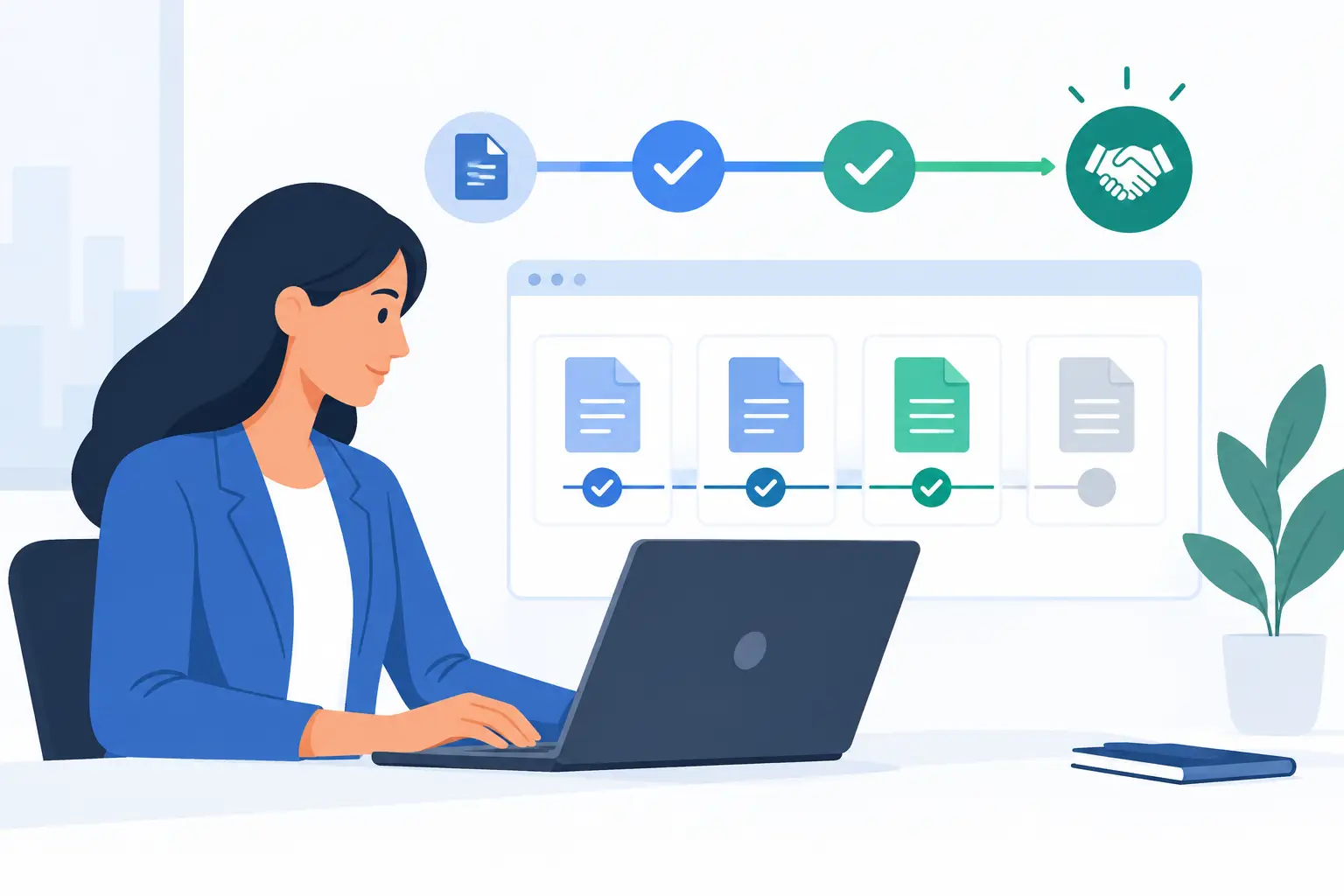
A signed agreement is not the finish line if nobody can answer a simple question: Where is it now? Agreement tracking software gives sales, legal, HR, and operations teams one clear view of every document, recipient, approval, signature, and deadline - without digging through inboxes or asking for updates.
That visibility matters when a sales contract is holding up revenue, an employment agreement must be completed before a start date, or a compliance team needs proof of exactly who approved a sensitive form. The goal is not to create another dashboard. It is to move agreements forward with fewer handoffs, fewer surprises, and a complete record when questions arise.
What agreement tracking software should track
At a basic level, the software should show whether an agreement is drafted, sent, viewed, approved, signed, declined, expired, or overdue. That status needs to be visible at both the individual document level and across the broader workflow.
But useful tracking goes beyond a green “signed” label. Teams need to know which recipient is next, whether someone opened the document, whether an approver is blocking progress, and when a signing link will expire. A clear activity timeline turns vague follow-ups into specific action: the agreement was viewed Tuesday at 2:14 p.m.; legal approval is still pending; the customer has not received a reminder yet.
For agreements that may be reviewed later, the record also needs to be defensible. A proper audit trail logs key events, including sends, views, authentication actions, signatures, timestamps, and IP addresses. Tamper-evident sealing helps show that the completed document has not been altered after signing.
Why email-based tracking breaks down
Email works for a few low-stakes documents. It becomes unreliable when contracts pass through sales, finance, legal, procurement, and external signers. Someone forwards an outdated attachment. A manager approves a version in a reply thread. A signer says they never received the link. No one is certain which copy is final.
The cost is larger than a delayed signature. Teams lose time searching for documents, chasing recipients, and recreating a history that should already exist. Leaders also lose forecasting accuracy when deal stages are based on assumptions rather than actual agreement status.
Agreement tracking software creates a single system of record. Instead of asking, “Has this been signed?” a team can see the answer, identify the blocker, and act immediately. That makes the process faster, but it also makes ownership clearer.
The workflow features that keep agreements moving
The best workflows are simple enough for a first-time signer and structured enough for a high-volume business process. Start by uploading a document or selecting a reusable template. Add fields with drag and drop, assign recipients, set the signing order, and define approvals where they are needed.
Signing order is especially useful when the sequence matters. A sales director may need to approve a discount before a customer receives the agreement. An employee may sign an offer letter before HR countersigns. A medical intake form may require patient completion before an internal review begins. The platform should prevent the next step from starting too soon while keeping everyone informed.
Automatic reminders and expiration dates also reduce manual follow-up. These controls should be configurable, not blunt. A high-value enterprise agreement may deserve a personal call after the first reminder. A standard onboarding form can follow a more automated path. The right setup depends on the agreement’s value, urgency, and sensitivity.
Templates bring another important advantage: consistency. Teams can standardize approved language, required fields, signer roles, and routing rules. That reduces avoidable errors and helps fast-growing organizations keep process discipline without turning every document into a legal project.
Track approvals, not just signatures
A completed signature is visible. Internal approvals are often where agreements quietly stall.
Look for software that makes approvals part of the same workflow rather than a separate email process. Approvers should be able to review, approve, reject, or request changes with a timestamped record. The agreement should not move to the next recipient until required approvals are complete.
This is particularly valuable for legal, finance, and compliance teams. They can maintain control over exceptions while sales and operations continue moving standard agreements through an approved path.
Make status visible to the right people
Not everyone needs access to every agreement. Sales may need to see customer-facing contracts. HR needs employee paperwork. Legal and compliance may need broader oversight. Strong workspace permissions let teams share progress without exposing documents unnecessarily.
For managers, portfolio-level reporting matters. They should be able to spot agreements waiting on a particular approver, documents nearing expiration, and templates that create repeated bottlenecks. Tracking is most useful when it points to a decision, not just a status report.
Security and identity are part of tracking
An agreement tracker that only records a click is not enough for every use case. When agreements involve regulated data, material financial commitments, or cross-border signing, businesses need stronger evidence of who signed and how the document was protected.
Start with the fundamentals: encryption in transit using TLS, encryption at rest with 256-bit AES, secure access controls, and isolated workspaces. Expiring links can limit exposure when a recipient does not act quickly. Full audit logs provide a chronological record that is useful in disputes, audits, and internal reviews.
For higher-assurance workflows, identity verification can add another layer of confidence. Government ID capture, biometric face matching with liveness detection, and database validation can help confirm that the intended person is signing. This is not necessary for every NDA or routine form. It is a practical option when identity assurance matters, including agreements that require eIDAS-compliant Advanced Electronic Signatures.
The trade-off is straightforward: more verification can add friction for recipients. Use it proportionately. A low-risk internal acknowledgment may only need a standard electronic signature. A sensitive financial, healthcare, or cross-border agreement may justify a stronger identity check.
How to choose agreement tracking software
Begin with the workflow you need to fix, not a feature checklist. Map the current path from draft to completed agreement. Identify who creates the document, who approves it, who signs it, where it gets stuck, and what evidence must be retained.
Then evaluate whether the platform can support the work without forcing your team into awkward workarounds. Ask whether it can handle templates, conditional routing, signing order, reminders, approvals, and audit trails in one place. If your agreement process starts in another application, API access may be essential. A useful API should mirror the capabilities available in the dashboard, so developers can create documents, manage templates, send requests, and retrieve status from their own product or internal system.
Data control may also be a deciding factor. Some organizations need a white-labeled experience under their own domain and email identity. Others require documents and completion certificates to remain in their own cloud storage. These are not cosmetic preferences when vendor reviews, privacy requirements, or customer trust are on the line.
BeeSign brings documents, templates, approvals, signatures, identity verification, and audit trails into one cloud-based agreement workflow, so teams can send, track, and complete agreements in minutes rather than days.
A better way to follow up
The real value of agreement tracking is not simply knowing that a document is pending. It is knowing what should happen next.
If a recipient has not opened an agreement, resend the invitation or confirm the email address. If they viewed it but did not sign, a timely reminder may be enough. If an internal approver is blocking the process, assign ownership and resolve the exception. If the agreement is complete, store the signed copy and certificate where the right team can retrieve them.
That is how agreements stop being loose files moving through inboxes and become a managed business process. When every step is visible, secure, and easy to act on, your team spends less time chasing signatures and more time moving the work that depends on them.
Ready to transform your workflow?
Start using BeeSign today and experience the future of document signing