Business Electronic Signature Software Guide
Business electronic signature software guide for teams that need faster approvals, lower costs, strong security, and legally binding workflows.
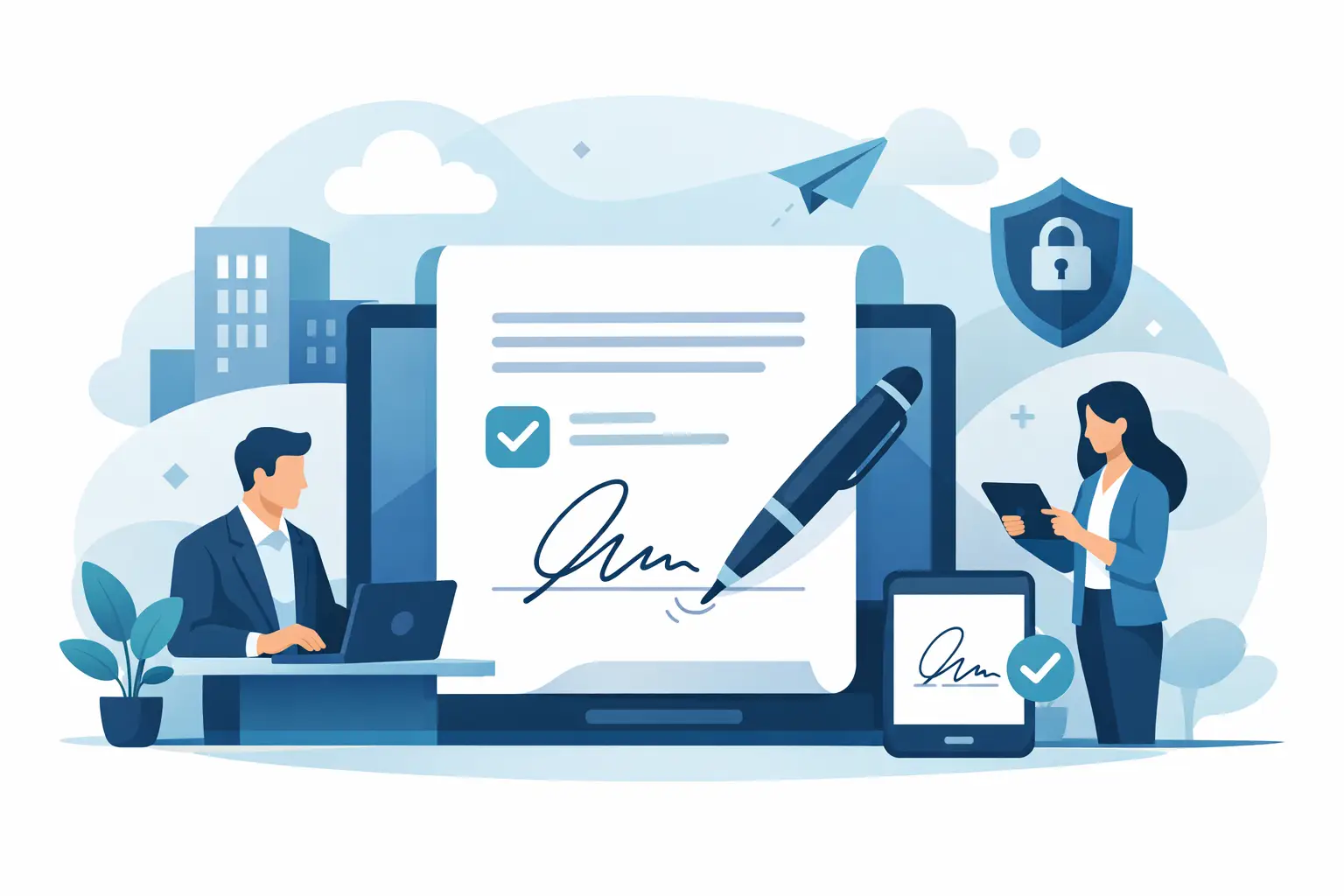
Paper rarely slows a business down all at once. It does it one contract, offer letter, vendor agreement, and approval request at a time. A good business electronic signature software guide helps you spot those delays early and choose a system that cuts turnaround time without creating new compliance or adoption problems.
For most teams, the real issue is not whether e-signatures work. It is whether the software fits the way the business already operates. Sales needs speed. HR needs consistency. Legal needs an audit trail. Operations needs visibility. If the platform is too complex, people avoid it. If it is too lightweight, higher-trust documents become a risk. The best choice usually sits in the middle - fast to use, easy to roll out, and strong enough for business-critical documents.
What business electronic signature software should actually solve
Electronic signature software is not just a digital pen. At a business level, it is a workflow tool. It should move a document from draft to signed copy with fewer emails, fewer handoffs, and less status chasing.
That sounds simple, but the difference between a basic signing app and business-ready software is significant. A consumer-grade tool may let someone add a signature box and send a file. Business software should also handle recipient routing, signing order, reminders, access control, document tracking, completion records, and secure storage. If your team still has to manually coordinate every step, the software is only solving part of the problem.
That is why speed alone is not enough. A fast send experience matters, but so does what happens after the document leaves your inbox. You need to know who opened it, who signed it, who is blocking progress, and whether the final record will hold up if questions come later.
A practical business electronic signature software guide for buyers
If you are comparing options, start with the workflow instead of the feature grid. Ask what happens from the moment a PDF is ready to send to the moment the signed document is filed and verified.
A strong platform usually makes that process feel short and predictable. You upload the document, add recipients, place fields, send it, and track progress in real time. That five-step logic matters more than flashy extras because it reduces training time and user error. Busy teams do not want a long implementation project just to get signatures out the door.
The next layer is editing and collaboration. Many businesses work from PDFs that are almost final, not perfectly final. Small changes happen at the last minute. If your software forces you to leave the platform every time you need to adjust text, add a field, or update routing, turnaround suffers. Built-in editing and easy team collaboration can save more time than advanced features most users never touch.
Then look at trust controls. Not every document needs the same level of verification. A routine internal approval may only need a standard e-signature and audit log. A higher-risk agreement may need stronger identity checks, one-time passcodes, government ID verification, or advanced electronic signatures that support stricter compliance expectations. Good software gives you options so you do not overpay for every transaction or under-secure sensitive ones.
The features that matter most
The best business e-signature tools tend to win on a handful of practical capabilities.
First, document setup has to be easy. Uploading a PDF, assigning signers, dragging fields into place, and sending in minutes should be standard. If setup is clunky, users will fall back to printing or emailing attachments for manual signing.
Second, tracking needs to be real time and useful. “Sent” and “completed” are not enough. Teams benefit from seeing when a document was delivered, viewed, signed, or stalled. That visibility shortens follow-up cycles and keeps deals and approvals moving.
Third, audit trails need to be clear. If a signature is challenged or simply needs to be reviewed later, you want a record of the full signing event - timestamps, signer actions, authentication steps, and document completion data. This is one of the biggest differences between casual digital signing and a business platform.
Fourth, security and compliance should be built in, not bolted on. Encryption, access controls, secure storage, and legally binding execution standards matter because signed documents are often tied to revenue, employment, procurement, or regulated operations.
Fifth, the experience has to work across devices. Signers do not always sit at a desk. A document that opens cleanly and signs easily on mobile will usually complete faster than one designed only for desktop workflows.
Where businesses often overbuy or underbuy
A lot of software decisions go wrong for one of two reasons.
The first is overbuying. Some companies assume they need the most feature-heavy platform on the market because signatures feel legally sensitive. In reality, they end up paying for deep enterprise complexity they never use. The cost is not just financial. It can also show up in slower setup, harder onboarding, and more admin overhead.
The second is underbuying. A low-cost or free tool may look fine until the business needs approval routing, team visibility, stronger identity verification, or dependable audit records. At that point, the savings disappear because people create workarounds outside the system.
The right fit depends on document volume, risk level, and process maturity. A startup sending sales agreements may prioritize speed, price, and simplicity. A legal or compliance team may need more controls around authentication and traceability. A real estate team may need mobile-first signing with reliable turnarounds. There is no single perfect checklist for every company, which is why software should be tested against real use cases, not generic marketing claims.
Questions to ask before you choose
Before you commit, ask how quickly a new user can send a document without training. Ask whether external signers can complete the process without creating an account. Ask how the system handles signing order, reminders, rejected documents, and incomplete packages.
You should also ask what proof is generated after signing. An audit trail is not a small detail. It is part of the product. If your team ever needs to show when and how a document was signed, the supporting record matters just as much as the signature itself.
Pricing deserves a closer look too. Some platforms look affordable until you add seats, envelopes, identity verification, or advanced compliance features. Others keep the core workflow simple and cost-effective, then let you apply stronger verification only when needed. That model often makes more sense for businesses with a mix of routine and high-trust documents.
What good adoption looks like
The best software does not need a long explanation. Users should understand it quickly, and recipients should be able to sign without friction. That is especially important in customer-facing and time-sensitive workflows. Every extra step creates a new chance for delay.
Adoption also improves when teams can centralize document activity. Sales can track contract status. HR can manage onboarding packets. Operations can monitor approvals. Legal can review completed records. When everyone works from the same system, status becomes visible instead of buried in email threads.
This is where a simpler platform can outperform a larger one. If the software is easier to use, teams are more likely to use it consistently. That consistency is what creates faster execution, better recordkeeping, and fewer exceptions.
For businesses that want those benefits without enterprise bloat, platforms like BeeSign stand out by keeping the workflow short, the setup practical, and the trust layer strong when higher verification is required.
The bottom line on business electronic signature software
Choosing the right software is less about chasing the longest feature list and more about removing friction from real business workflows. You want a tool that gets documents signed fast, gives your team visibility, supports legally binding execution, and scales from everyday approvals to higher-trust transactions when needed.
If a platform can do that while staying easy to use and affordable enough to deploy broadly, it will not just replace paper. It will speed up decisions across the business. Start there, test with your actual documents, and pick the option your team will use confidently on day one.
Ready to transform your workflow?
Start using BeeSign today and experience the future of document signing