How to Choose a Document Signing Platform
Learn how to choose a document signing platform that speeds approvals, cuts costs, and supports secure, legally binding workflows.
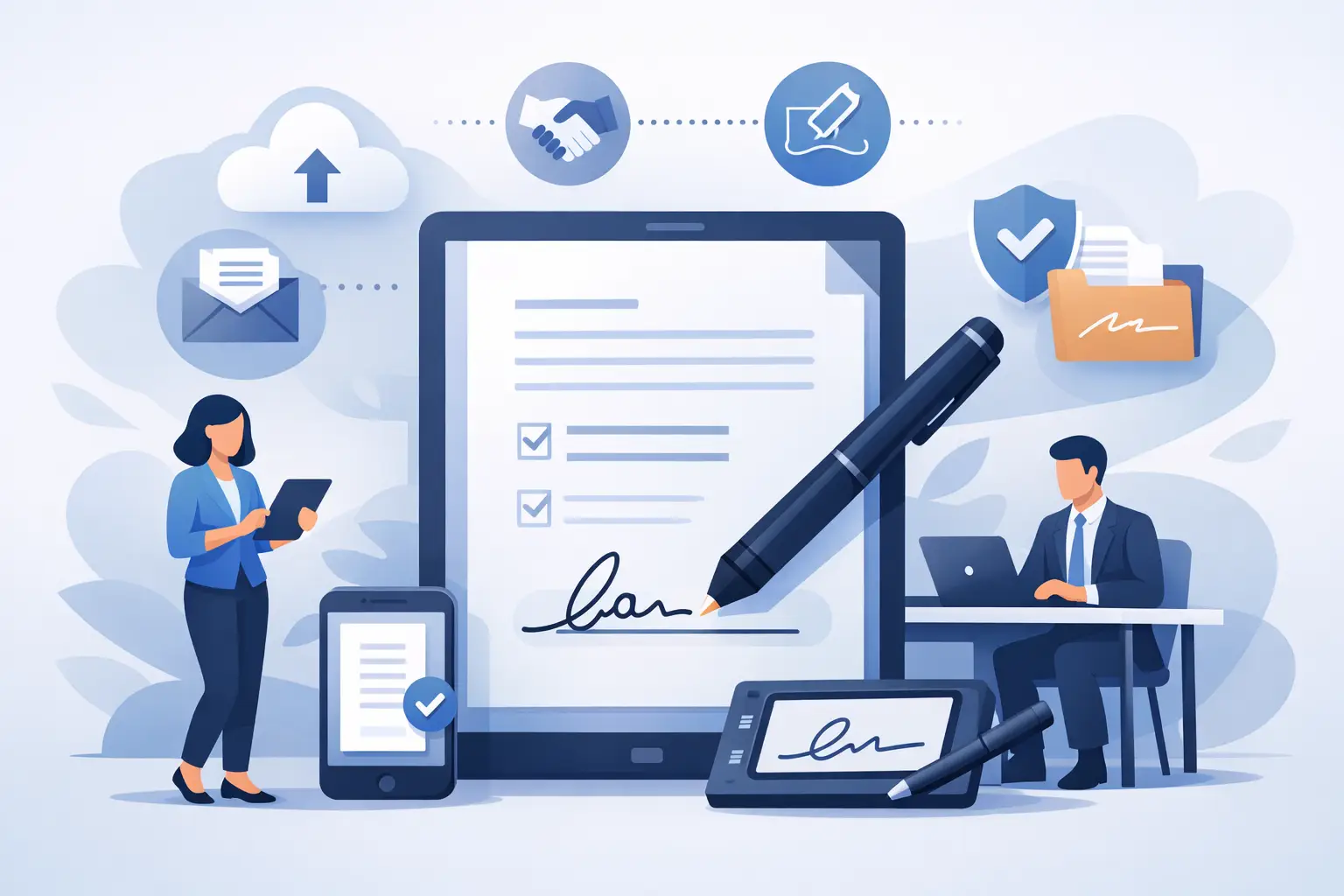
A contract sitting in someone’s inbox for three days is not a document problem. It’s a revenue problem, a hiring problem, or a compliance problem, depending on what is waiting for that signature. The right document signing platform fixes more than the act of signing. It removes delays, gives teams visibility, and keeps business moving without adding enterprise-grade friction.
That matters because most teams are not struggling with whether e-signatures work. They are struggling with messy workflows around them. Files get emailed back and forth. Someone signs the wrong page. Another recipient never gets notified. Legal wants an audit trail. Operations wants status tracking. Finance wants fewer tools. And everyone wants it done faster.
What a document signing platform should actually solve
At a basic level, a document signing platform lets you upload a file, assign signers, place fields, and collect signatures online. But if that is all it does, you may still be left chasing approvals manually.
A useful platform should reduce the administrative work around every agreement. That includes routing documents to the right people in the right order, showing who has opened and signed, and giving you a clear final record once the process is complete. If your team still needs spreadsheets, follow-up emails, and guesswork to keep deals or approvals moving, the software is not doing enough.
For sales teams, the real value is shorter time to close. For HR, it is cleaner onboarding and policy acknowledgment. For legal and compliance teams, it is defensible records and stronger identity checks when needed. For operations leaders, it is consistency at scale.
The core features that matter most
Speed is usually the first reason companies adopt e-signature software, but speed without control creates new risk. The strongest platforms balance both.
Start with workflow setup. You should be able to upload a PDF, add recipients, assign signing order, place fields, and send in minutes. If creating a simple agreement takes training or support tickets, adoption will stall. This is especially true in teams with frequent document turnover, like real estate, sales, and HR.
Next is tracking. A good document signing platform should show document status in real time - sent, viewed, signed, completed, or waiting on a specific recipient. That visibility sounds simple, but it has a direct effect on throughput. Teams stop wondering where documents are and start acting on what is actually blocked.
Audit trails are equally important. Every completed document should carry a clear history of actions, timestamps, and signer events. In many business cases, that record is what turns a convenient workflow into a defensible one.
Security and compliance also need a practical lens. Not every document requires advanced identity verification, but some absolutely do. Offer letters may need basic e-signature speed. High-value contracts, regulated approvals, or sensitive authorizations may justify stronger signer authentication, digital certificates, or region-specific compliance standards such as eIDAS-aligned advanced electronic signatures.
The key is flexibility. Paying for the highest verification level on every signature can be unnecessary. Having it available when the risk profile changes is much more useful.
Why ease of use beats feature overload
A common buying mistake is choosing the platform with the longest feature list instead of the one people will actually use.
Decision-makers often assume more capability means a better long-term fit. Sometimes it does. But many businesses end up paying for complexity they do not need. A bloated system can slow down document preparation, confuse occasional users, and create extra support work for admins.
Ease of use is not a soft benefit. It affects adoption, training time, and completion rates. External signers matter here too. Your customers, candidates, vendors, and partners should be able to open and sign from a laptop or phone without creating an account or figuring out a clunky interface.
That is where simpler platforms tend to win. If your average document workflow is straightforward, a clean five-step send-and-sign process may deliver more business value than a system built for edge cases you rarely encounter.
Cost is not just subscription price
The monthly subscription matters, but it is only one part of the cost equation.
There is also implementation time, user training, admin overhead, and the productivity drag that comes from a tool people avoid. A cheaper product that causes delays can cost more than a higher-priced option that your team actually uses well. The reverse is also true. Some businesses overpay for enterprise platforms when their needs are simple and repeatable.
When comparing vendors, look at how pricing maps to real usage. Does the plan fit your document volume? Are team features included or gated behind higher tiers? Do advanced signature options cost extra per signer? Is mobile access standard? Can you edit documents inside the platform, or do you need another tool before sending?
These details shape total value much more than the headline price.
What different teams need from a document signing platform
Not every department uses the same buying criteria, even inside the same company.
Sales teams care about turnaround time. They need quotes, MSAs, order forms, and renewals signed fast. The best fit for them is a platform that removes clicks, sends reminders automatically, and makes status obvious.
HR teams need repeatable workflows for offer letters, onboarding packets, handbooks, and policy acknowledgments. They usually benefit from templates, straightforward routing, and simple experiences for new hires who may be signing from a phone.
Legal and compliance teams prioritize evidence. They want audit trails, signer authentication options, secure storage, and confidence that the process can stand up to scrutiny.
Operations and admin teams often become the internal owners of the tool. For them, consistency matters. They need a document signing platform that is easy to roll out across departments without months of change management.
That is why the right choice often depends less on the biggest feature set and more on how well the platform handles your most frequent workflows.
Questions to ask before you commit
Before you buy, look at your current signature process and be honest about where it breaks.
If your biggest issue is speed, test how long it takes to send a document from scratch. If your issue is visibility, look closely at tracking and notifications. If your issue is compliance, review the audit trail and authentication options. If your issue is user adoption, have non-technical team members try it without guidance.
It also helps to ask whether the platform supports both your everyday documents and your higher-trust use cases. Many businesses need standard e-signatures most of the time, then stronger identity verification for a smaller set of transactions. A platform that covers both can prevent tool sprawl later.
And do not ignore the signer experience. A polished internal dashboard means very little if external recipients struggle to complete the document.
A practical standard for evaluation
If you want a simple test, judge each platform on four things: how fast your team can send, how easily recipients can sign, how clearly you can track progress, and how confidently you can prove what happened afterward.
That standard cuts through a lot of marketing noise. It also reflects how businesses actually use this software. Most teams do not need a complicated digital transformation project. They need contracts, approvals, and forms completed without delay or uncertainty.
A platform like BeeSign is built around that reality - fast PDF workflows, simple field placement, real-time tracking, collaboration, and optional advanced verification when the document calls for it. That approach is often a better fit for companies that want speed, security, and control without paying for unnecessary complexity.
The best document signing platform is the one people finish using
Plenty of tools can collect a signature. Fewer can consistently move documents from draft to completed record without bottlenecks, confusion, or extra follow-up.
That is the standard worth buying against. Choose a document signing platform that fits the pace of your business, matches the trust level of your documents, and stays easy for both senders and signers. When that happens, signatures stop being a delay point and start becoming part of a faster, cleaner workflow.
If your team can send in minutes, sign from anywhere, and know exactly where every document stands, you are not just replacing paper. You are removing friction from work that matters.
Ready to transform your workflow?
Start using BeeSign today and experience the future of document signing