How to Choose a Secure Online Signature Solution
Learn how to choose a secure online signature solution that speeds approvals, protects documents, and supports compliant business workflows.
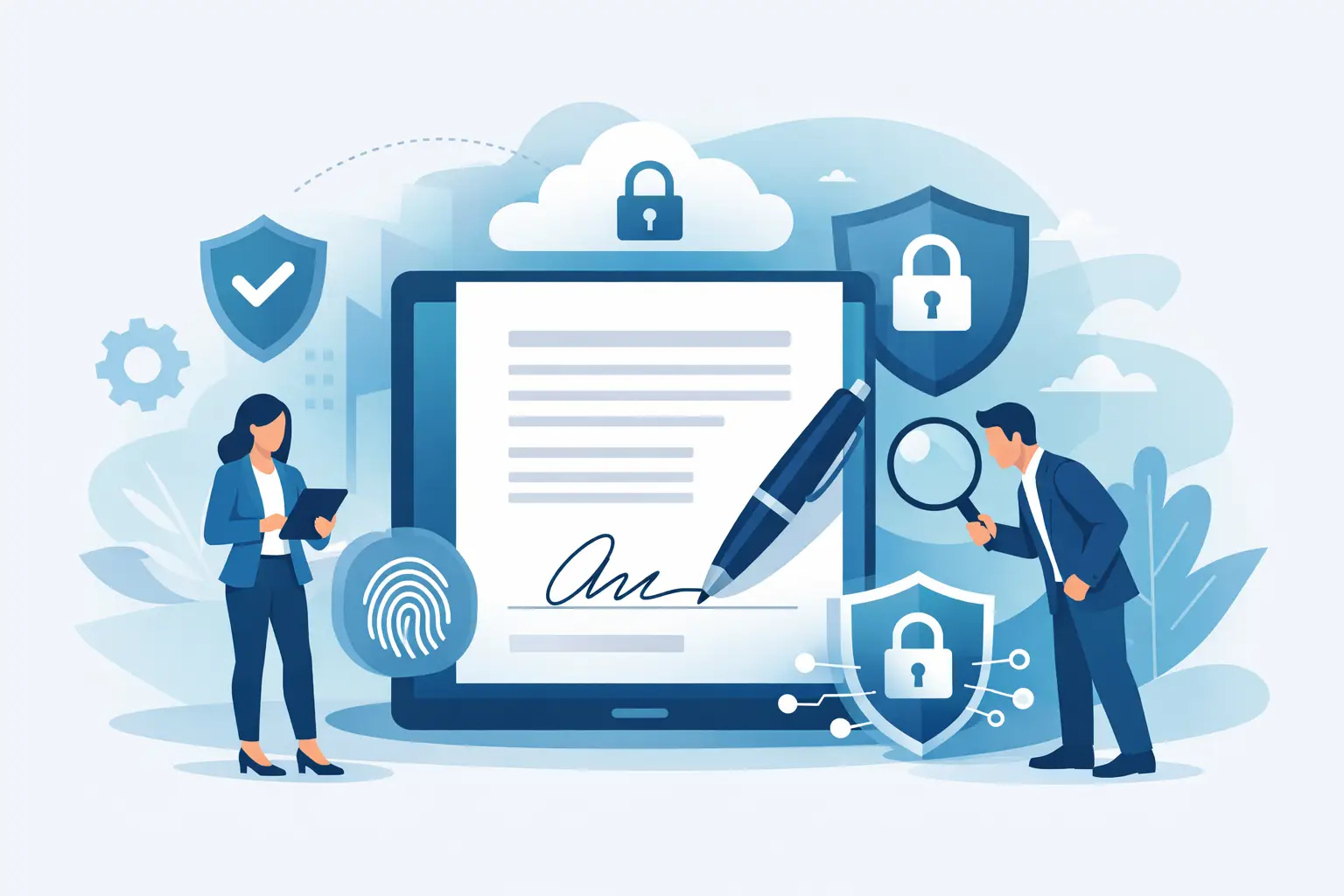
If a contract sits in someone’s inbox for three days because it needs to be printed, signed, scanned, and sent back, that is not a paperwork problem. It is a revenue problem, a compliance problem, and often a customer experience problem. A secure online signature solution fixes the delay, but only if it does more than collect a scribble on a PDF.
For business teams, the real question is not whether to use eSignature software. It is which platform gives you speed without creating risk. The right choice should help you send documents fast, keep signers moving, verify who signed, and give your team a clear record of what happened at every step.
What a secure online signature solution should actually do
A secure online signature solution should make document execution faster while strengthening control. That means more than adding signature fields to a file. It should handle the full workflow from upload to completion, with clear routing, signer access controls, audit evidence, and status visibility.
In practical terms, your team should be able to upload a document, assign recipients in the right order, place fields where action is needed, and send it out in minutes. Signers should be able to review and sign on desktop or mobile without needing technical help. Your internal team should be able to track progress in real time instead of sending follow-up emails and wondering where the document got stuck.
Security matters because signed documents often contain pricing, personal information, employment terms, legal commitments, or sensitive internal approvals. If the platform is easy but weak on identity verification, audit trails, or document integrity, you may save time upfront and create problems later.
Security is not one feature
When buyers look for a secure online signature solution, they often ask a broad question like, “Is it secure?” That is too vague to be useful. Security in eSignature workflows comes from layers.
The first layer is access. You need to know who can open the document and who is allowed to sign it. The second layer is authentication. In some cases, email access is enough. In higher-trust transactions, you may need a one-time passcode, government ID verification, or stronger identity checks.
The third layer is document integrity. After a document is signed, the platform should preserve evidence that the file has not been altered. The fourth layer is the audit trail. If there is ever a dispute, you want a time-stamped record of sending, viewing, signing, and completion events. The fifth layer is storage and transmission protection, including encryption and controlled access to completed files.
This is where trade-offs matter. Not every document needs the highest level of identity verification. A basic internal acknowledgment form is different from a regulated contract or a high-value agreement. A good platform lets you match the security level to the transaction instead of forcing the same process for every document.
The business case for choosing carefully
The wrong tool slows teams down in ways that are easy to miss at first. If sending a document takes too many clicks, users will avoid it. If recipients get confused on mobile, deals stall. If tracking is weak, your team wastes time chasing status updates. If pricing scales badly, adoption becomes a budget problem.
The right platform shortens cycle times and reduces hidden admin work. Sales teams close faster because contracts go out immediately and signers can complete them from any device. HR teams onboard employees without printing and scanning packets. Operations teams can standardize approvals instead of relying on email chains. Legal and compliance teams get a clearer record of what was signed, by whom, and when.
That mix of speed and control is what decision-makers should be buying. Not software for its own sake. A process improvement that protects the business while removing friction.
How to evaluate a secure online signature solution
Start with workflow simplicity. If your team cannot send a document quickly, security features will not save adoption. Look for a platform that keeps the core flow straightforward: upload, add recipients, place fields, send, and track. That sounds basic, but many tools become bloated fast.
Next, look at signer experience. Your customers, candidates, vendors, and partners are not going to sit through training. They should be able to open, review, and sign without confusion. Mobile support is especially important because many time-sensitive approvals happen away from a desk.
Then review visibility. A strong platform shows document status clearly so your team knows whether a file was sent, opened, signed, or is still waiting on the next recipient. That cuts down on manual follow-up and gives operations teams better control.
After that, get specific about trust features. Ask what evidence is captured in the audit trail. Ask whether the platform supports stronger signer verification methods when needed. Ask how completed documents are protected and whether there is certificate-based evidence attached to signed files.
Finally, compare pricing against actual usage. A lot of businesses do not need enterprise complexity, but they do need reliability and legal confidence. Affordable software is only a good deal if it covers the real-world workflows your team depends on.
Features that matter most for fast-moving teams
The strongest platforms tend to win on the basics first. Fast PDF-based workflows matter because that is still how many contracts, forms, and approvals move through a business. Built-in editing helps when you need to adjust a document without restarting the process elsewhere. Recipient routing matters because many documents need signatures in sequence, not all at once.
Real-time tracking is another feature that quickly becomes essential once teams get used to it. Instead of wondering whether a signer saw the file, you can act on live status. Team collaboration tools also matter more than they used to, especially when sales, legal, HR, and operations all touch the same document lifecycle.
For some organizations, advanced electronic signature options are where the buying decision gets serious. If you handle regulated transactions or want stronger signer assurance, features like eIDAS-compliant advanced electronic signatures, OTP authentication, government ID verification, and digital certificates can be worth paying for. They are not necessary for every use case, but for the right documents they add meaningful trust.
Where businesses often overbuy or underbuy
Some companies overbuy by choosing a platform designed for global enterprise complexity when they mainly need fast, reliable document execution. They end up paying for extra modules, heavier setup, and a steeper learning curve. That can slow adoption and frustrate teams that just want to send documents and get them signed.
Others underbuy by picking a cheap tool that handles only the visual act of signing. It may work for simple forms, but it falls short when you need routing, auditability, identity checks, or a cleaner operational process.
The best fit usually sits in the middle. Simple enough for immediate use, strong enough for serious business. That is why many teams move toward platforms like BeeSign when they want a more affordable alternative to larger vendors without giving up security, compliance support, or speed.
Questions to ask before you commit
Ask how long it takes a new user to send their first document. Ask whether external signers need an account. Ask how the platform handles signing order, reminders, and completion records. Ask what options exist for higher-assurance signatures when a document requires more than standard eSignature.
Also ask who on your team will own the workflow. Sales may care most about speed. Legal may care most about evidence. HR may care most about ease of use for candidates and employees. Operations may care most about visibility and consistency. The right decision usually satisfies all four without turning setup into a project.
A secure online signature solution should reduce friction, not add it
This is the point many software evaluations miss. Security is essential, but if the platform creates too much complexity, users work around it. That is when documents move back into email attachments, manual approvals, and scattered records.
A secure online signature solution should feel fast for senders, easy for signers, and dependable for the business. It should help you move from document draft to legally binding completion with clear evidence and minimal delay. When that happens, signature software stops being an admin tool and starts becoming part of how your business closes deals, hires people, and keeps work moving.
If you are evaluating options, focus on the daily reality of your team. Choose the platform that gives you enough security for the documents that matter, enough simplicity for broad adoption, and enough visibility to keep business-critical workflows from stalling. That is where the real value shows up - not in feature count, but in faster decisions and fewer bottlenecks.
Ready to transform your workflow?
Start using BeeSign today and experience the future of document signing