Document Signing With Identity Verification
Document signing with identity verification helps businesses close faster, reduce fraud, and add trust to high-stakes agreements.
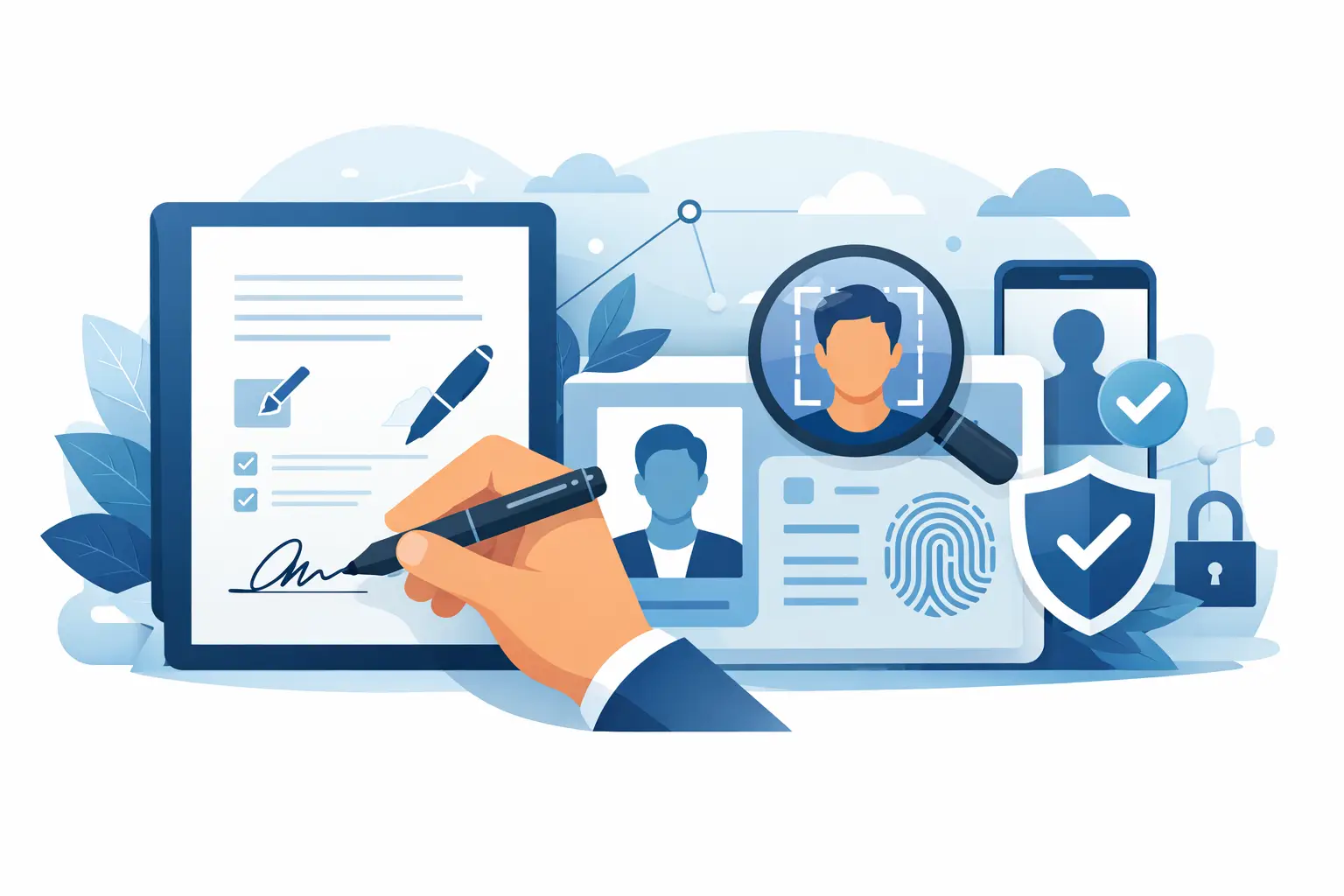
A signed contract is only as strong as your confidence in who signed it. That is why document signing with identity verification matters most when the stakes are high - hiring, real estate, finance, compliance, vendor onboarding, and any agreement that could create risk if the wrong person signs.
Basic eSignature workflows solve speed. They move documents out of inbox limbo and into a trackable process. But speed alone is not enough for every use case. When identity matters, businesses need a stronger layer of trust built into the signing flow, not added later through manual checks, separate emails, or phone calls that slow everything down.
What document signing with identity verification actually solves
At its core, document signing with identity verification combines two needs that often get treated separately: getting the document signed and confirming the signer is who they claim to be. When those happen in one workflow, teams reduce fraud exposure, cut back-and-forth, and create a cleaner audit trail.
This is especially useful when a standard email-based signature request feels too light. If you are sending an NDA to a known internal stakeholder, basic authentication may be enough. If you are sending an employment agreement, loan document, property form, or regulated compliance paperwork to an external signer, the risk profile changes.
The difference is practical, not theoretical. Without identity checks, teams often rely on assumptions tied to email access. That works in many low-risk scenarios. It becomes less comfortable when signatures carry legal, financial, or regulatory weight.
Why businesses are adding identity checks to signature workflows
Most teams do not start by asking for more process. They start by trying to remove uncertainty. Identity verification reduces a very specific kind of friction: the friction that appears after signing, when someone asks whether the signer was properly verified.
For operations leaders, that means fewer manual follow-ups. For legal and compliance teams, it means stronger records. For sales and account teams, it means less delay when a customer is ready to move but the agreement still needs a trustworthy signing path.
There is also a customer experience angle. A good verification flow should add trust without turning into an obstacle course. That balance matters. If verification is too weak, it does not help much. If it is too burdensome, signers abandon the process.
Common methods used in document signing with identity verification
Not every document needs the same level of assurance, which is why flexible verification options matter.
Email verification is the lightest layer. It confirms control of the email inbox but not necessarily the signer’s real-world identity. This is often fine for routine agreements with low risk.
OTP authentication adds a stronger check by requiring a one-time passcode, usually sent by SMS or another controlled channel. It raises confidence without creating too much extra work for the signer.
Government ID verification goes further by asking the signer to validate identity using an official ID. This is a better fit for higher-trust transactions where the signer’s identity may need to stand up to internal review, compliance expectations, or future dispute handling.
Digital certificates can also play a role, especially in advanced electronic signature workflows. They create a stronger cryptographic connection between the identity-verified signer and the signed document. For some organizations, that added assurance is valuable not because every document demands it, but because certain workflows do.
The right answer depends on risk, regulation, and signer expectations. A small sales order and a regulated onboarding document should not be treated the same way.
When identity verification is worth the extra step
The short answer is this: use it when the cost of doubt is higher than the cost of one more authentication step.
HR teams often need this for offer letters, policy acknowledgments, and contractor documentation, especially when remote hiring is involved. Real estate teams use it when deadlines are tight and document integrity matters. Legal and compliance teams use it when they need cleaner evidence of who signed and when. Finance and procurement teams use it for approvals, vendor forms, and agreements tied to payment or access.
There is also a strong case for identity verification in cross-border or remote-first workflows. When people are not meeting in person and the document is business-critical, stronger signer validation closes a trust gap that paper used to fill through physical presence.
Still, not every workflow needs it. Requiring government ID checks for every routine internal approval may add more friction than value. The best systems let teams apply the right level of verification based on document type, signer role, and risk.
What a good signing experience should look like
If your current process forces users to leave the signing flow, search for codes across multiple channels, or repeat steps because the interface is unclear, adoption will suffer. Verification works best when it feels like part of signing, not a separate project.
A practical workflow should let teams upload a PDF, place fields, assign recipients, choose the right authentication level, and send in minutes. Signers should receive clear instructions, complete verification on desktop or mobile, and finish the signature without confusion. Admins should be able to track status in real time and know exactly where a request is stalled.
That last point matters more than many teams expect. Verification adds value only if visibility stays high. If a document is pending because the signer has not passed an OTP step or has not completed ID verification, the sender should see that immediately.
Security and compliance matter, but clarity matters too
Businesses buying eSignature software are usually not looking for a lecture on cryptography. They want to know whether the process is secure, legally binding, and appropriate for their use case.
That is where providers need to be clear. Audit trails, encryption, tamper evidence, and signer certificates all help build trust. Compliance support also matters, especially for organizations operating under stricter legal or industry requirements. But features only help when teams understand when to use them.
For example, advanced electronic signatures and identity verification can be a smart fit for higher-risk transactions, but they may be unnecessary for every document. A platform should make that distinction easy to act on. More control is useful. More complexity is not.
Cost, speed, and trust do not have to compete
Many teams assume stronger verification means slower turnaround and higher software overhead. That can be true with bloated systems or fragmented workflows. It does not have to be true.
The better approach is to keep the core signing process simple, then add identity verification only where it earns its keep. That gives teams speed for everyday documents and stronger assurance for transactions that justify it.
For growing businesses, this matters financially as well as operationally. You do not want to pay enterprise-level complexity tax just to get practical controls for a subset of documents. You want a system that stays easy for senders and signers while giving you the option to raise trust levels when needed.
That is why many teams now look for platforms that combine standard eSignatures, tracking, editing, team workflows, and optional identity-verified signing in one place. BeeSign fits that model by keeping the sending process fast while offering stronger verification options for businesses that need more than a basic signature request.
How to choose the right setup for your team
Start with your riskiest document categories, not your entire document inventory. Ask which agreements would create the biggest problem if signer identity were questioned later. Those are the first candidates for document signing with identity verification.
Then look at signer experience. If your recipients include customers, candidates, vendors, or partners who may be completing forms on a phone, your process must be clear and mobile-friendly. A stronger verification method is only useful if people can complete it without support tickets.
Finally, look at internal efficiency. Your team should be able to send, track, and manage these workflows without legal or IT getting dragged into every request. Good software reduces both signer risk and operational drag.
The smartest teams do not treat identity verification as a blanket rule or a niche edge case. They use it where trust matters most, keep the workflow lean, and make every signed document easier to defend. When the signature carries real business weight, certainty is not a luxury. It is part of getting the job done right.
Ready to transform your workflow?
Start using BeeSign today and experience the future of document signing