Cloud Storage Versus Vendor Storage for Agreements
Compare cloud storage versus vendor storage for signed agreements. See how control, security, retention, and workflow needs shape the right choice today.
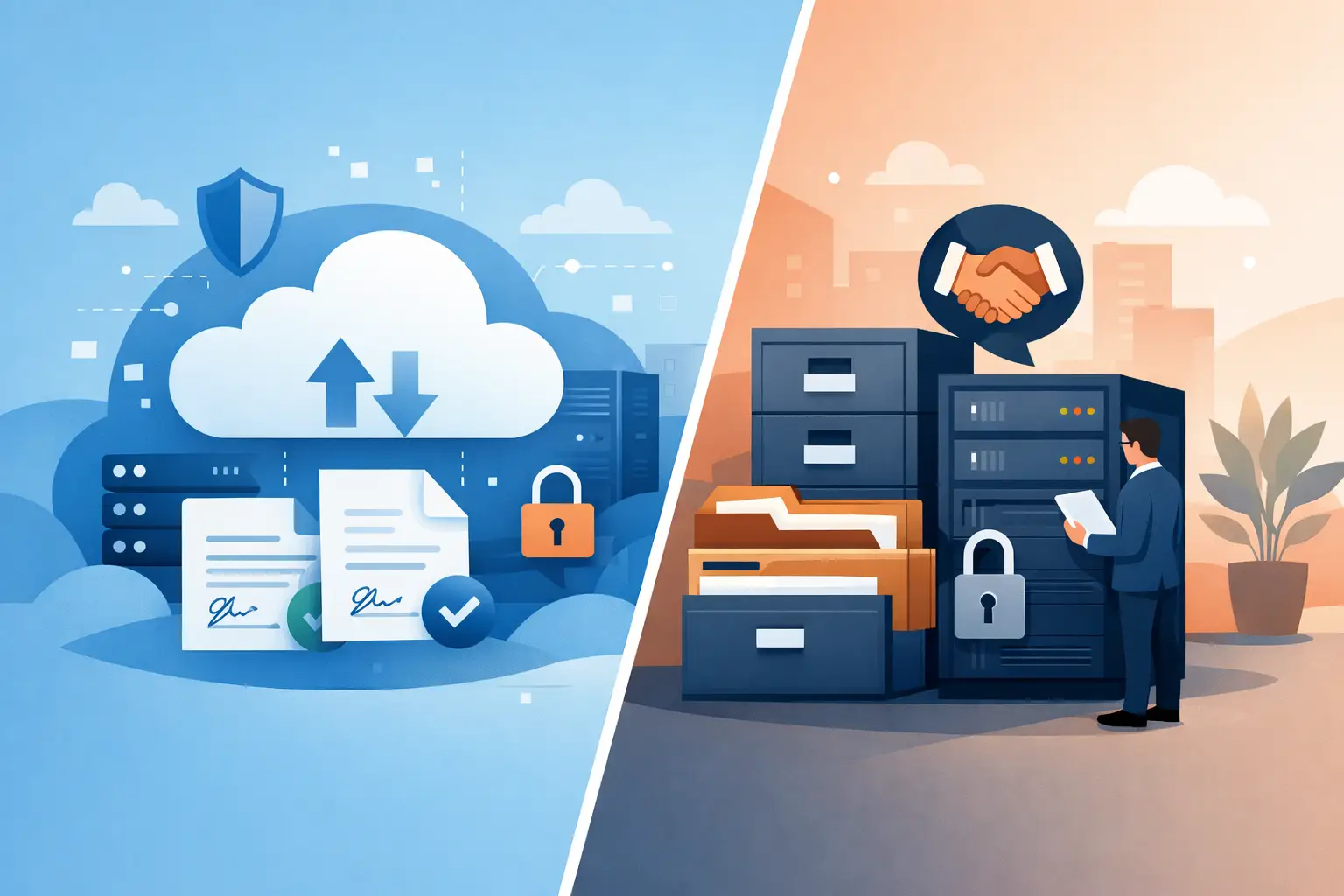
A signed agreement is not finished when the last recipient clicks Sign. It becomes a business record that sales may need next quarter, legal may need in a dispute, and compliance may need years later. That is why cloud storage versus vendor storage is more than an IT procurement question. It determines who controls access, how easily teams retrieve evidence, and what happens to critical records if your workflow changes.
For agreement-heavy teams, the best answer is rarely about choosing the cheapest storage option. It is about matching storage architecture to your security requirements, operational workflow, and need for long-term control.
What cloud storage and vendor storage usually mean
The terms can sound more different than they are. Vendor storage typically means your eSignature provider stores documents, completion certificates, and audit trails in the provider's managed environment. Your team accesses those records through the platform.
Cloud storage, in this discussion, usually means storage you own or control through your own cloud account or bucket. A business might use its existing Google Cloud, Amazon S3, or Microsoft Azure environment and connect it to an agreement workflow platform. This is often called bring-your-own storage, or BYOS.
Both approaches can use enterprise cloud infrastructure. The real distinction is control. With vendor storage, the provider operates the storage layer. With customer-controlled cloud storage, the business sets the account ownership, retention policies, location, access controls, and offboarding path.
Cloud storage versus vendor storage: the practical trade-offs
Vendor-managed storage is usually the fastest way to get started. Upload a contract, add fields and recipients, send it, and keep the signed copy alongside its audit trail in one place. There is less infrastructure to configure and fewer technical decisions for your team to make.
That convenience matters for startups, lean operations teams, and departments that need to replace email attachments and manual filing quickly. If the provider has clear security controls, encrypted data, reliable backups, and searchable records, vendor storage can be a sensible default.
Customer-controlled cloud storage brings a different set of advantages. Documents and certificates can remain in infrastructure your organization already governs. Security teams can apply existing identity rules, encryption key policies, lifecycle rules, legal holds, regional requirements, and backup procedures. If your company needs a central system of record outside the eSignature vendor, this architecture can fit naturally.
The trade-off is responsibility. Your team must correctly configure the bucket, permissions, retention, logging, and recovery process. A poorly configured customer-owned environment does not become safer simply because it is owned by the customer. Security depends on the controls behind the account, not the label on the storage option.
Speed versus control is not a simple choice
A common mistake is treating vendor storage as convenient but risky, and customer-controlled cloud storage as controlled but complicated. Reality is more nuanced.
A mature provider may offer stronger day-to-day safeguards than a small business can build on its own, including encryption in transit with TLS, encryption at rest with 256-bit AES, monitored infrastructure, access logs, and tamper-evident document sealing. At the same time, a regulated organization may have policies that require records to remain in a specific cloud tenancy or under a specific retention schedule.
The right question is: which party can meet your required controls and prove that they are operating them consistently?
When vendor storage is the better fit
Vendor storage works well when your priority is getting secure agreement workflows live without a technical project. It is especially useful when business teams need to send contracts, HR forms, approvals, or client onboarding documents without waiting for engineering resources.
It can also improve usability. Users can search for a completed agreement, view the certificate, confirm recipient activity, and resend a copy from the same workspace where the document was prepared. That matters when a sales rep needs proof of signature in minutes, not a ticket to IT and a search through a separate archive.
Choose vendor storage when your organization can accept the provider's data residency and retention model, your legal team is comfortable with the vendor agreement, and the platform provides the audit evidence you need. Ask how long completed documents remain available, how exports work, who can delete records, and what happens when an account is closed.
For many teams, the strongest vendor-storage setup includes role-based workspace access, multi-factor authentication, expiring document links, documented backups, and a clear export process. Those details matter more than a generic claim that files are "secure."
When customer-controlled cloud storage is worth it
Bring-your-own cloud storage is often the better choice when agreements are sensitive, heavily regulated, or central to your company’s data governance program. Healthcare organizations, financial services teams, large legal departments, and businesses with strict customer contracts may need that added control.
It is also useful for companies that have already standardized on a cloud provider. Rather than creating another isolated repository, they can keep completed agreements and certificates within their established data environment. This can simplify retention, discovery, incident response, and archival processes.
For product teams, customer-controlled storage can reduce perceived vendor lock-in. Your application can use an eSignature platform for document preparation, routing, identity verification, and audit trails while storing final artifacts in infrastructure you own. If you change workflow tools later, your core records are not stranded.
This model is not only for large enterprises. A growing SaaS company that sells into regulated markets may need to show prospects where agreement data lives and who can access it. Owning the storage destination can make vendor reviews easier, provided the company has the operational discipline to manage it well.
Security questions your team should answer
Storage architecture should support the enforceability and integrity of each agreement. A signed PDF alone is not always enough. You also need evidence of the workflow: who received the request, when they viewed it, when they signed, and how the completed record was protected.
Before selecting a model, align legal, IT, security, and operations around four practical questions:
- Who owns the storage account and can retrieve all documents and certificates without vendor intervention?
- How are documents encrypted in transit and at rest, and who controls access permissions?
- What retention, deletion, backup, and legal-hold rules apply to completed agreements?
- Can the platform preserve tamper-evident sealing and a complete audit trail after files reach their final storage location?
For higher-assurance workflows, ask how identity verification data is handled as well. If you use government ID capture, biometric face matching with liveness detection, or database validation to support Advanced Electronic Signatures, the storage and access rules for that evidence deserve the same scrutiny as the signed document.
Build the workflow around the record, not just the signature
The strongest agreement process treats the document, completion certificate, identity evidence, approval history, and retention policy as one connected record. Splitting those elements across disconnected tools creates gaps when someone needs to prove what happened.
A practical workflow can look like this: your team creates or uploads an agreement, routes it through the required approvals, verifies identity when the risk level calls for it, collects signatures, and stores the finalized document with its audit evidence according to policy. The recipient experience stays simple, while the back-end record remains defensible.
BeeSign supports this approach by bringing document workflows, signatures, audit trails, and identity verification into one product, with the option to use your own cloud storage when your data policy requires it. That gives teams a way to move quickly without treating control as an afterthought.
Make the decision with an exit plan in mind
No storage decision is complete without considering change. Vendors evolve, pricing changes, acquisitions happen, and organizations adopt new compliance requirements. Whether you choose vendor storage or customer-controlled cloud storage, make sure completed agreements can be exported in usable formats with their corresponding audit records.
Review this process before a renewal or a crisis. Test whether an authorized user can retrieve a specific contract, its certificate, and its history quickly. Confirm that deleted-user access, retention rules, and administrator permissions work the way your policy says they should.
The sweetest storage setup is the one that lets your team send and sign documents in minutes while keeping every completed agreement available, protected, and ready when the business needs proof.
Ready to transform your workflow?
Start using BeeSign today and experience the future of document signing