Why Custom Domain Document Signing Matters
Custom domain document signing builds trust, strengthens security, and keeps every signature workflow on-brand, compliant, and easier to adopt.
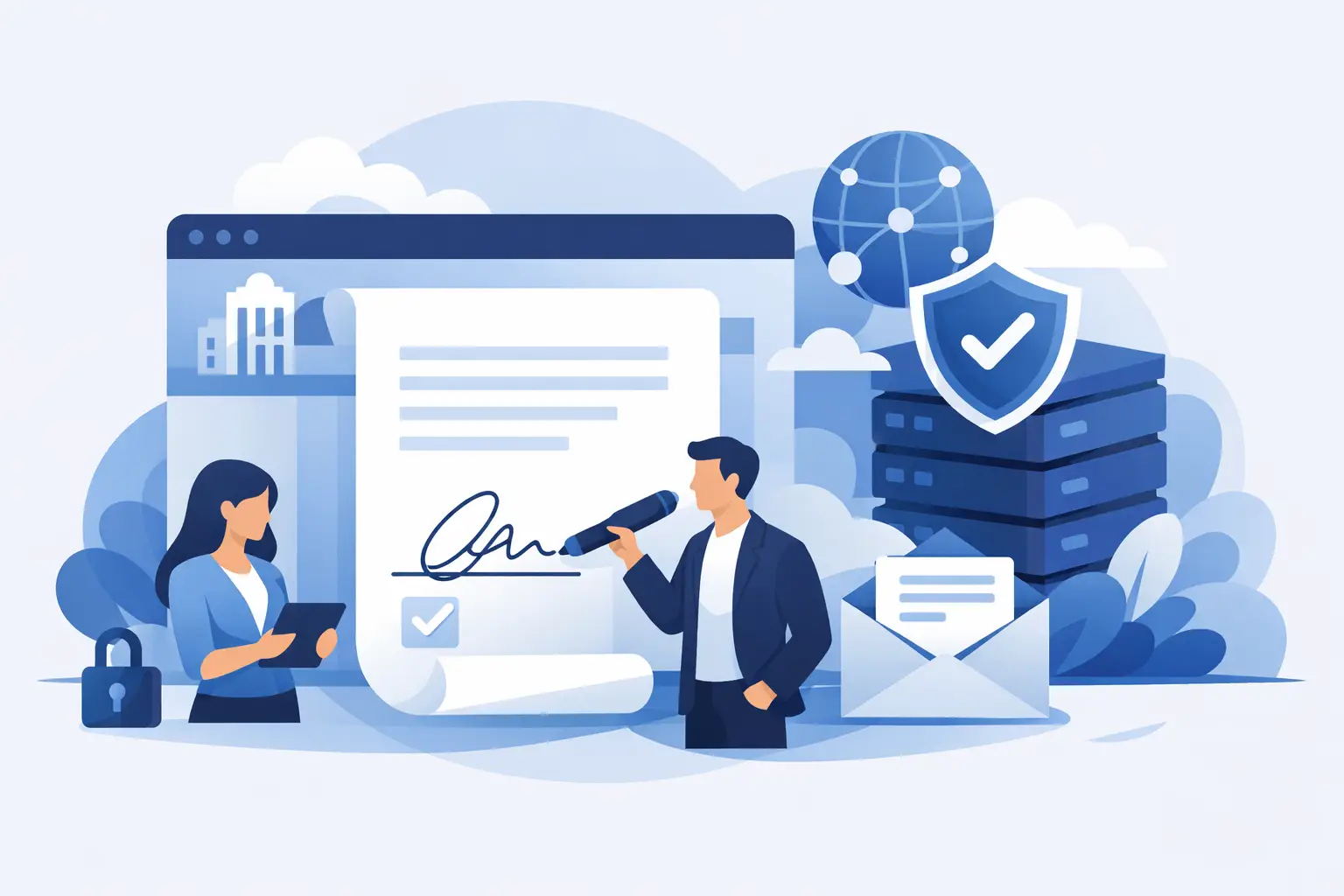
A signer gets an email for a contract, clicks the link, and lands on a domain they have never seen before. For legal teams, sales ops, and compliance leads, that small moment can create real friction. People hesitate, internal security filters get stricter, and the signing experience feels disconnected from the business that sent it. That is why custom domain document signing matters more than most teams realize.
At a basic level, custom domain document signing means your signing flow happens under your company’s domain instead of a third-party-branded URL. The document email can come from your verified domain, the signing page can match your brand, and the entire workflow feels like part of your own operation rather than a handoff to another tool. That sounds cosmetic at first. It is not. It affects trust, deliverability, adoption, and control.
What custom domain document signing actually changes
The clearest benefit is confidence. When a customer, employee, vendor, or patient sees your domain in the email and browser bar, the request feels expected. They are not being asked to trust an unfamiliar sender for something sensitive like a contract, onboarding packet, or consent form.
That trust matters even more when documents carry financial, legal, or personal data. If the signer is already cautious, a third-party link can slow everything down. They may forward it to IT, ask whether it is legitimate, or simply leave it sitting in their inbox. A custom domain removes one avoidable question from the process.
There is also an internal benefit. Teams want agreement workflows to look like a standard part of the business. Sales wants a polished close. HR wants onboarding to feel organized from day one. Legal wants a consistent, auditable path from draft to signature. With a custom domain, the signing flow feels owned, not outsourced.
The business case for custom domain document signing
Brand consistency is the obvious reason, but it is rarely the only one. In practice, companies usually care about three bigger outcomes: faster completion rates, stronger trust signals, and better operational control.
Faster completion rates come from reducing hesitation. Signers are more likely to complete a document when the email, domain, and signing page all match the business they know. That is especially true for high-volume workflows where even a small drop in completion creates a meaningful delay.
Trust signals matter because phishing awareness is high for good reason. Customers are trained to be suspicious of unexpected links. Procurement teams review vendor behavior closely. Employees are told not to click strange domains. If your signature workflow uses your own verified domain, you are working with those habits instead of against them.
Operational control is the less flashy but often more strategic benefit. Businesses that care about compliance, data handling, and long-term workflow ownership usually do not want critical agreement experiences tied too tightly to another company’s branding or storage rules. A white-label-ready platform gives them more room to build the process around their own standards.
Where custom domains help most
Some teams can live with a generic signing link. Others really cannot.
Sales organizations benefit because contracts are often the final trust checkpoint before revenue is booked. A custom domain supports a cleaner handoff from proposal to signature and reduces the chance that a buyer pauses at the last step.
HR and people teams benefit because new hires are often sharing sensitive personal information. If onboarding documents arrive from a strange domain, the experience feels less credible than it should.
Legal and compliance teams care for a different reason. They are focused on enforceability, auditability, and proving what happened. Branding alone will not solve those needs, but a controlled signing environment helps support a more consistent process.
Healthcare, financial services, and education teams often have even stricter requirements. They need confidence not only that the signer will complete the form, but that the workflow aligns with privacy, identity, and recordkeeping expectations.
Custom domain does not replace security
This is the part that deserves plain language. Custom branding can improve trust, but it is not a security feature by itself. A polished signing page means very little if the platform behind it lacks the controls needed for sensitive agreements.
For serious document workflows, the foundation still needs to include encryption in transit with TLS, encryption at rest with 256-bit AES, tamper-evident sealing, and a full audit trail that records sends, views, and signatures with timestamps and IP addresses. If identity matters, the platform should also support stronger verification options such as government ID capture, biometric face matching with liveness detection, and database validation.
That is where some teams get tripped up. They focus on making the experience look like their brand, but forget to ask whether the underlying workflow will hold up under legal review, security review, or compliance review. The best setup gives you both: your domain on the surface and serious controls underneath.
How to evaluate custom domain document signing
If you are comparing platforms, start with the user experience but do not stop there. Ask whether you can run the signing flow under your own domain and send emails from your own verified domain. Those are the basics.
Then look at how much control you actually get. Can you brand the signer experience fully, or only parts of it? Can you manage templates, forms, approvals, and signing order in the same system, or will you still be stitching together multiple tools? If your team handles sensitive records, ask where documents are stored and whether bring-your-own-storage is an option.
For regulated environments, review the compliance and identity side early. If your use case requires a higher level of signer assurance, make sure the platform can support advanced verification and produce the evidence you would need later. A custom domain makes the workflow feel more trustworthy. Identity verification helps prove that it was.
Why API and white-label flexibility matter
For product teams and operations leaders, custom domain document signing is often part of a bigger question: do you want an eSignature tool, or do you want an agreement workflow you can actually shape?
If you are embedding signing into your own application, API quality matters. The best platforms let developers do through the API what business users can do in the dashboard - create documents, send them, manage templates, track status, and administer teams without odd limitations.
White-label flexibility matters for the same reason. Some companies want light branding. Others want the entire experience under their own domain, with their own email identity and their own storage policies. The right fit depends on how central document signing is to your product or customer experience.
There is a trade-off here. More control usually means a more deliberate setup process. You may need DNS configuration, domain verification, email authentication, and coordination with security or IT. That extra work is worth it when signing is business-critical, but a very small team with simple needs may choose speed over deep customization.
A better way to think about adoption
Most businesses treat signing as a back-office task until it starts slowing down revenue, hiring, approvals, or compliance. Then it becomes obvious that the experience around the signature matters just as much as the signature itself.
Custom domain document signing works best when you see it as part of a trust system. The domain tells signers they are in the right place. The branded workflow reduces hesitation. The audit trail records what happened. The security controls protect the document. The identity checks help prove who signed. Together, that is what moves teams from informal document handling to a process they can rely on.
For companies that want the polish of their own brand and the substance of real security, platforms like BeeSign make that practical. You can keep the experience under your own domain, send from your own verified email identity, and still get the controls that matter when documents are sensitive or high volume.
If your agreements are part of how you close deals, onboard people, collect sensitive forms, or prove compliance, the signing experience should not feel like a detour through someone else’s website. The closer it feels to your business - and the stronger the controls behind it - the easier it is for people to sign with confidence.
Ready to transform your workflow?
Start using BeeSign today and experience the future of document signing