Embedded eSignature Integration Example for SaaS
See an embedded esignature integration example for SaaS, from creating an agreement to tracking status, with security, branding, and audit trails built in.
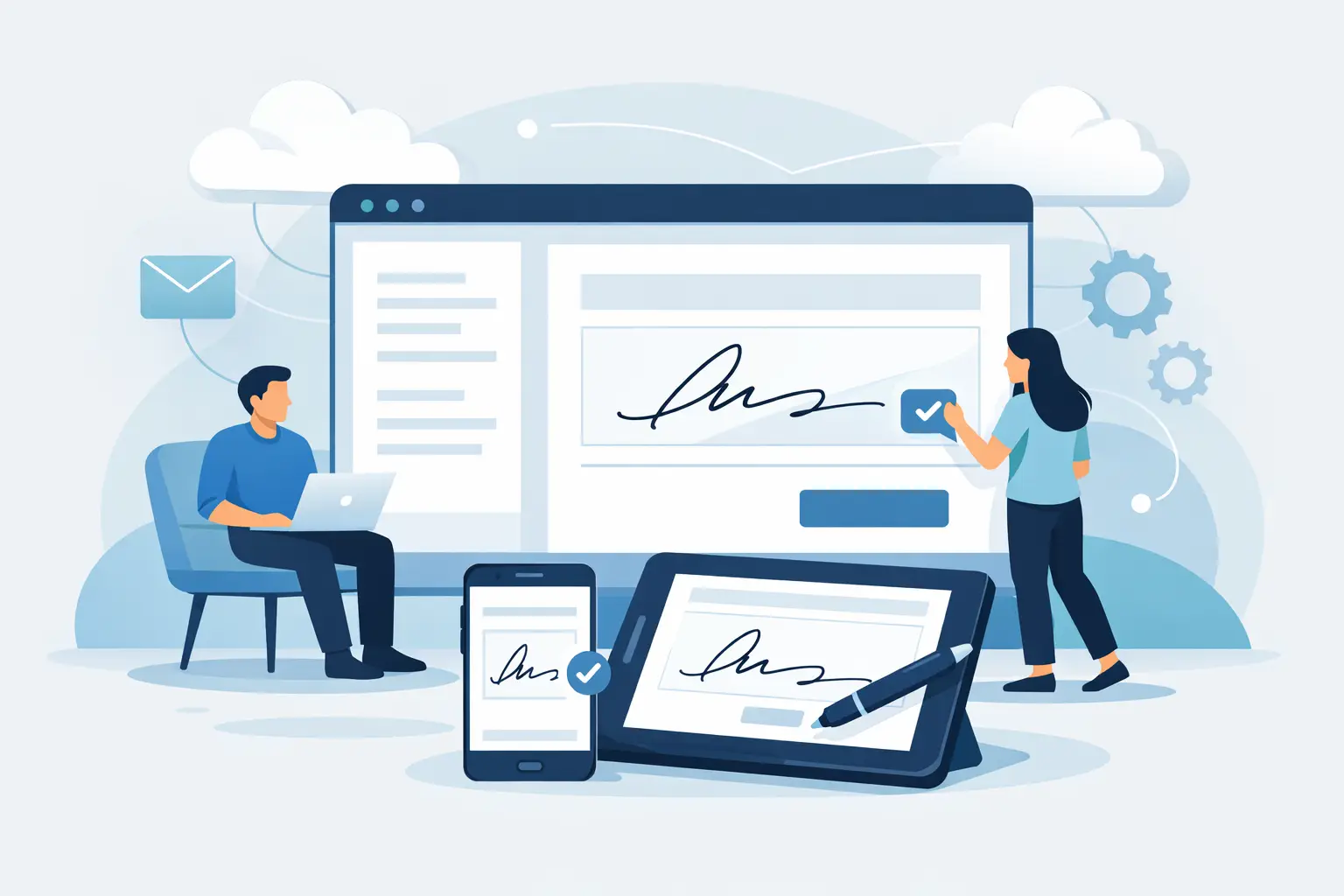
Your customer has completed onboarding, selected a plan, and is ready to sign. Sending them to a separate eSignature website at that moment adds friction, breaks your product experience, and can slow a deal that was minutes from closing. This embedded esignature integration example shows how a SaaS platform can create, present, and track an agreement inside its own application while keeping the signature workflow secure and auditable.
The practical goal is simple: your app remains the place where work happens. Your customer sees your brand, uses their existing login, and signs when they are already engaged. Your team receives a completed agreement and a clear status update without chasing PDFs over email.
What embedded signing looks like in a real product
Consider a B2B software platform that sells annual subscriptions. A sales rep finalizes commercial terms in the CRM, and the buyer reviews the order form in the customer portal. Instead of emailing a document and hoping it comes back, the portal creates an agreement from an approved template and opens a signing session in the product.
The buyer reviews the PDF, completes required fields, and signs from a desktop or phone. Once complete, the platform marks the subscription as executed, stores the agreement ID against the account record, and notifies the sales and finance teams.
That is the core embedded eSignature integration example: a document workflow triggered by a business event, delivered within the product experience, and returned to the system of record with a verifiable result.
This approach is especially useful when signing is part of a larger workflow, such as accepting a quote, completing a loan application, approving a vendor request, or submitting patient intake paperwork. It is less necessary for occasional one-off agreements where an emailed signing link is perfectly adequate. The right choice depends on volume, the importance of brand continuity, and how much of the process your application already owns.
The workflow: create, embed, track, act
A reliable integration follows four connected stages. Each should be explicit in your product design, not hidden behind a single "send document" button.
1. Create an agreement from a controlled template
Start with a template that legal or operations has already approved. Your application supplies the variable data: customer name, legal entity, pricing, contract dates, and account details. That prevents reps or users from editing sensitive clauses in an ad hoc PDF.
For example, when a buyer accepts a quote, your backend can create an agreement from a subscription order form template. It should also define the signer, signing order, and any approval requirement before the document reaches the customer.
```javascript const agreement = await beesign.documents.create({ templateId: "tmpl_subscription_order_form", name: `Order Form - ${account.legalName}`, recipients: [ { name: buyer.fullName, email: buyer.email, role: "Customer Signer", order: 1 } ], fields: { customer_legal_name: account.legalName, plan_name: quote.plan, annual_price: quote.annualPrice, effective_date: quote.startDate }, metadata: { account_id: account.id, quote_id: quote.id } }); ```
The exact endpoint names will vary by provider, but the design principle does not: create agreements on your server, not in browser code. API credentials must stay private, and your backend should validate that the user requesting the agreement is authorized to do so.
2. Request a short-lived embedded signing session
After the agreement exists, request a signing session for the intended recipient. Your backend returns a session URL or token to the authenticated application, which renders the signing experience in an embedded frame or a controlled in-app view.
```javascript const session = await beesign.signingSessions.create({ documentId: agreement.id, recipientEmail: buyer.email, returnUrl: "https://app.example.com/contracts/complete" });
return { documentId: agreement.id, signingUrl: session.url }; ```
The frontend can then display the signing view within your portal. Make the surrounding page clear: tell users what they are signing, who is requesting it, and what happens after completion. A small status message such as "Your order will activate after all required signatures are complete" prevents confusion.
Do not treat the return URL as proof that a document was signed. A signer can close a tab, lose connection, or arrive at that page before the provider has finalized the audit record. Use it for user experience, not compliance logic.
3. Receive verified status events
The authoritative status should come from a webhook. When the document is viewed, completed, declined, expired, or voided, the eSignature platform posts an event to your backend. Your application verifies the webhook signature, records the event, and updates the correct record using the document ID and metadata you stored at creation.
```javascript app.post("/webhooks/esignature", verifyWebhookSignature, async (req, res) => { const event = req.body;
if (event.type === "document.completed") { await contracts.markExecuted({ documentId: event.data.documentId, completedAt: event.data.completedAt, certificateId: event.data.certificateId }); }
res.status(200).send("ok"); }); ```
Your webhook handler should be idempotent. Providers may retry an event, and your system must safely process the same completion notice more than once. Store event IDs, log processing outcomes, and return success only after the event has been recorded.
4. Trigger the next business action
A completed signature is valuable because it can move work forward automatically. In the subscription example, completion might activate billing, create an implementation project, and notify the account owner. In HR, it might release onboarding tasks. In procurement, it might allow a purchase order to be issued.
Keep a human checkpoint where risk warrants it. A high-value agreement may need finance or legal review even after signatures are complete. Automation should eliminate routine handoffs, not bypass necessary controls.
Security details that belong in the design
Embedded signing should feel native to the user, but it cannot become invisible to your security model. The integration needs clear boundaries between your application, the eSignature provider, and the signer.
Use TLS for every connection and keep API keys in server-side secret management. Limit document access to the intended recipient, issue expiring signing sessions, and avoid putting personal data or contract contents in URL parameters. If your product supports multiple customers, enforce workspace isolation so one tenant can never retrieve another tenant's agreement by guessing an ID.
For agreements that may be challenged, preserve more than a final PDF. You need an audit trail that records sends, views, authentication events, signatures, timestamps, and IP addresses. Tamper-evident sealing helps demonstrate whether the completed document changed after signing.
Identity requirements vary. A standard electronic signature may be appropriate for routine commercial documents, while regulated, high-risk, or cross-border flows may call for government ID capture, biometric face matching with liveness detection, and database validation. Those controls can support eIDAS-compliant Advanced Electronic Signatures when the transaction requires stronger signer assurance.
Brand the experience without hiding the facts
White-label embedding gives your product a more consistent experience. The signing page can run under your domain, use your logo and colors, and send messages from your verified email domain. That continuity reassures users who may be hesitant to open a contract from an unfamiliar sender.
But branding should never obscure the legal action. Show the signer the agreement name, the organization requesting signature, and the fact that they are completing an electronic signature. Consent disclosures, records of intent, and access to the completed document still matter.
BeeSign is designed for this balance: an API-first workflow that can mirror the dashboard while supporting branded experiences, secure documents, full audit trails, and identity verification when needed. The product layer stays simple for your users. The agreement record stays defensible for your team.
Common integration mistakes to avoid
The fastest implementations often stumble in predictable places. First, teams make the browser responsible for creating documents or deciding who can sign. Keep authorization and document creation on the server.
Second, they update the CRM only when a user returns to the portal. Webhooks are the dependable source of status, especially when signers finish on another device. Third, they hard-code contract text in application code. Templates and controlled fields make legal updates safer and easier to audit.
Finally, teams focus on the happy path and ignore declines, expired sessions, bounced emails, and partially completed signing orders. Give operations users a clear way to resend, void, or replace an agreement without corrupting the original audit history.
An embedded signature flow earns its place when it removes a real interruption from a customer journey. Build it around a controlled template, a short-lived signing session, verified event handling, and a complete audit record. Then your customers can sign where they already work, and your team can move the agreement forward with confidence.
Ready to transform your workflow?
Start using BeeSign today and experience the future of document signing