How Does Audit Trail Work in eSignatures?
How does audit trail work for eSignatures? See how timestamps, IP addresses, identity checks, and tamper-evident records support agreement proof clearly.
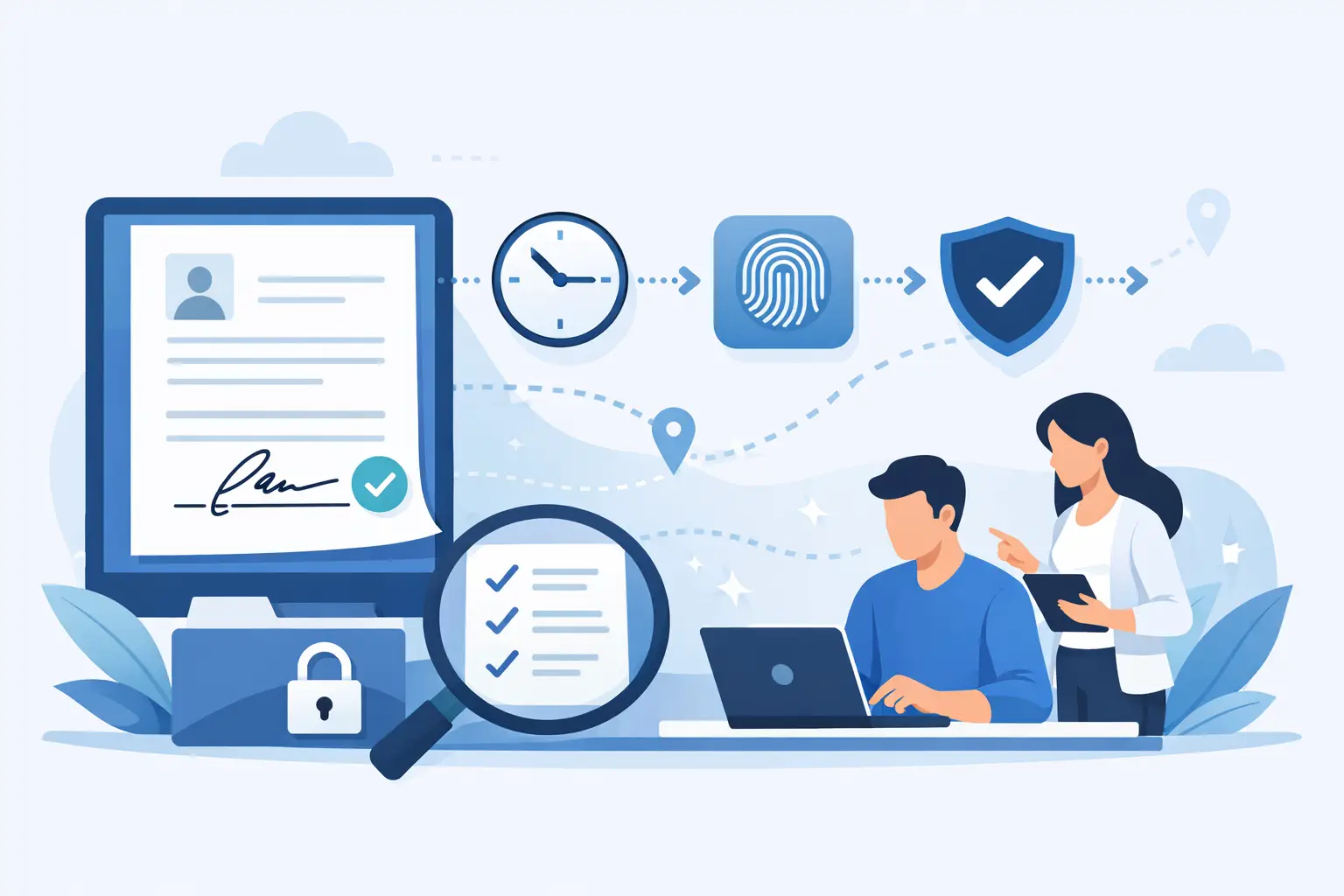
A contract is not proven by a signature alone. When a customer, employee, or vendor later asks who signed, when they signed, or whether the document changed afterward, you need evidence that answers those questions quickly. That is how does audit trail work in practice: it creates a time-stamped record of the agreement journey, from sending through signing and completion.
For teams handling high-value, regulated, or high-volume agreements, an audit trail turns a completed document into a defensible record. It helps legal, compliance, HR, sales, and operations teams show what happened without digging through inboxes, screenshots, and disconnected systems.
How does an audit trail work?
An audit trail is a chronological activity log attached to a document or agreement workflow. It records meaningful events as they occur and associates them with the relevant recipient, account, or system action.
In an eSignature workflow, the trail commonly begins when a sender uploads a document, applies fields, and sends an invitation. It continues as recipients receive the request, open the document, complete required fields, approve or decline, and sign. When the workflow finishes, the platform creates a completion record that can be stored alongside the final signed document.
The result is more than a simple list of dates. A useful audit trail connects the event, the actor, the time, and the document state. If a signer completed an agreement at 2:14 p.m., the record should show which email address or verified identity was involved, the IP address used, and whether the signature process was completed before the document was sealed.
What an eSignature audit trail records
The exact contents depend on the provider, workflow configuration, and applicable privacy rules. Still, a complete eSignature audit trail should capture enough detail to reconstruct the signing process without guesswork.
Common records include:
- Document creation, upload, and preparation events
- Sender, recipient, approver, and signer actions
- Invitation delivery, reminders, views, and access attempts
- Timestamps for each event, typically recorded in a consistent time standard
- IP addresses, device or browser details, and email identifiers where configured
- Field completion, consent, approval, decline, and signature events
- Document completion, certificate generation, and tamper-evident sealing
This event history matters because a signature image by itself provides limited context. A typed name, drawn signature, or click-to-sign action becomes stronger evidence when it is paired with a record showing how the signer was invited, what they reviewed, when they acted, and how the final document was protected.
A simple example
Imagine a sales team sends a services agreement to a customer with two signers and an internal finance approval step. The audit trail may show that the agreement was created Monday morning, approved internally at 10:06 a.m., sent to the customer at 10:09 a.m., viewed by the first signer at 1:42 p.m., and signed at 1:49 p.m.
It can then show the second signer completed their required fields and signed the next day. Once every required action is complete, the system marks the agreement as finished, generates the audit certificate, and seals the completed document. If someone later disputes the timeline, the team has a single, ordered record instead of a chain of email messages.
Why timestamps and IP addresses matter
Timestamps establish sequence. They show whether an approver acted before a document was sent, whether a signer received the agreement before signing it, and whether the final file was completed before it was archived.
IP addresses add another useful signal. They can help connect an action to the network location used at the time. This does not automatically prove a person's identity on its own. People may use shared office networks, mobile networks, VPNs, or proxy services. But combined with a secure email invitation, authentication controls, and a consistent event history, it adds valuable context.
The key word is combined. Audit evidence is strongest when several independent signals point to the same conclusion: the correct person received the agreement, accessed it through the intended workflow, consented to sign, and completed the required action on the final version.
Audit trails are evidence, not a substitute for identity checks
A well-designed audit trail documents activity. It does not always establish identity to the level a specific transaction requires.
For a routine sales contract, email delivery, signer authentication, timestamps, and tamper-evident sealing may provide the right balance of speed and assurance. For employment documents, financial forms, healthcare paperwork, or cross-border agreements, the risk may be higher. In those cases, businesses may need stronger identity verification before the person can sign.
That can include government ID capture, biometric face matching with liveness detection, and database validation. These checks help answer a different question from the audit trail: not only what happened in the workflow, but who was behind the action.
For organizations working with eIDAS requirements, this distinction is especially relevant. An Advanced Electronic Signature requires a stronger connection to the signer and greater control over the signing process than a basic electronic signature. The audit trail remains essential, but it works alongside identity verification and document integrity controls.
How tamper-evident sealing protects the final record
An audit trail is only useful if the final agreement can be tied to the version that was actually signed. That is where tamper-evident sealing comes in.
After completion, the system applies a cryptographic protection mechanism to the final document and its record. If someone alters the signed file afterward, the seal can indicate that the document no longer matches the completed version. This protects against a common and costly question: was this the same agreement the signer saw?
Tamper-evident does not mean nobody can ever edit a copy. It means unauthorized changes to the protected completed version can be detected. Teams should keep the original completed document and its audit certificate together, with clear retention controls, rather than relying on a downloaded copy sent around by email.
At BeeSign, audit trails log document sends, views, and signatures with timestamps and IP addresses, while tamper-evident sealing helps preserve the integrity of the completed agreement. Documents are encrypted in transit with TLS and at rest with 256-bit AES, so the evidence is protected while the workflow is active and after it is complete.
What makes an audit trail reliable
Not every activity log has the same evidentiary value. A reliable audit trail is generated automatically by the platform rather than assembled manually after the fact. It should be tied directly to the document workflow, preserve event order, and remain available with the completed agreement.
Security controls matter too. Workspace isolation reduces the chance that the wrong team can access sensitive records. Expiring links limit unnecessary exposure. Role-based permissions make it clearer who can prepare, approve, send, or manage documents. Encryption protects the agreement and its supporting record from unauthorized access.
Retention is the other practical consideration. A completed agreement may matter years after it is signed, especially for employment, real estate, vendor, or regulated records. Before selecting an eSignature platform, decide how long documents and audit certificates must be retained, who can retrieve them, and whether you need to store them in your own cloud environment.
Use audit trails to improve the workflow, not just defend it
Audit trails are often discussed only when a dispute arises. Their everyday value is operational. Sales teams can see whether a prospect opened a contract. HR can identify where an onboarding packet stalled. Legal can confirm that an approval occurred before a document was released. Compliance teams can retrieve a consistent record without chasing multiple departments.
The best workflow keeps this evidence automatic. Upload the document, add recipients and fields, set signing order and approvals, then send and track. Each required action becomes part of the record as the process moves forward.
When an agreement matters, make the proof part of the process from the first send. That keeps documents moving in minutes while giving your team the evidence it needs when the details matter most.
Ready to transform your workflow?
Start using BeeSign today and experience the future of document signing