How to Verify Signer Identity Online
Learn how to verify signer identity online with the right checks, audit trails, and risk-based methods for contracts, HR, and regulated forms.
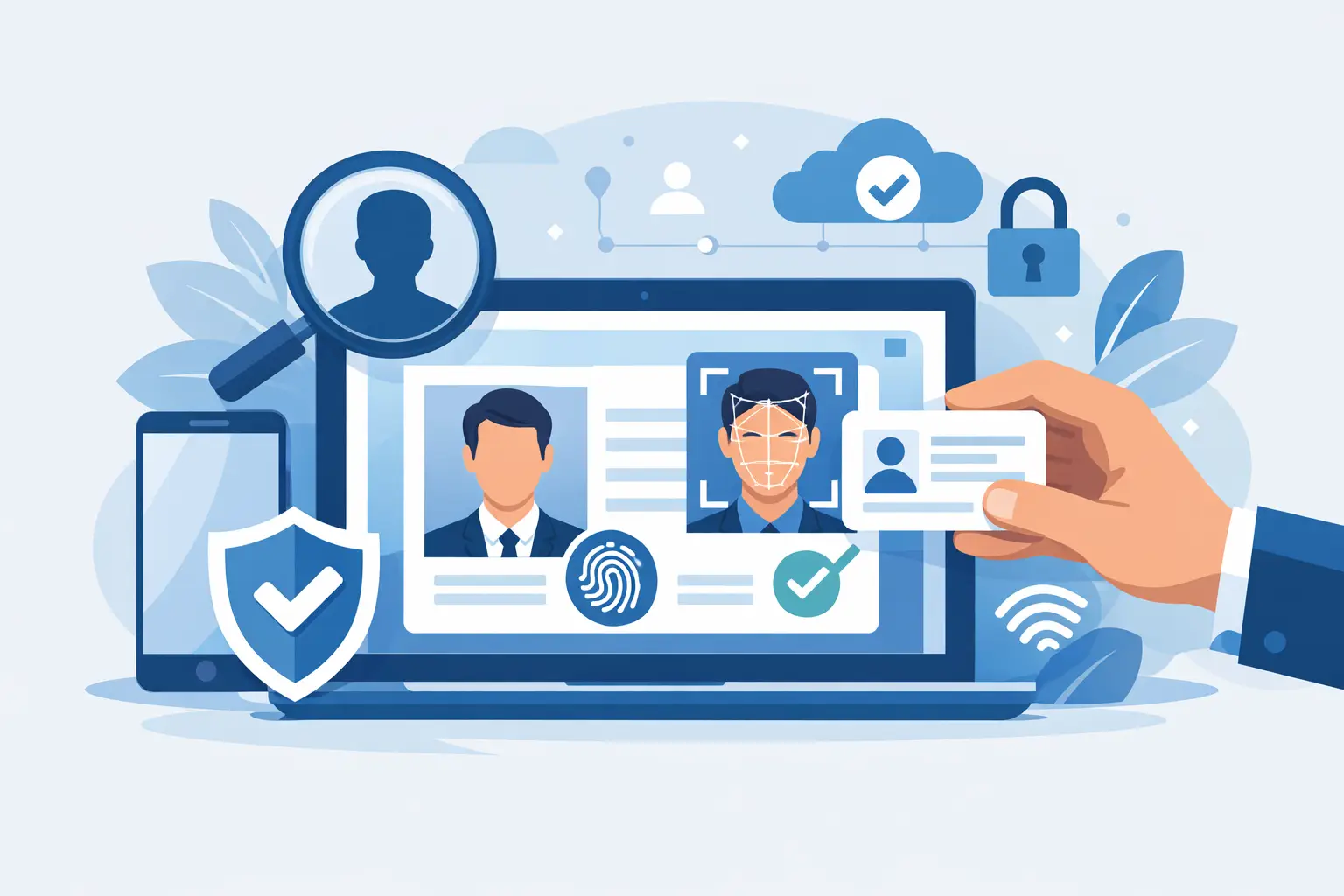
A signed contract is only as strong as your confidence in who actually signed it. That is why teams asking how to verify signer identity online are usually not chasing a nice-to-have feature. They are trying to reduce fraud, satisfy compliance requirements, and avoid the mess of disputing a signature after the fact.
For a low-risk sales order, an email-based signature may be enough. For an employment agreement, medical form, financing document, or cross-border contract, that same level of assurance may fall short. The right approach depends on the document, the risk, and what you may need to prove later.
How to verify signer identity online without slowing down the deal
The mistake most teams make is treating identity verification like a separate project. In practice, it works best when it is built directly into the signing flow. The signer receives the document, completes the required identity checks, signs, and leaves behind an audit trail that ties the action to a verified person.
That matters because speed and assurance are not opposites. If your process forces people to jump across tools, upload files by email, or wait for manual review on every agreement, adoption drops fast. A better workflow keeps the checks proportional to the risk and makes the signer experience clear from the start.
Start with the risk level of the document
Not every agreement needs the same identity standard. A simple NDA between known business contacts is different from a power of attorney, a regulated financial form, or a contract that may need stronger evidentiary weight in court.
A practical way to decide is to ask three questions. What is the impact if the wrong person signs? What regulations or internal policies apply? And how likely is it that the signature will be challenged later? Those answers tell you whether you need basic signer authentication, stronger identity proofing, or a higher-assurance signature tied to compliance standards.
Use layered verification, not a single signal
A typed name or clicked checkbox does not verify identity on its own. It may document intent, but it does not prove the signer is who they claim to be. Strong online verification usually combines several signals.
The first layer is access control. That can include sending the document to a specific email address, requiring a one-time passcode, or limiting access with expiring links. This helps confirm the signer controls the intended inbox or device, but it is still only a starting point.
The second layer is signer authentication. This often means SMS or email OTP, knowledge-based checks where allowed, or account-based login. These methods add friction in a useful way, but they vary in strength. SMS can be convenient, for example, yet it may not be enough for higher-risk use cases on its own.
The third layer is identity proofing. This is where the signer submits a government ID, completes biometric face matching, and passes a liveness check to show they are a real person present at the time of signing. Database validation can add another signal by comparing identity details against trusted records. When these checks are done inside the same workflow, you get a clearer chain of evidence.
The strongest methods for verifying signer identity online
If you need real confidence, especially in regulated or disputed scenarios, identity verification should go beyond inbox access and into evidence that ties the signer to a verified identity.
Government ID verification
This method asks the signer to capture an ID document such as a driver’s license or passport. The system checks security features, extracts key data, and evaluates whether the document appears authentic. It is a strong step because it anchors the process to an official credential.
There are trade-offs. Some users may have trouble with image quality, older documents, or regional ID formats. That is why the user flow matters. Good instructions and mobile-friendly capture can make the difference between a fast signing session and a stalled agreement.
Biometric face match with liveness detection
Face matching compares a selfie or live camera capture to the portrait on the ID. Liveness detection adds protection against spoofing by testing whether the signer is physically present rather than presenting a photo, replay, or mask.
This is one of the clearest ways to connect the person, the ID, and the signature event. It is especially useful when the signer is unknown to your team or when the document carries legal or financial risk. The trade-off is sensitivity. You need a provider that handles edge cases well and explains failures clearly so legitimate users are not locked out without guidance.
Database validation
Database checks compare submitted identity details against external data sources. That can strengthen confidence that the person is real and that core details line up. It is often used as a supporting signal rather than the only proof point.
Coverage varies by geography and data source, so this method is helpful but not universal. For global workflows, you need to know where database validation works well and where other methods should carry more weight.
What makes an online signature defensible later
Identity verification is only part of the picture. If a signature is ever challenged, you will also need evidence showing what happened, when it happened, and whether the document changed afterward.
That is where audit trails matter. A solid audit record logs the send, delivery, views, authentication steps, signature events, timestamps, and IP addresses. Tamper-evident sealing adds another layer by showing whether the document has been altered after signing.
This combination is what turns a digital signature workflow from convenient to defensible. Without it, even a strong identity check can lose value because the surrounding evidence is thin. With it, your team has a clearer record of signer intent, document integrity, and the path taken from send to signature.
Compliance changes the bar
For many businesses, how to verify signer identity online is not just an operational question. It is a compliance question.
If you operate in the EU or serve EU customers, eIDAS may affect what level of signature and identity assurance you need. If you handle healthcare, finance, education, or employment records, internal policy and sector rules can also raise the bar. The point is not that every document needs the highest available standard. It is that your process should be able to step up when the use case requires it.
That is why integrated platforms matter. A workflow that supports standard eSignatures for routine documents and stronger, identity-verified signing for higher-risk ones gives teams flexibility without forcing them into separate tools. BeeSign, for example, combines document workflow with government ID capture, biometric face matching with liveness detection, database validation, and full audit trails so teams can move fast without losing control.
Common mistakes that weaken identity verification
The first is relying on email alone and calling it verification. Email delivery helps route the document, but it does not prove the intended person signed.
The second is applying the same process to every document. That sounds simple, yet it usually means one of two bad outcomes: low-risk documents get too much friction, or high-risk documents get too little protection.
The third is forgetting the evidence layer. Teams may add a one-time passcode or ID check, then fail to preserve a detailed audit trail, document certificate, or tamper-evident record. If the process cannot be reconstructed later, confidence drops.
The fourth is ignoring the signer experience. If instructions are confusing, the mobile flow is clumsy, or the verification step feels suspicious, completion rates fall. Security works better when the path is obvious and quick.
A practical standard for most teams
If you are setting a policy for your organization, use a tiered model. For routine internal or low-risk agreements, require named recipients, access controls, and a complete audit trail. For medium-risk agreements, add one-time passcodes or account authentication. For high-risk, regulated, or high-value documents, require identity proofing with government ID, biometric face match, liveness detection, and tamper-evident sealing.
That approach gives you a clear operating model without overcomplicating every send. It also helps sales, HR, legal, and compliance teams stay aligned instead of arguing about signature standards one document at a time.
The best online identity verification is the kind that fits the document, respects the signer, and leaves a record you would be comfortable handing to legal, compliance, or a judge. If your current process cannot do all three, that is the place to fix first.
Ready to transform your workflow?
Start using BeeSign today and experience the future of document signing