How to Sign PDFs Remotely for Business
Learn how to sign PDFs remotely with a fast, secure workflow for teams. Send, sign, track, and complete business documents from any device.
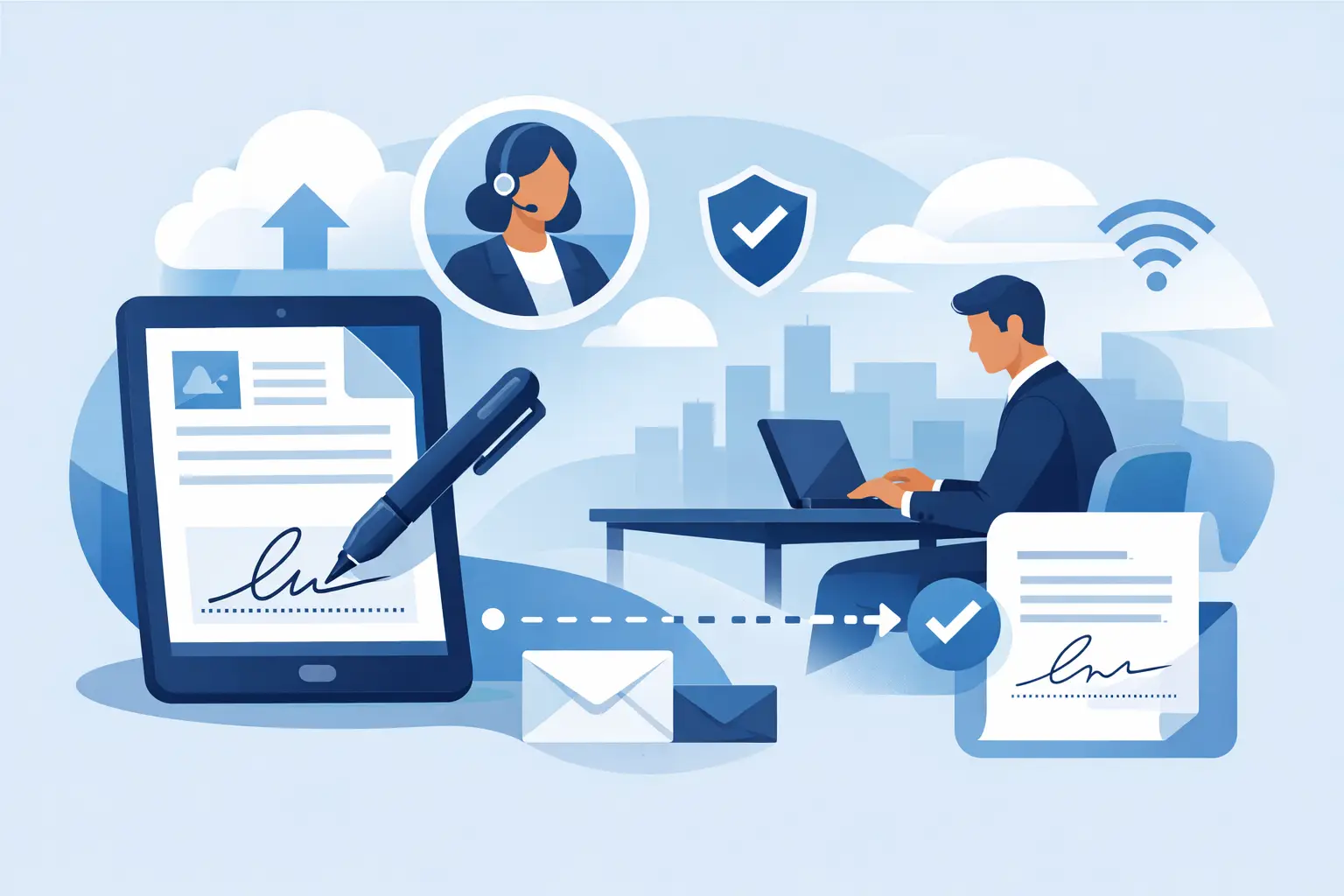
A contract is ready, the client is traveling, legal needs a record, and nobody wants to print, scan, and chase email attachments. That is exactly why businesses ask how to sign PDFs remotely. The right process cuts turnaround time from days to minutes while giving your team more control over approvals, security, and status.
How to sign PDFs remotely without slowing down work
At a basic level, remote PDF signing means uploading a document, adding the right fields, sending it to the right people in the right order, and collecting signatures electronically. For business use, though, the method matters. A quick signature is helpful, but a fast signature with tracking, authentication, and a clear audit trail is what keeps deals moving and records defensible.
If your current process still depends on downloaded attachments, handwritten signatures, or scattered email confirmations, the problem is rarely the PDF itself. It is the workflow around it. Remote signing works best when the document stays in one controlled system from send to completion.
Step 1: Upload the PDF and prepare it for signing
Start with a clean final version of the document. That sounds obvious, but many delays happen because teams send a PDF before the language, pricing, or signer details are locked. Once a document is out for signature, revisions create confusion and version risk.
Upload the PDF into an e-signature platform and review the layout before sending. If you need to adjust text, dates, or formatting, do it before adding recipients. Some tools also let you make simple edits inside the workflow, which is useful when a contract needs a quick correction without starting over.
Step 2: Add recipients and set the signing order
The next step in how to sign PDFs remotely is deciding who needs to sign and when. Some documents only need one signer. Others require a sequence, such as sales first, then the customer, then finance or legal.
Routing matters because it removes back-and-forth. Instead of manually forwarding the file and asking, “Can you sign this next?” you set the order once and let the workflow handle it. For teams sending offer letters, vendor agreements, sales contracts, or real estate paperwork, this saves time and reduces follow-up work.
Be careful not to overcomplicate routing. If everyone can sign at once, parallel signing is faster. If approvals need a specific order, keep it strict. The best choice depends on your internal controls and how much risk is attached to the document.
Step 3: Place signature and required fields
A signed PDF is only useful if the document is complete. That means placing signature fields, initials, dates, names, titles, or any other required inputs exactly where they belong.
This is where remote signing becomes practical rather than messy. Instead of asking signers to figure out where to click or what to fill in, you guide them through the document. That lowers signer error, speeds completion, and reduces the chance of receiving a half-finished agreement.
For higher-volume teams, templates can make this step much faster. If you send the same NDA, quote approval, or onboarding packet over and over, a reusable layout keeps the process consistent.
What to look for when you sign PDFs remotely
Not every remote signing method is built for business. If you are choosing a process or platform, focus less on novelty and more on control.
First, make sure the signature is legally binding in the context you operate in. For many routine business documents, standard electronic signatures are enough. For higher-trust or regulated use cases, you may need stronger verification, such as one-time passcodes, ID checks, or certificate-backed signatures. It depends on the jurisdiction, the transaction type, and your internal compliance standards.
Second, look for an audit trail. A proper record should show who signed, when they signed, and what actions happened along the way. If a dispute ever comes up, that history matters far more than a simple image of a signature.
Third, check device flexibility. Remote signing should work on desktop and mobile without forcing signers through a complicated setup. If the signer is a customer, candidate, vendor, or outside counsel, every extra step increases the chance of delay.
Step 4: Send the document and track progress
Once the PDF is prepared, send it through the platform rather than as a loose attachment. That gives you visibility into whether the document was delivered, opened, viewed, or signed.
This is one of the biggest operational advantages of remote signing. You are not guessing whether someone saw your email. You can track status in real time and follow up based on actual activity.
For sales and operations teams, that visibility is more than a convenience. It changes how work gets managed. A rep can see that a proposal was opened but not signed. HR can tell which onboarding packet is still pending. Legal can confirm that the final version was fully executed and stored.
If reminders are available, use them. Manual follow-up drains time and often happens too late. Automated nudges keep documents moving without adding admin work.
Step 5: Complete, store, and share the final signed PDF
The last step is completion, but this is also where a lot of businesses create unnecessary risk. Once all parties sign, the final PDF should be locked, timestamped, and stored in a place your team can access when needed.
A completed document should not live only in someone’s inbox. It should be easy to retrieve, easy to verify, and associated with the right customer, employee, or transaction record. If your team regularly handles contracts, compliance documents, or approval forms, organized storage is not optional. It is part of the workflow.
The stronger platforms also make collaboration easier after signature. Teams can review status, access the signed file, and confirm completion without asking one person to forward the final copy.
Common mistakes when learning how to sign PDFs remotely
The biggest mistake is treating remote signing like a digital version of printing and scanning. That usually means emailing a PDF, asking someone to sign however they can, and hoping the result is usable. It works sometimes, but it does not scale well, and it creates gaps in security and accountability.
Another common issue is skipping identity checks when the document carries more risk. A simple e-signature may be enough for a low-risk agreement, but for sensitive transactions, stronger signer authentication is worth the extra step. There is a trade-off here. More verification can add slight friction, but it also raises trust and helps support compliance.
Businesses also lose time when they send documents without a clear signer experience. Missing fields, unclear routing, and broken formatting all slow down completion. Remote signing should reduce friction, not move it onto the recipient.
When remote PDF signing makes the biggest impact
Almost any team that handles approvals can benefit, but the gains show up fastest in high-volume, time-sensitive workflows. Sales teams close faster when contracts are signed from any device. HR teams move candidates through hiring without waiting on paperwork. Real estate teams keep transactions on track even when buyers, agents, and brokers are in different places. Legal and compliance teams gain a clearer record of who signed what and when.
The bigger your approval bottleneck, the more value remote signing creates. It is not only about replacing paper. It is about reducing delays, removing status uncertainty, and making document execution easier for both your team and the people you do business with.
If you want a practical standard, the best remote signing process should let you upload a PDF, assign signers, add fields, send in minutes, and track every step to completion. That is the point where convenience turns into a real business advantage. Platforms like BeeSign are built around that exact model, with the option to add stronger identity verification when the document calls for it.
Remote signing works best when it feels simple to the signer and controlled to the business. If your team can send faster, your recipients can sign without friction, and every completed PDF comes with a clear record, you are not just replacing paper. You are fixing a workflow that has been costing you time all along.
Ready to transform your workflow?
Start using BeeSign today and experience the future of document signing