HR Onboarding Document Signature Made Simple
Speed up every hr onboarding document signature with secure workflows, audit trails, and identity checks that keep hiring moving.
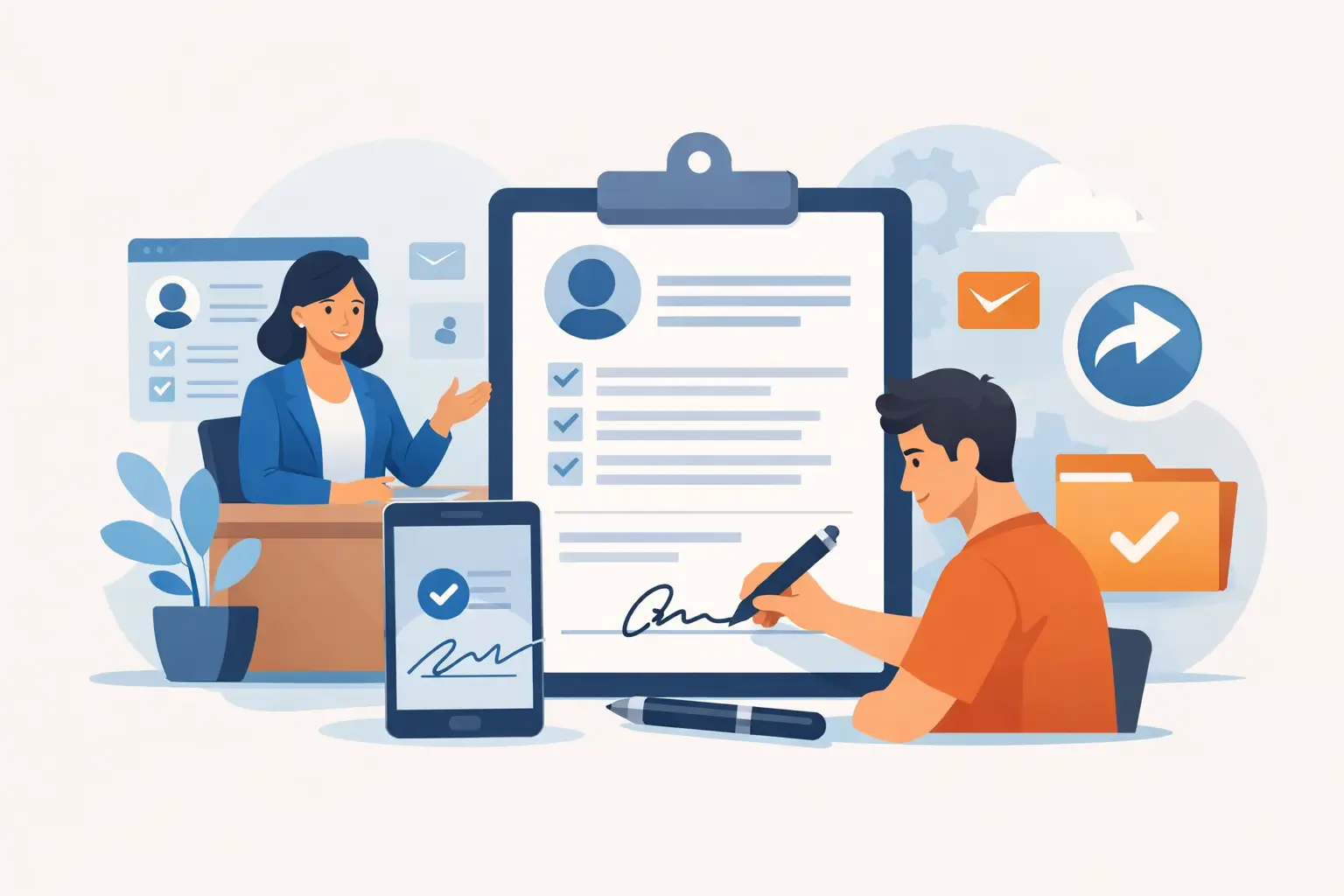
A new hire is excited on day one. HR is juggling offer letters, tax forms, policy acknowledgments, direct deposit details, and benefit enrollments. Then someone realizes one document is still unsigned. That is where an hr onboarding document signature process either keeps hiring on track or slows everything down.
For most teams, the problem is not the signature itself. It is the messy handoff between documents, people, approvals, and proof. A packet gets emailed as separate PDFs. A manager forgets to approve. A candidate signs on a phone, but one field is missed. HR has to chase it down, resend the file, and update three systems manually. The delay feels small until it happens across every hire.
A better process fixes more than speed. It gives HR a repeatable way to collect signatures, verify who signed, track every action, and keep sensitive documents secure from the start.
What an HR onboarding document signature process really needs
At a basic level, HR needs employees to sign forms. In practice, onboarding is more layered than that. Some documents only need a simple signature. Others need manager approval before the employee signs. Some require identity confidence because the document affects payroll, compliance, access, or regulated records.
That is why a strong onboarding workflow should do four things well. It should let HR prepare templates once instead of rebuilding packets for every hire. It should route documents in the right order, so approvals happen before signing when needed. It should capture a clear audit trail showing when a document was sent, viewed, and signed. And it should protect sensitive employee data with real security controls, not just a password on an email attachment.
If one of those pieces is missing, the process starts to fray. Fast signing without auditability can create compliance headaches. Strong security without ease of use can frustrate candidates before they even join. The sweet spot is speed with proof.
Where HR onboarding signatures usually break down
Most onboarding delays come from avoidable workflow gaps, not from unwilling signers. HR teams often inherit a patchwork process made up of email, shared drives, PDF editors, and manual reminders. It works until hiring volume picks up or compliance questions get sharper.
One common issue is version confusion. A recruiter sends one file, HR updates another, and the employee signs an outdated copy. Another is incomplete signing. When forms are not built with required fields, people miss dates, initials, or checkboxes. Then there is visibility. If HR cannot see whether a document was opened, signed, or stuck with an approver, follow-up becomes guesswork.
Security is another weak point. Onboarding packets often include Social Security numbers, home addresses, banking details, and government IDs. Sending those documents back and forth over email may be familiar, but familiar does not mean safe. If your process handles sensitive data, encryption, tamper evidence, and controlled access should not be optional extras.
How to build a faster hr onboarding document signature workflow
The best onboarding setups are boring in the best way. HR uploads a template, adds the right fields, assigns recipients, sets the signing order, and sends. The employee signs from any device. HR tracks progress in one place. Done in minutes.
Start with templates. Offer letters, employee handbooks, confidentiality agreements, tax forms, and policy acknowledgments usually follow the same structure every time. Turning those into reusable templates cuts setup time and reduces human error. HR should only need to swap in employee details, role-specific terms, or start dates.
Next, map the signing sequence. Not every onboarding document follows the same path. An offer letter may need internal approval before it goes to the candidate. A policy acknowledgment might go straight to the employee. A background-check consent form may need a separate signer or reviewer. Good workflow tools let HR define the order upfront so no one has to manually coordinate each step.
Then make every required action explicit. Add signature fields, date fields, initials, text fields, and checkboxes where they belong. If a field matters, mark it required. That one step prevents the back-and-forth that drags onboarding out.
Finally, centralize tracking. HR should be able to see the status of every document without digging through inboxes. Sent, viewed, signed, pending approval, completed - this kind of visibility is what keeps hiring moving.
Security and compliance matter more than speed alone
Onboarding documents sit at the intersection of HR, legal, privacy, and IT. That makes security part of the workflow, not a separate concern.
A credible HR onboarding document signature platform should encrypt documents in transit with TLS and at rest with 256-bit AES. It should apply tamper-evident sealing so completed files cannot be altered without detection. It should also generate a full audit trail with timestamps, IP addresses, and event logs for every send, view, and signature.
Those controls matter when a dispute comes up later. If an employee claims they never received a policy, or if auditors ask for proof of completion, HR needs more than a saved PDF. They need evidence.
Identity verification can also matter, depending on the document. For a basic handbook acknowledgment, a standard electronic signature may be enough. For documents tied to higher-risk actions or stricter regulatory standards, HR may want stronger identity checks such as government ID capture, biometric face matching with liveness detection, or database validation. It depends on your risk profile, your geography, and what the document is being used to prove.
This is where many teams overcorrect. Not every onboarding form needs the highest-friction verification step. If you apply advanced identity checks to every document, completion rates may drop and the employee experience can feel heavier than necessary. The smarter approach is tiered trust. Use stronger verification where it matters most and keep lower-risk forms simple.
What to look for in a signing platform for HR
HR does not need another tool that only signs PDFs. They need a workflow system that can handle packets, approvals, storage, and proof in one place.
The practical features are straightforward. Templates save time. Drag-and-drop fields reduce setup errors. Signing order and approval routing keep internal steps organized. Mobile-friendly signing matters because many candidates complete onboarding from a phone. No-app signing matters too, because every extra download creates friction.
For larger teams or regulated environments, the deeper requirements become just as important. Audit trails should be automatic, not manual. Workspace isolation and access controls help keep employee records separated and limited to the right people. Expiring links reduce risk if an email is forwarded. If your company is security-conscious, infrastructure details matter too - where data is stored, how it is encrypted, and whether you can keep documents in your own cloud environment.
If your HR systems are already established, API access can be a big advantage. Instead of asking HR to work across disconnected tools, you can trigger onboarding documents from your HRIS or recruiting platform and keep status updates in sync. That is especially useful for companies hiring at volume, where even small manual steps become expensive.
BeeSign fits well here because it combines templates, approvals, signatures, audit trails, and identity verification in one system, with API and white-label options for teams that need more control.
Why the employee experience matters in onboarding signatures
It is easy to treat signing as a back-office task. New hires do not experience it that way. Their first impression of your operations often starts with the paperwork.
A clunky process sends a message, even if you do not mean it to. Ten scattered attachments, unclear instructions, repeated requests, and inaccessible mobile forms make the company feel disorganized. A clean process does the opposite. One clear email. One place to review documents. Simple prompts. Fast completion. That makes the company feel prepared.
This is not just about polish. Better experience increases completion speed. When forms are easy to understand and complete, HR spends less time chasing signatures and correcting mistakes. Everyone gets to day one with fewer loose ends.
The real payoff of fixing HR signature workflows
When companies improve HR onboarding document signature workflows, the first result is faster turnaround. The bigger result is consistency.
Every hire follows the same process. Every document has a traceable record. Every approval is captured in order. HR can answer basic questions quickly, and compliance teams have the evidence they need when reviews happen. That kind of reliability is hard to build with email chains and shared folders.
There is also a cost angle. Manual onboarding looks cheap until you count the labor behind follow-ups, rescues, corrections, and audits. A system that gets documents signed in minutes instead of days does more than save time. It reduces operational drag across HR, hiring managers, legal, and IT.
If your onboarding process still depends on inboxes and hope, that is usually the signal. The fix is not adding more reminders. It is building a signing workflow that is easy for employees, easy for HR, and strong enough to stand up when proof matters most.
The best onboarding process is the one no one has to think about twice - it just moves, securely and on time.
Ready to transform your workflow?
Start using BeeSign today and experience the future of document signing