HR Onboarding Paperwork Automation Example
See an HR onboarding paperwork automation example that speeds new-hire setup, keeps records organized, and adds secure, traceable signatures for HR teams.
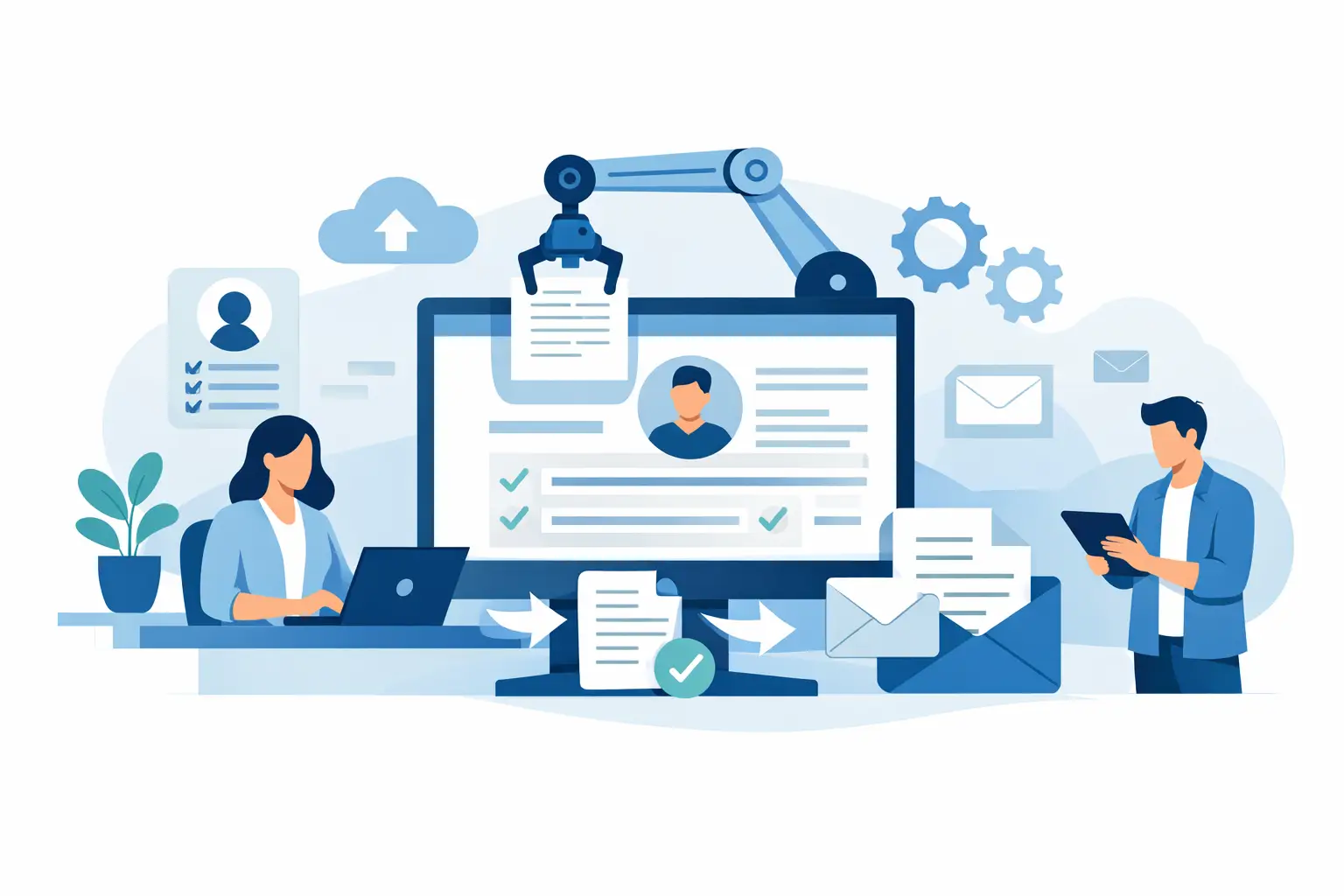
A new employee should not spend their first morning chasing PDFs, printing tax forms, and asking whether someone received their signed handbook. A strong HR onboarding paperwork automation example replaces that scramble with one guided workflow: the right documents go to the right person, in the right order, with every completion tracked.
For HR and people operations teams, the goal is not simply to collect signatures faster. It is to create a reliable employee record, reduce manual follow-up, protect sensitive personal information, and give new hires a calmer first impression of the company.
What HR onboarding paperwork automation looks like
Imagine a 75-person company hiring a full-time employee in California. The HR manager currently emails a welcome packet containing an offer letter, Form I-9 instructions, a direct deposit form, an employee handbook acknowledgment, a confidentiality agreement, and state-specific notices. Some documents require a signature. Others require details from the employee. A few require internal approval or review.
With an automated workflow, HR selects the California full-time employee template package, enters the new hire's name, personal email, start date, department, manager, and job title, then sends the packet. The platform automatically populates those details across each document, rather than asking HR to edit six separate files.
The employee receives a branded email and opens the packet from a phone or laptop. Required fields guide them through each form. They cannot skip a signature, date, bank detail, or acknowledgment that has been marked mandatory. Once completed, the system records when the documents were sent, viewed, signed, and finalized.
At the same time, the hiring manager receives the policy acknowledgment that requires their approval. Payroll receives a completed direct deposit form only after the employee submits it. HR receives a notification when the packet is complete and can store the finalized documents in the employee file.
That is the practical value of automation: one event - a new hire being created - triggers a controlled set of tasks instead of a chain of emails and reminders.
A step-by-step HR onboarding paperwork automation example
The workflow below is designed for a growing company that wants a repeatable process without making onboarding feel cold or overly complicated.
1. Build role and location-based document packages
Start with the paperwork that applies to every employee, then create variations for location, employment type, and department. A full-time US employee may receive different forms than a contractor, a remote employee, or an employee working in another state.
A typical package might include the offer letter, employment agreement, confidentiality and invention assignment agreement, employee handbook acknowledgment, tax and payroll forms, direct deposit authorization, emergency contact form, equipment agreement, and required state notices.
The trade-off is between one universal packet and many highly specific ones. A universal packet is easier to maintain, but it can create irrelevant steps and increase errors. Too many templates become difficult to govern. Most teams do best with a small set of standardized packages based on the differences that genuinely affect compliance or operations.
2. Turn repeatable documents into templates
Templates prevent the most common HR paperwork errors: wrong employee names, outdated language, missing signature lines, and forgotten dates. Use merge fields for information that repeats across documents, such as legal name, job title, start date, manager, work location, and compensation details.
Then add the appropriate fields to each template. An offer letter may need signatures from the candidate and an authorized company signer. A direct deposit authorization needs employee-entered banking information. A handbook acknowledgment may require a checkbox confirming the employee received and read the policy.
Keep the fields focused. Asking for information you do not need makes the process slower and creates more sensitive data to secure. For example, an emergency contact form may be useful for HR, while a separate form asking the same question for every internal system is not.
3. Set signing order and internal approvals
Order matters. In many cases, the company should sign an offer letter before sending it to the candidate. In other cases, the employee signs first and an HR representative countersigns after reviewing the completed form.
Set these rules into the workflow rather than relying on someone to remember them. You can also add conditional approvals. For example, an executive hire's compensation agreement may need legal and finance approval before it goes out, while a standard hourly offer follows a simpler path.
Automation should remove repetitive routing, not hide meaningful decisions. If compensation, immigration status, background check results, or special accommodations need human review, keep a clear approval point in the process.
4. Send a guided packet, not a folder of attachments
A packet should feel like a short, organized task list for the new hire. Use clear document names, plain-language instructions, and a welcome message that explains what to expect. Tell the employee how long it should take, which details they should have ready, and who to contact if they get stuck.
For sensitive forms, use secure access controls and avoid sending completed documents back and forth as email attachments. The employee should be able to complete required fields, sign, and submit from a single secure experience.
BeeSign can support this kind of flow with templates, forms, recipient routing, and no-app signing from any device. That keeps the process quick for the employee while giving HR one place to track the packet.
5. Automate reminders without nagging people
People miss onboarding deadlines for ordinary reasons: they are traveling, their personal email filtered the message, or they are waiting for a question to be answered. Automated reminders are useful, but the tone and timing matter.
Send an initial reminder a few days after the packet is delivered, followed by a final reminder before the start date. Escalate incomplete packets to HR only when action is needed. A hiring manager does not need an alert for every unopened email.
The best reminder workflow is visible but respectful. It helps employees finish their tasks without making HR look like it is chasing paperwork all week.
Security and audit trails are part of the workflow
Onboarding paperwork contains personal data, banking details, tax information, addresses, and sometimes identification documents. Speed is valuable, but sending sensitive forms through untracked email threads is not a good shortcut.
Look for protections that match the sensitivity of the documents: encryption in transit and at rest, role-based workspace access, tamper-evident document sealing, and complete audit trails. A useful audit trail records the send event, views, signatures, timestamps, and IP addresses. This gives HR a clear record if an employee later questions whether they received or signed a document.
Identity verification may also be appropriate for higher-risk agreements or regulated workflows. Government ID capture, biometric face matching with liveness detection, and database validation can provide stronger evidence of who signed. Not every onboarding form requires this level of assurance, so apply it where the risk and legal requirements justify it.
Electronic signatures are widely accepted, but requirements vary by document type, jurisdiction, and industry. HR teams should involve legal counsel when setting policies for documents with special retention, disclosure, identity, or wet-signature requirements. Automation makes a policy easier to follow. It does not replace the policy.
What happens after the employee signs
A complete packet is only useful if the information reaches the right systems and people. After completion, HR should receive the finalized documents and completion status. Payroll should receive only the data it needs. IT can receive a task to provision accounts and equipment. The manager can receive a confirmation that the employee is cleared for day one.
For higher-volume teams, this is where API-first workflows become valuable. A hiring system can create the packet when a candidate reaches a certain stage, while the agreement platform returns signing status to the employee record. The workflow should mirror the real process, not force HR to enter the same information in multiple places.
Set retention rules as well. Some forms belong in the personnel file, while others should be stored separately with more limited access. Standardized naming and storage make audits, employee requests, and internal reviews much less painful later.
Measure whether the workflow is actually working
Track packet completion time, the number of reminder cycles, incomplete fields, documents that trigger questions, and manual corrections after submission. These signals reveal where the process is causing friction.
If most new hires pause on direct deposit, the instructions may be unclear. If HR repeatedly corrects location-specific notices, the template logic needs work. If one department takes twice as long to approve packets, that is an operational issue worth fixing.
A good onboarding workflow should feel almost invisible to the employee: clear steps, secure forms, no duplicate requests, and a confirmed finish. Give HR that kind of process, and the first signed document becomes the start of a better employee experience rather than the first administrative obstacle.
Ready to transform your workflow?
Start using BeeSign today and experience the future of document signing