Multi Signer Contract Workflow Software That Works
Multi signer contract workflow software keeps approvals, signing order, identity checks, and audit trails in one secure, fast-moving process for teams.
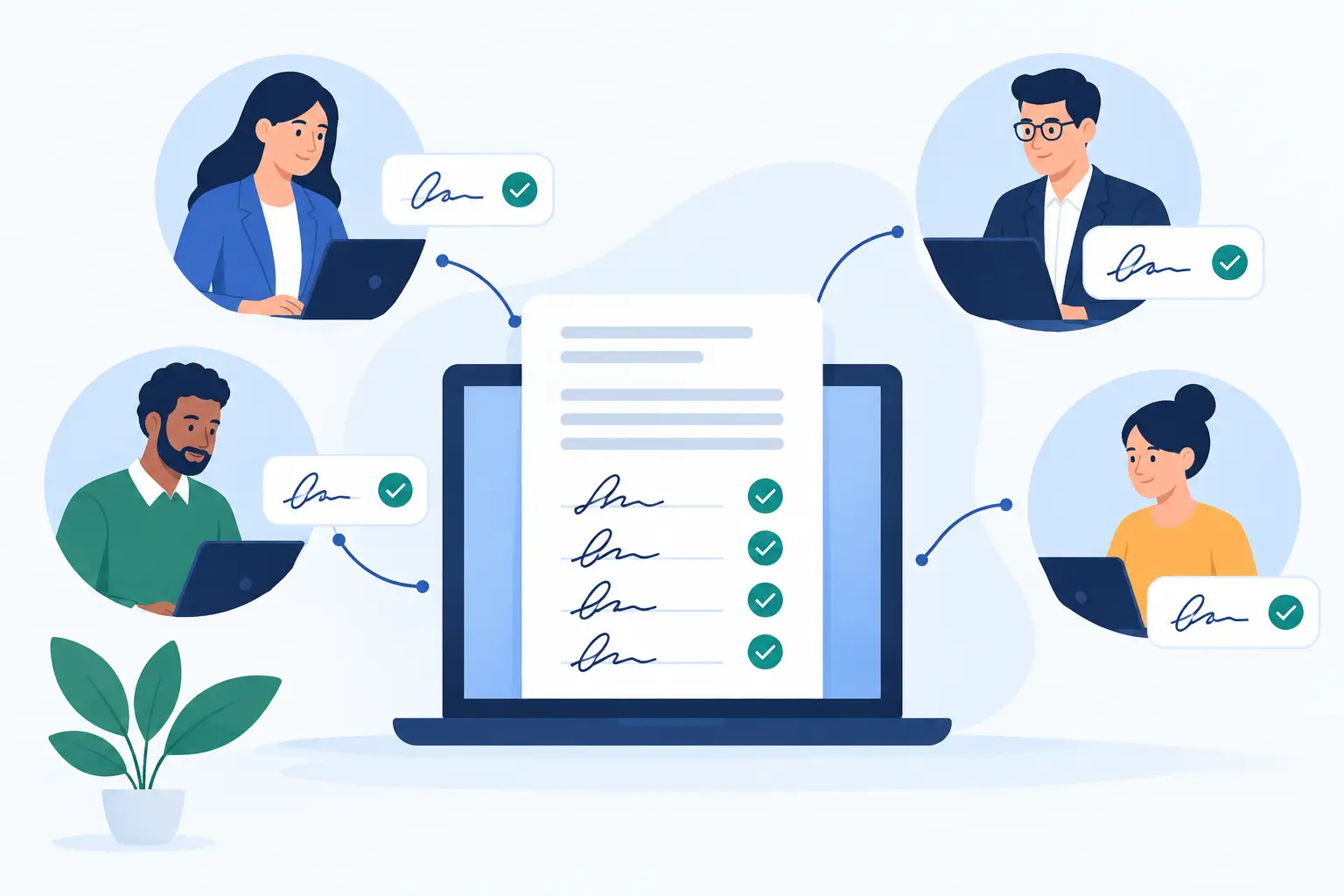
A contract rarely stalls because someone cannot sign. It stalls because the right people do not know it is their turn, an approver is left off the email chain, or the final PDF disappears into someone’s inbox. Multi signer contract workflow software replaces that chase with a visible, controlled process: each participant gets the right task at the right time, and every action is recorded.
For sales, legal, HR, operations, and compliance teams, that means fewer follow-ups, faster agreements, and a stronger record when someone asks who approved what and when.
What multi signer contract workflow software should do
A useful workflow tool does more than put signature boxes on a PDF. It coordinates the people and decisions required to turn a draft into an executed agreement.
Start with the document. A contract owner uploads a PDF or starts from an approved template, then adds fields for signatures, initials, dates, titles, text responses, and checkboxes. Each field belongs to a specific recipient, so there is no confusion about who needs to complete it.
Next comes routing. Some agreements need a simple sequence: a sales representative signs first, then the customer, then an internal counter-signer. Others need parallel work, such as two department heads reviewing the same vendor agreement at once. Good software supports both, without forcing teams to rebuild the document for every variation.
Finally, the platform should create a dependable record. That includes the sent date, views, reminders, completion timestamps, and recipient IP addresses. A completed agreement should carry tamper-evident sealing and an audit trail that makes the signing history easy to review.
Why signing order is only part of the workflow
Signing order matters, but it is not the whole job. Many contracts must be approved before they can be sent, while others need a final review after an outside party has signed. Treating all of those steps as signatures creates clutter and gives the wrong people the wrong permissions.
The better approach is to separate approval tasks from signing tasks. An approver can accept or reject a document without becoming a signer. A signer can receive the agreement only after legal approval. A contract owner can be notified immediately when a step is complete, rejected, or overdue.
This distinction is especially valuable for teams with delegated authority. A procurement manager may approve a spend threshold, while a finance leader signs the agreement. HR may prepare an offer letter, a hiring manager may approve it, and the candidate may sign last. The workflow should match the business process, not force the business process to match a generic signature tool.
Build the workflow before you send the contract
The fastest contract process is designed before the first reminder is needed. Map the usual path for each agreement type, then turn it into a reusable template.
For a standard sales contract, the path may be legal approval, internal signature, customer signature, and a completed-copy notification to the account owner. For an employee onboarding packet, the sequence may include HR preparation, employee signatures, and manager acknowledgment. Sensitive medical or financial documents may need stronger identity checks before the signature request is released.
Templates make these patterns repeatable. They also reduce the risk of sending an old clause, forgetting a required field, or routing an agreement to the wrong person. Use clear recipient roles such as “Customer Signer,” “Legal Approver,” or “HR Manager” instead of assigning fields to named individuals whenever possible. The next contract can then be prepared in minutes by selecting the appropriate person for each role.
Conditional routing can be worth the added setup for complex processes. For example, agreements above a certain value may require finance approval, while lower-value deals do not. The trade-off is maintenance: conditional workflows should be documented, reviewed, and kept narrow enough that administrators can explain them without a flowchart the size of a wall.
Keep every participant moving without losing control
Email remains useful for delivery, but it is a poor system of record. A multi-party workflow needs a central view of every agreement: who has completed their task, who is waiting, and what step comes next.
Automated reminders help, especially when customers are busy or managers are traveling. They should be persistent enough to move the process forward, but not so aggressive that they feel like spam. Expiring links are another practical control for time-sensitive agreements, provided the owner can resend a new request when needed.
Mobile access matters, too. A director may review a contract between meetings, while a customer may sign from a phone. Recipients should be able to complete their assigned steps from any device without downloading an app. At the same time, they should not be able to edit fields that belong to another signer or skip a required action.
That combination of convenience and permission control is where workflow software earns its place. The goal is not simply to collect a signature. It is to make the correct next action obvious and hard to bypass.
Choose the right level of signer verification
Not every agreement needs the same identity assurance. A routine internal acknowledgment may only require a secure email invitation and a detailed audit trail. A high-value agreement, cross-border transaction, or regulated form may call for more.
Identity verification can include government ID capture, biometric face matching with liveness detection, and database validation. These checks provide stronger evidence that the intended person signed, rather than someone with access to their inbox. When the use case requires it, verified identity can support eIDAS-compliant Advanced Electronic Signatures.
More assurance usually introduces more friction. Some customers will welcome a verification step for a mortgage-related document or financial authorization; others may abandon a simple commercial agreement if the process feels disproportionate. Match the verification level to the document’s risk, legal requirements, and the consequences of a disputed signature.
Security and auditability are workflow features
When contracts pass through multiple people, security cannot be an afterthought. Every handoff expands the chance of an accidental forward, an unauthorized edit, or a missing record. The right platform protects the document while also proving what happened to it.
Look for encryption in transit with TLS and encryption at rest with 256-bit AES. Confirm that completed agreements are tamper-evident and that the audit trail captures meaningful events, including sends, views, signatures, timestamps, and IP addresses. For enterprise teams, workspace isolation, access controls, and data retention practices matter just as much as the signature screen.
Data location can also shape the decision. Some organizations need documents and completion certificates to remain in their own cloud storage. Others need a branded signing experience under their own domain, with messages sent from a verified company email domain. These requirements are not cosmetic. They affect customer trust, vendor reviews, and the ability to standardize agreement operations across the business.
Connect contracts to the systems your team already uses
A workflow becomes more valuable when it starts where work already happens. Sales teams may generate agreements from a CRM record. HR teams may trigger onboarding paperwork from an employee system. Product teams may need to create and send agreements directly from their application.
An API-first platform gives those teams control without requiring users to leave their existing tools. The strongest APIs mirror the dashboard: create documents, apply templates, add recipients, set signing order, monitor status, and manage teams through clear endpoints. This avoids the common gap where a platform looks capable in the UI but cannot support the same process at scale through automation.
BeeSign brings documents, templates, approvals, identity verification, and legally binding signatures into one secure agreement workflow, with an API for teams that need to embed the process in their own product or internal systems.
A practical way to evaluate software
Before choosing a platform, test one real workflow rather than a polished demo scenario. Use a contract with an internal approver, two signers, required fields, a reminder, and a completed-copy notification. Then ask whether an administrator can see the full status without asking the vendor for help.
Check what happens when a signer declines, an approver rejects, or the wrong recipient is assigned. Those exceptions reveal more about the product than a perfect happy path. Also review the completion certificate, security documentation, identity options, branding controls, and integration limits before making a long-term commitment.
The right system will not make every contract simple. Some agreements are genuinely complex. It will make the process visible, repeatable, and defensible, so your team can spend less time asking for signatures and more time acting on signed agreements.
Ready to transform your workflow?
Start using BeeSign today and experience the future of document signing