OTP Verified Electronic Signature Explained
Learn how an otp verified electronic signature works, when to use it, and why it adds trust, security, and stronger signer verification.
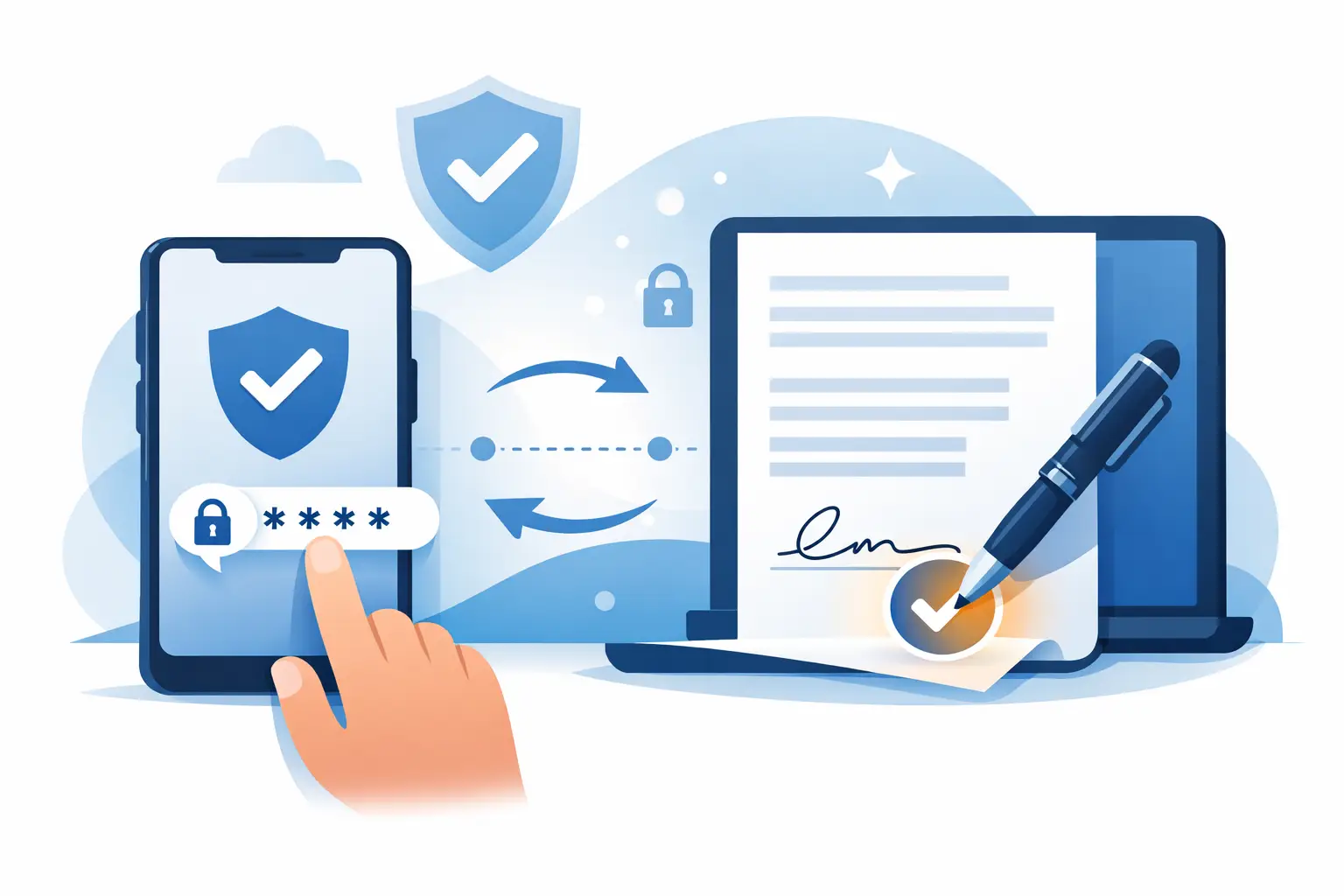
A signed offer letter lands in someone’s inbox at 4:52 PM. By 5:10, it should be complete. Instead, the signer forwards it, asks whether a typed name is enough, misses the reminder email, and the process stalls. That gap between sending and signing is exactly where an otp verified electronic signature earns its place.
For many business documents, a basic eSignature is enough. But when the stakes are higher - think HR onboarding, real estate forms, compliance-heavy approvals, or contracts where signer identity matters - adding one-time passcode verification gives you a stronger way to confirm that the person signing is the person you intended.
What is an OTP verified electronic signature?
An OTP verified electronic signature is an electronic signature process that requires the signer to enter a one-time passcode before completing the document. That passcode is usually sent to a verified mobile number or email address tied to the signer.
The signature itself can still look familiar. The signer may click to sign, draw a signature, or type their name. The difference is that access to the signing step is protected by a second verification layer. Instead of relying only on an email link, the workflow asks the signer to prove possession of a specific device or contact method.
That extra step matters because email alone does not always prove identity. If an inbox is shared, forwarded, or compromised, the wrong person could potentially access the document. OTP reduces that risk by adding a time-sensitive code that only the intended signer should receive.
Why businesses use OTP verified electronic signature workflows
Speed matters, but trust matters more when documents carry legal, financial, or operational consequences. An OTP verified electronic signature helps businesses move quickly without treating every document like a low-risk approval.
In practical terms, it gives teams a better answer to a common question: how do we know the signer was really the signer? OTP is not the same as in-person identity proofing, and it is not the strongest possible verification method in every scenario. But it is a meaningful upgrade over a plain email-only signature flow.
That makes it useful for companies that need stronger evidence without creating so much friction that signers abandon the process. For many organizations, this is the sweet spot - better authentication, minimal delay, and a signing experience most people already understand from banking, payroll, and account login flows.
How the process works in real business workflows
The mechanics are simple, which is part of the appeal. A sender uploads the document, adds recipients, places the required fields, and enables OTP authentication for one or more signers. When the signer opens the document, they are prompted to receive and enter a one-time code before signing.
Once the code is validated, the signer completes the document. The system logs the event as part of the audit trail, typically capturing timestamps and verification details connected to the signing session. That record becomes useful later if your team needs to demonstrate how the document was signed and what controls were in place.
For operations teams, the value is not just security. It is process clarity. You can route documents through a defined workflow, verify the signer at the right moment, and keep a record without adding manual calls, separate text confirmations, or side-channel approvals.
When OTP is worth using
Not every document needs an OTP verified electronic signature. If you require a customer to acknowledge a basic policy update or approve a low-risk internal request, a standard eSignature may be enough. Adding verification to every document can create unnecessary steps.
Where OTP earns its keep is in situations where identity confidence matters more than pure signing speed. HR teams may use it for offer letters, policy acknowledgments, or sensitive employee forms. Real estate teams may use it for disclosures and transaction documents. Legal and compliance teams may want it for agreements where signer authenticity could be questioned later.
It is also useful when the signer relationship is not deeply established. If you are sending a document to an external party, contractor, candidate, customer, or partner, OTP can reduce uncertainty without forcing them through a complicated identity check.
The trade-off: more trust, slightly more friction
There is no honest way to talk about verification without talking about trade-offs. OTP adds security, but it also adds one more step. Some signers will move through it instantly. Others may pause if they entered the wrong phone number, are switching devices, or have poor mobile service.
That does not mean OTP is inconvenient by default. In most cases, it is a fast and familiar experience. But teams should apply it where the risk justifies the added control. If your goal is to remove every possible barrier from a high-volume, low-risk process, OTP may be unnecessary. If your goal is to protect higher-trust transactions while keeping adoption easy, it is a smart middle ground.
The best approach is selective use. Apply stronger verification to the documents that actually need it rather than turning every signature request into a security event.
OTP verified electronic signature vs basic eSignature
The simplest way to compare them is this: a basic eSignature confirms intent to sign, while an OTP verified electronic signature adds stronger evidence around who accessed the signing session.
A basic workflow is fast and often fully appropriate for routine business use. The signer receives an email, opens the document, and signs. That works well when risk is low and turnaround is the priority.
An OTP-based workflow builds on that by requiring possession of a second factor. It does not automatically make the document legally stronger in every jurisdiction or use case, because legal enforceability depends on multiple factors, including consent, auditability, and applicable regulations. But it can improve your ability to show that the process included deliberate signer verification.
For many companies, that difference is enough to justify the feature on a subset of documents.
Where OTP fits with compliance and audit readiness
Compliance teams usually care about two things at once: reducing risk and proving process. OTP helps with both, especially when paired with a clear audit trail.
If a signed document is challenged later, the question is rarely just whether a signature image appears on the page. The question is how the signature was created, what evidence exists, and whether the company followed a defensible process. A platform that records the document workflow, timestamps, signer actions, and OTP verification events gives you more to work with than a PDF attached to an email thread.
This is also where platform design matters. Verification should not live as a disconnected add-on. It should fit into the broader document workflow so your team can prepare, send, track, and store completed records without extra tools. That is one reason many businesses choose solutions like BeeSign that keep speed, tracking, and higher-trust signing controls in the same flow.
Choosing the right level of signature verification
The right question is not “Do we need OTP for everything?” It is “Which documents deserve stronger signer verification?” That decision depends on risk, industry expectations, document sensitivity, and the practical tolerance of your recipients.
If your team handles employment, finance, regulated approvals, or high-value agreements, OTP may be a strong default for specific templates. If your team sends routine acknowledgments at scale, keep the workflow lighter. Some businesses also segment by signer type, using OTP for external signers while keeping internal approvals simpler.
What matters most is consistency. Once you identify which documents need extra verification, standardize that rule so your process is repeatable, defensible, and easy for teams to follow.
What to look for in an OTP signature solution
A good OTP feature should feel like part of the workflow, not a workaround. Setup should be straightforward, recipient routing should remain simple, and signers should be able to complete the process on desktop or mobile without confusion.
You should also look for clear audit records, reliable delivery of one-time codes, flexible role-based workflows, and the ability to combine OTP with other trust measures when needed. In some cases, OTP is enough. In others, you may want to pair it with advanced electronic signature options, ID verification, or digital certificates for higher assurance.
That is the real value of an OTP verified electronic signature. It gives you a practical layer of identity confirmation without slowing business to a crawl. When speed matters and trust is not optional, that balance is hard to beat.
If your document process still depends on hope, forwarded emails, and after-the-fact guesswork, adding the right verification step can do more than improve security - it can help your team close, approve, and move forward with a lot more confidence.
Ready to transform your workflow?
Start using BeeSign today and experience the future of document signing