Best Secure Onboarding Form Software for Teams
Find the best secure onboarding form software for faster hiring, stronger identity checks, encrypted data, and audit-ready workflows that scale securely.
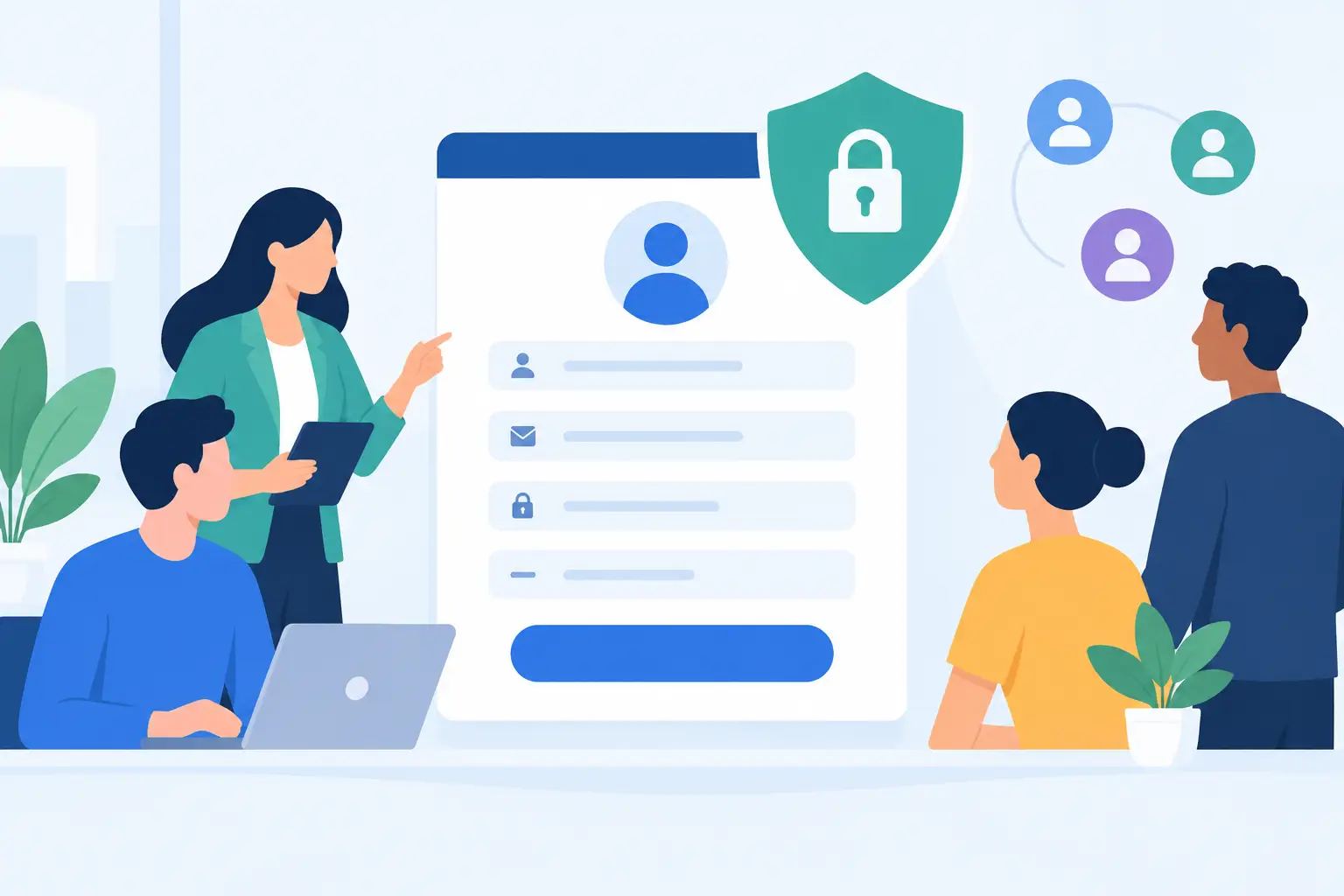
A new employee should not have to email a Social Security number, download five PDFs, or wonder whether their tax forms reached the right person. Yet that is still how many onboarding processes begin. The best secure onboarding form software replaces that friction with a controlled workflow: the right forms, delivered to the right person, with clear proof of what happened at every step.
For HR, operations, legal, and compliance teams, the decision is bigger than choosing a form builder with a signature box. Onboarding collects some of the most sensitive information a business handles. A platform needs to make completion easy for new hires while giving the organization encryption, access control, identity assurance, and an audit trail it can stand behind.
What secure onboarding software needs to do
A basic online form can collect information. Secure onboarding software has to manage the full agreement lifecycle around that information. That includes preparing documents, collecting required fields, routing approvals, obtaining signatures, storing completed records, and proving who did what and when.
Speed still matters. If a candidate accepts an offer on Friday, the team should be able to send offer letters, policy acknowledgments, tax documents, direct-deposit authorizations, equipment agreements, and background-check consent without assembling a new email chain for each item. Templates reduce repetitive work, while conditional fields and signing order keep each packet relevant and organized.
Security cannot be an afterthought added after the form is built. Look for encryption in transit and at rest, secure recipient access, role-based permissions, and a clear approach to document retention. TLS protects data while it moves between a signer and the platform. AES-256 encryption protects stored documents. Both are useful, but they answer different risks.
The platform should also create a tamper-evident record of the completed document. That record should show key events such as when the document was sent, viewed, completed, and signed, along with timestamps and available recipient information such as IP addresses. When an employee later asks which version of a policy they accepted, your team should not have to reconstruct the answer from inboxes.
How to evaluate the best secure onboarding form software
The right product depends on the sensitivity of your forms, the volume of hires, and whether onboarding is a standalone HR process or part of a larger agreement workflow. A 20-person startup may prioritize fast setup and reusable templates. A healthcare provider or financial services firm may need stronger identity verification, more granular access controls, and evidence that supports internal audits.
Start with the data, not the form design
List the information each onboarding workflow collects. Government identification, banking details, health information, immigration documents, and signed policy acknowledgments do not carry the same risk. This exercise reveals where a generic form tool may be enough and where you need a more controlled agreement platform.
For sensitive workflows, ask where documents are stored, who can access them, how access is revoked, and whether data can remain within your own cloud environment. Bring-your-own-storage options can matter when an organization has data residency rules, internal retention requirements, or a policy against placing signed records in a vendor-controlled repository.
Also look beyond the form itself. A secure workflow prevents accidental exposure caused by broad inbox permissions, forwarded attachments, or a manager sending the wrong packet to the wrong candidate. Workspace isolation, permission controls, expiring links, and recipient authentication all reduce those everyday risks.
Match identity checks to the level of risk
Not every onboarding form requires a government ID check. Requiring high-friction verification for a routine handbook acknowledgment can slow down completion without adding much value. But for regulated roles, high-value agreements, cross-border signatures, or cases where identity could be disputed, basic email access is a weak signal.
Choose software that lets you apply stronger verification when it is justified. Government ID capture, biometric face matching with liveness detection, and database validation can provide a clearer connection between the person and the signature. For organizations operating with European requirements, identity verification can also support eIDAS-compliant Advanced Electronic Signatures when that level of assurance is appropriate.
The trade-off is simple: more verification creates more confidence, but it can add time for the signer. Good onboarding software gives teams a practical way to set the right level of assurance per document rather than forcing one standard across every workflow.
Check whether forms and signatures work together
Many teams start with separate tools for forms, PDFs, approvals, and eSignatures. It works until it does not. Data has to be copied between systems, candidates receive multiple links, and the final record is scattered across folders. The more handoffs a workflow has, the more likely it is that a required field, approval, or document version will be missed.
A unified platform lets a team create templates, add drag-and-drop fields, set signing order, collect approvals, and track completed records in one place. That does not mean every company must replace every HR system. It means the signature and agreement layer should connect cleanly to the systems that remain.
For example, an HR team may initiate onboarding from its HRIS while using an agreement workflow platform to generate a role-specific packet, route it to the candidate and hiring manager, and return the signed certificate to the employee record. The workflow stays familiar to the team, but the sensitive agreement process becomes more controlled.
Test the experience from the signer’s side
Security that confuses employees creates support tickets and delayed start dates. Ask a few people outside the buying team to complete a test packet on a phone and laptop. They should be able to understand what they need to do, complete required fields, and sign without downloading an app or creating an unnecessary account.
Review reminders and status tracking, too. The sender should see who has opened, signed, or stalled on a document. The recipient should receive a clear prompt without being bombarded by duplicate notifications. These details sound small, but they determine whether onboarding is completed in hours or drifts into the employee’s first week.
Look for audit readiness before you need it
An audit trail is not just a feature checkbox. It is the evidence chain behind the signed record. It should be easy to retrieve, tied to the final document, and resistant to tampering. Your legal, compliance, or HR team should be able to answer basic questions quickly: Which template was used? Who approved it? Which email received it? When was it signed?
Ask how completed documents are sealed, whether certificates are generated, and what happens if a signer disputes the process. If your organization is subject to HIPAA, GDPR, or industry-specific controls, also ask for a direct explanation of the vendor's security practices rather than relying on broad compliance language.
A practical buying process
Run a real onboarding packet through each shortlisted platform. Include a document with required fields, a conditional section, an internal approval, more than one recipient, and a completed-record export. This is more useful than comparing feature grids because it exposes the work your team will actually do.
During the test, assess four areas:
- Administrative effort: Can HR update a template without opening a support ticket or rebuilding every field?
- Recipient experience: Can a new hire complete the packet from any device with clear instructions?
- Security controls: Can you set permissions, verify identity when needed, and protect records through encryption and controlled access?
- Evidence and integration: Can you retrieve an audit trail and connect the workflow to your HRIS, CRM, or internal application?
For product and engineering teams, API quality deserves the same scrutiny. The best API-first platforms expose the same core actions available in the dashboard: create documents, apply templates, add recipients, send requests, retrieve status, and manage teams. Clear endpoints and predictable behavior matter more than a long list of endpoints nobody can implement confidently.
White-label needs are another decision point. If candidates should receive onboarding documents from your company domain and see your branding, confirm that emails, domains, and the signing experience can be configured accordingly. This is not just a design preference. A familiar sender identity can improve trust and reduce the chance that a legitimate onboarding request looks like phishing.
Where BeeSign fits
BeeSign is designed for teams that need forms, approvals, legally binding eSignatures, and identity verification in one agreement workflow. Documents are encrypted in transit with TLS and at rest with 256-bit AES on Google Cloud, while tamper-evident sealing and detailed audit trails provide a defensible record of every key event.
Teams can build reusable onboarding templates, define recipient order, collect approvals, and send documents under their own brand. When higher assurance is needed, built-in ID capture, face matching with liveness detection, and database validation support stronger identity checks. For companies embedding onboarding into their own product or internal stack, the REST API mirrors the dashboard rather than creating a separate, limited workflow.
The goal is not to add another portal for new hires to learn. It is to move sensitive onboarding paperwork out of email and into a process that is faster to complete, easier to track, and much easier to defend. Choose the security level that fits each document, keep the signer experience simple, and give your team a record that answers questions long after the first day is over.
Ready to transform your workflow?
Start using BeeSign today and experience the future of document signing