Practical Guide to Digital Contract Workflows
Use this guide to digital contract workflows to cut approval delays, protect every signature, and give teams a clear record from draft to renewal safely.
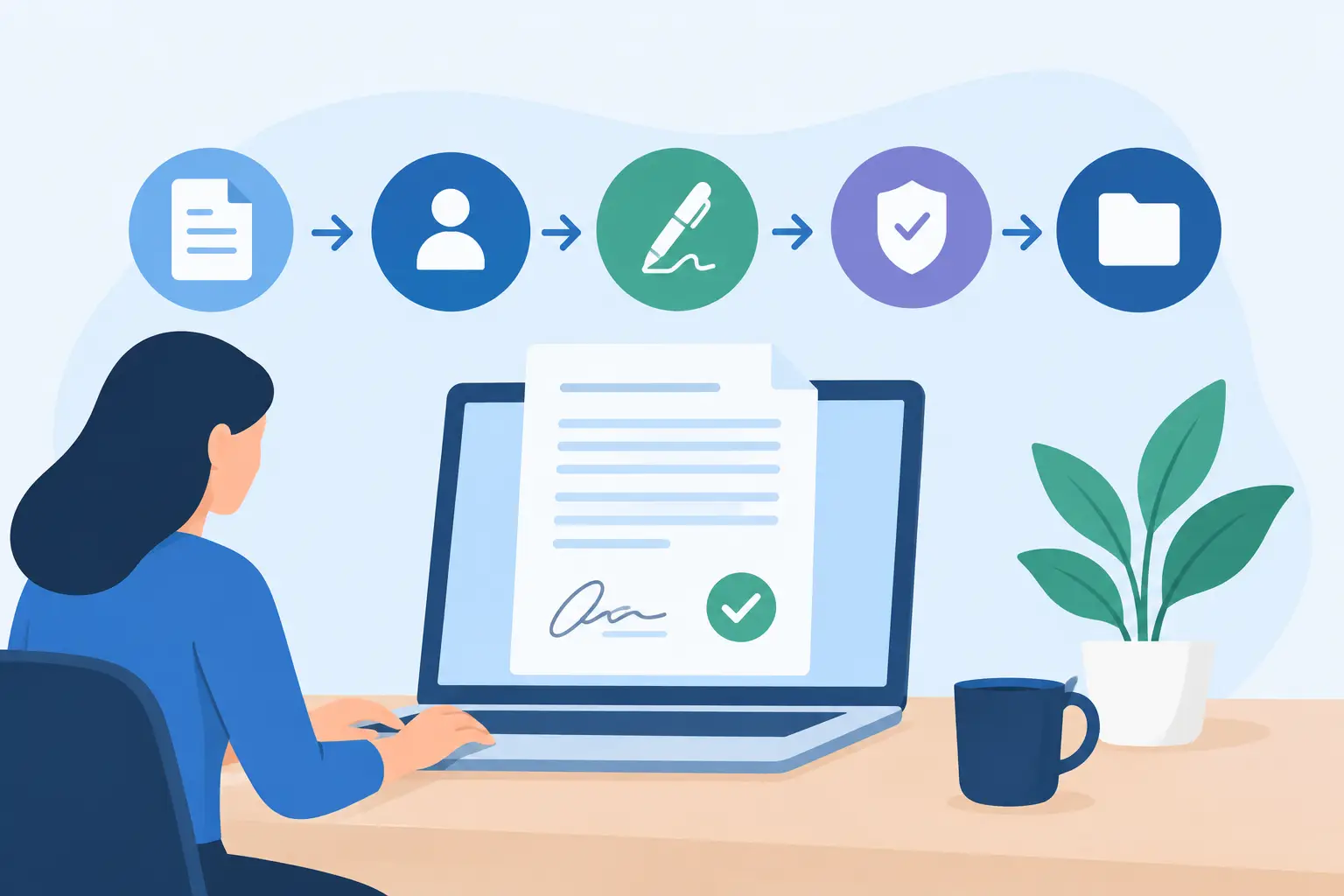
A sales contract that sits in an executive’s inbox for three days is not a signed contract. It is a stalled deal, an uncertain forecast, and usually the start of a follow-up thread nobody enjoys. This guide to digital contract workflows shows how to move agreements from first draft to final record without trading speed for control.
The goal is not simply to replace a handwritten signature with a digital one. A useful workflow connects the people, approvals, documents, identity checks, and audit evidence behind every agreement. When those pieces work together, teams can send contracts in minutes, see where they are held up, and prove what happened if a question arises later.
Why Email Is Not a Contract Workflow
Email can move a document, but it does not manage a process. Versions multiply, approval requests disappear into threads, and a salesperson may send a final copy before legal has approved the latest clause. Even after signing, finding the executed agreement, its certificate, and the relevant correspondence can take longer than it should.
A digital contract workflow creates a defined path instead. It tells each participant what they need to do, when they need to do it, and what happens next. It also creates one system of record rather than leaving key evidence scattered across inboxes, shared drives, and chat messages.
For a small team, the path may be simple: prepare, send, sign, store. For a healthcare provider, financial firm, or global business, it may include internal review, conditional approvals, identity verification, signing order, retention rules, and renewal reminders. The right level of control depends on the agreement’s risk, value, and regulatory context.
Map the Workflow Before You Automate It
Start with one high-volume agreement type, such as a standard sales order form, employee offer letter, vendor agreement, or client intake form. Document how it moves today. Include the people who draft it, approve exceptions, send it, sign it, and need access after completion.
Look for handoffs that rely on memory. If someone has to remember to copy finance after a customer signs, or legal has no easy way to see which version was approved, that is a workflow gap. Automation works best when it replaces a clear, repeatable decision, not when it tries to hide an undefined process.
Define the outcome for each stage. Drafting should produce the right starting document. Review should confirm commercial, legal, and operational terms. Signing should collect an appropriate level of evidence. Storage should make the completed agreement easy to retrieve and hard to alter.
A Guide to Digital Contract Workflows in Six Stages
1. Standardize the starting point
Templates are where speed begins. Build approved templates for repeatable agreements and lock the language that should not change. Add variables for names, addresses, pricing, dates, and other deal-specific details so teams can create a correct document without rebuilding it from scratch.
This does not mean every contract must be rigid. Sales teams may need room for negotiated terms, while legal needs visibility into deviations. Use approved fallback language and clear rules for when a nonstandard clause triggers review. That keeps routine deals moving while giving higher-risk agreements the attention they deserve.
2. Add the right fields and participants
Upload the document or generate it from a template, then add signature, initials, date, text, checkbox, and attachment fields where they belong. Required fields reduce incomplete agreements and the awkward request to resend a document because a signer skipped a page.
Set recipients by role rather than by guesswork. A customer may sign first, followed by an internal counter-signer. An employee may need to complete onboarding forms, while HR verifies the package before it is finalized. Signing order prevents people from acting too early and makes the process easier to understand.
3. Route internal approvals before sending
A signature is not an approval. Keep those actions distinct. Internal approval routes can require legal approval for edited terms, finance approval for discounts above a threshold, or leadership approval for contracts over a defined value.
Conditional routing is especially useful here. A standard agreement can go straight to the customer, while one containing a nonstandard indemnity clause can be routed to counsel first. The trade-off is simple: more gates can reduce risk, but too many approvals slow ordinary work. Review the rules regularly and reserve escalation for situations that genuinely need it.
4. Choose the right level of signer assurance
Not every agreement needs the same identity checks. For many routine business agreements, an email invitation, authentication controls, consent to sign electronically, and a detailed audit trail may be appropriate. For higher-risk transactions or cross-border use cases, stronger verification can provide more confidence about who signed.
Identity verification can include government ID capture, biometric face matching with liveness detection, and database validation. This is particularly relevant when a business needs an eIDAS-compliant Advanced Electronic Signature or wants stronger evidence for sensitive forms. Legal enforceability also depends on the applicable law, the parties’ intent, and the records kept, so teams should align their process with their specific requirements.
5. Send, track, and follow up without chasing
Once the document is ready, send it from a verified business domain with a clear message and a secure signing link. Signers should be able to review and complete the agreement from any device without installing an app. Reducing friction matters, especially when the recipient is a customer who has never used your signing tool before.
Tracking changes the follow-up conversation. Instead of asking, “Did you get my email?” the sender can see whether the document was delivered, opened, or completed. Automated reminders are useful for routine follow-up, but set a sensible cadence. Too many reminders can feel pushy, while no reminder leaves deals quietly stalled.
6. Seal and store the completed record
A completed agreement should include more than a flattened PDF. It should carry a tamper-evident record of key events, including sends, views, signatures, timestamps, and IP addresses. That audit trail gives legal, compliance, and operations teams a clear account of how the agreement was completed.
Protect documents throughout their lifecycle. Look for encryption in transit with TLS and at rest with 256-bit AES, access controls, expiring links, and workspace isolation. For organizations with strict data residency or infrastructure rules, bring-your-own-cloud storage can keep agreements and certificates in the company’s own environment.
Build Security Into the Flow, Not Around It
Security should not become a separate manual checklist that appears after a deal closes. It should be part of the workflow design. Limit who can create templates, edit a document after approval, resend signing invitations, or download completed files. Require stronger authentication for administrators and use clear permission levels for sales, legal, HR, and external partners.
This matters most when contracts contain personal, financial, medical, or confidential business information. Healthcare teams may need workflows that support HIPAA obligations. Organizations serving EU customers may need GDPR-ready controls and eIDAS-aligned signature options. The platform is only one part of compliance, but it should give teams the security controls and evidence they need to operate responsibly.
Measure Where Agreements Slow Down
A workflow is never finished just because it has been configured. Track time to first review, time waiting for internal approval, time from send to signature, completion rates, and the most common reasons a document is declined or expires.
These metrics reveal whether the bottleneck is the customer, an internal approver, or the document itself. If agreements are opened quickly but signed slowly, the pricing page or signer instructions may be unclear. If legal review dominates cycle time, consider a stronger template library and better rules for deviations.
For product teams, the same logic applies when agreements are embedded in an application. An API-first platform such as BeeSign can mirror the dashboard workflow inside your product, allowing your system to create documents, set recipients, collect signatures, and retrieve status without forcing users into a separate process. Keep the integration focused on a clear use case first, then expand once the data and edge cases are understood.
Start With the Agreement That Causes the Most Friction
You do not need to redesign every contract process at once. Pick the agreement that creates the most repetitive work or holds up the most revenue, standardize the path, and make every handoff visible. A good digital workflow should feel simple to the signer and controlled to the business. That is how contracts stop being a source of delay and start becoming a dependable part of how work gets done.
Ready to transform your workflow?
Start using BeeSign today and experience the future of document signing