Identity Verification for Agreements That Matter
Identity verification helps businesses confirm who signs, reduce fraud, and create stronger, audit-ready agreements without slowing work down for teams.
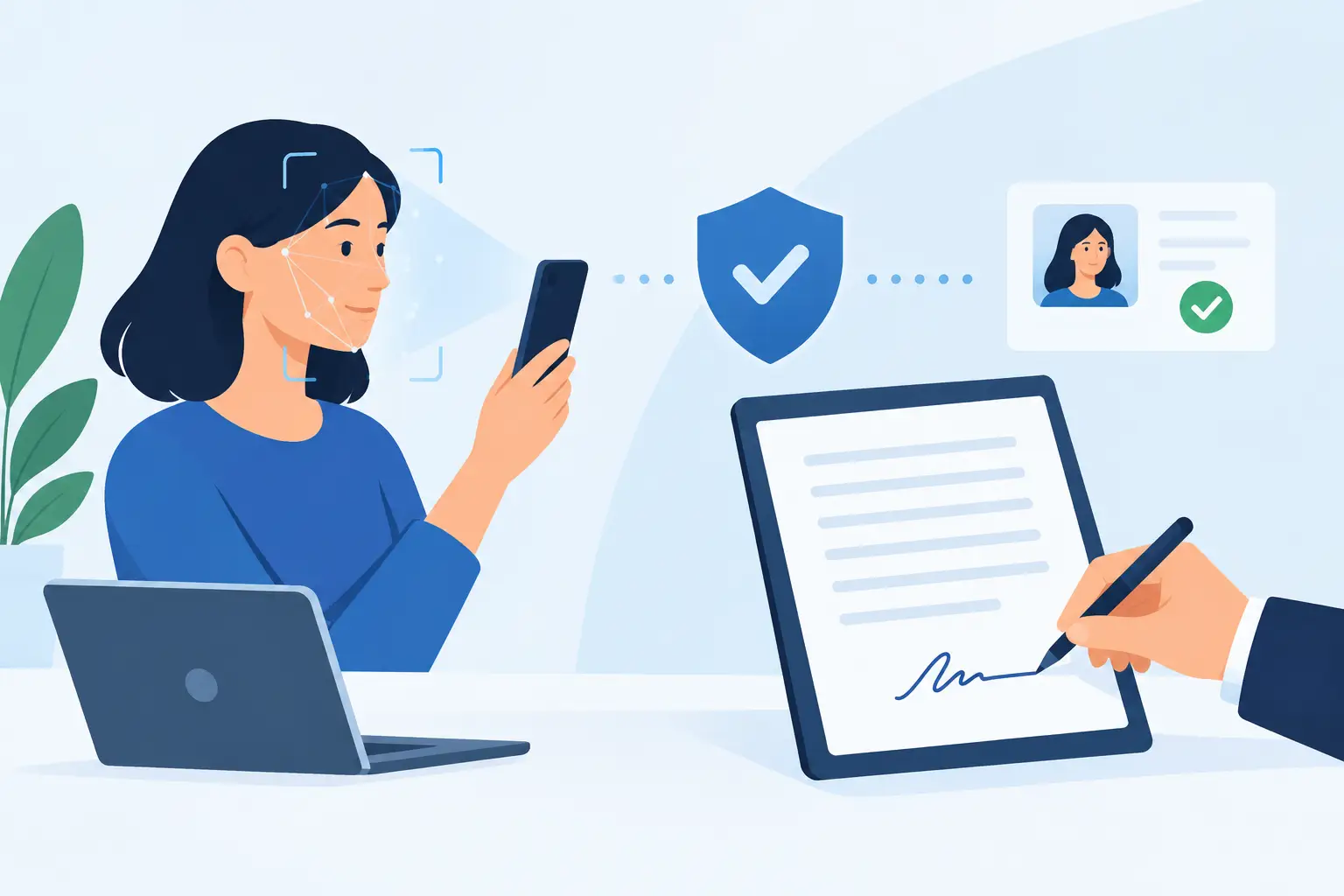
A signature only proves so much when the stakes are high. A typed name, a click-to-sign action, or an emailed PDF may be enough for routine paperwork, but it may not answer the question that matters most: was this really the person authorized to sign? Identity verification gives businesses a practical way to answer that question before an agreement is completed.
For sales teams closing major contracts, HR teams onboarding employees, healthcare organizations collecting sensitive forms, and compliance teams managing regulated workflows, identity assurance is not a nice-to-have. It is the difference between a fast digital process and a fast process that can be defended later.
What identity verification does for digital agreements
Identity verification confirms that a signer is who they claim to be. In a modern agreement workflow, that usually means checking a government-issued ID, comparing it to a live facial image, and validating supporting data against trusted sources where available.
The goal is not to make every signer jump through unnecessary hoops. The goal is to apply the right level of assurance to the right document. A routine internal acknowledgment may only need an authenticated email and an audit trail. A high-value contract, financial authorization, or cross-border agreement may call for stronger proof.
That distinction matters because signing and identity are related but separate. An eSignature captures a signer’s intent to agree. Identity verification strengthens the evidence of who expressed that intent.
Why email alone is not enough
Email remains useful for sending agreements, reminders, and tracking progress. But an email address is not always a reliable identity credential. It can be shared, compromised, created under a false name, or accessed by someone who no longer has signing authority.
This does not mean every agreement sent by email is invalid. It means that email-based delivery has limits. When a dispute arises, a business may need to show more than a delivery record. It may need to demonstrate how the signer was identified, when the verification occurred, what device or network information was recorded, and whether the completed document was altered afterward.
A strong workflow layers those signals together. Identity checks establish who the signer is. Authentication helps control access to the signing session. Audit trails document events. Tamper-evident sealing helps show that the final agreement has not changed. Each element supports the others.
The verification methods that matter most
Different verification methods provide different levels of confidence. The right choice depends on the agreement, the risk of fraud, the jurisdiction, and how much friction your recipients can reasonably tolerate.
Government ID capture
A signer photographs or uploads a government-issued ID, such as a driver’s license or passport. The system checks document features and extracts key information. This creates a much stronger connection to a real-world identity than an email address alone.
ID capture works well for agreements where the business needs a clear record of the signer’s legal identity. Think employment documents, lease agreements, patient consent forms, financial paperwork, and account-opening workflows.
The trade-off is simple: asking for an ID adds a step. It should be reserved for workflows where the additional assurance is worth it, rather than applied to every low-risk approval.
Biometric face matching and liveness detection
A photo of an ID is useful, but fraudsters can use stolen document images. Face matching compares the person completing the verification with the photo on their ID. Liveness detection helps determine whether a real person is present instead of a static image, recorded video, or spoof attempt.
Together, these checks can reduce the risk that someone is using another person’s credentials. They are especially valuable when signing remotely, where no one is physically present to inspect an ID.
Biometric verification also requires care. Businesses should be clear about why the data is collected, limit access, protect it appropriately, and retain it only as long as necessary for their legal and operational needs.
Database validation
Database validation compares identity details against available records and trusted data sources. It can help identify inconsistencies in a name, address, date of birth, or document information.
This is a useful additional signal, not a magic answer. Data availability and verification rules vary by country and use case. A mismatch may point to fraud, but it may also reflect a recent move, a name change, or an outdated record. Good workflows flag exceptions for review instead of treating every mismatch as an automatic failure.
When to require stronger identity checks
The best identity verification policy is risk-based. If you demand high-friction verification for every document, completion rates can fall and routine work becomes slower. If you never verify identity beyond email, you may create avoidable exposure.
Start by looking at the consequences of a false signature. Stronger checks are usually justified when the agreement involves significant financial value, sensitive personal or health information, legal authority, regulated activity, or a meaningful risk of impersonation.
They also make sense when the signer is unknown to your organization, when a transaction happens fully remotely, or when you need to meet a specific compliance standard. For repeat customers or employees already verified through a controlled process, a lighter approach may be sufficient for lower-risk documents.
A practical policy can assign verification levels to document types. For example, basic acknowledgments may use secure email delivery and a complete audit record. Contracts above a defined value can require ID and liveness checks. Exceptional cases can route to a compliance reviewer before the document is released for signature.
Identity verification and eIDAS Advanced Electronic Signatures
For businesses operating in or contracting with the European Union, eIDAS defines standards for electronic signatures. An Advanced Electronic Signature must be uniquely linked to and capable of identifying the signer, created under the signer’s sole control, and linked to the signed data so later changes can be detected.
Identity verification helps support these requirements by creating a stronger connection between the person and the signature event. It is not just about collecting a picture of an ID. The verification process, signer authentication, evidence capture, and document integrity controls must work together.
This is where a connected agreement platform can reduce complexity. Rather than moving documents between an eSignature tool, a separate identity provider, shared inboxes, and spreadsheets, teams can manage the workflow in one place. BeeSign combines ID capture, biometric face matching with liveness detection, database validation, signing, and audit evidence to support identity-verified Advanced Electronic Signatures when the use case calls for them.
Build evidence, not just a checkpoint
A verification screen alone is not enough if your team cannot later explain what happened. The value comes from the evidence surrounding the event.
For each completed agreement, retain a clear audit trail that records sends, views, authentication steps, verification outcomes, signatures, timestamps, and relevant IP addresses. Preserve the completed document and its certificate in a way that makes later changes evident. Protect records in transit and at rest, and restrict access by role.
That evidence serves more than legal disputes. It helps sales operations resolve questions about stalled agreements. It gives HR a defensible onboarding record. It gives compliance teams a cleaner way to answer internal reviews, customer security questionnaires, and audits.
Security controls should match the sensitivity of the workflow. TLS protects data while it moves between systems. 256-bit AES encryption protects data at rest. Expiring links can reduce the chance that an old signing invitation is used later. Workspace isolation and strong access controls help ensure that only the right people can view documents and verification records.
Keep the signer experience clear
Security that confuses legitimate signers creates its own operational problem. The verification request should explain what is needed, why it is needed, and what the signer should have ready. Mobile-friendly capture matters because many recipients will complete the process from a phone.
Use plain instructions. Tell recipients whether they need a driver’s license or passport, whether a live selfie is required, and what happens if a check cannot be completed automatically. Give internal teams a clear exception path for legitimate signers who need assistance.
Test the workflow with real recipients before making it mandatory. Watch completion rates, failure reasons, device patterns, and support requests. A process that works perfectly in a conference room may need refinement when used by customers across different devices, lighting conditions, and locations.
Put assurance where the risk is
Identity verification should not turn document workflows into a maze. Used thoughtfully, it gives high-risk agreements the evidence they deserve while allowing everyday approvals to move quickly. Define your risk tiers, make the signer journey easy to understand, and keep a complete record from the first invitation to the final signed copy. That is how teams sign with more confidence and still get documents done in minutes.
Ready to transform your workflow?
Start using BeeSign today and experience the future of document signing