What Is Signer Liveness Detection in eSignatures?
What is signer liveness detection? Learn how it blocks spoofing, supports identity verification, and helps secure high-trust digital signatures for teams.
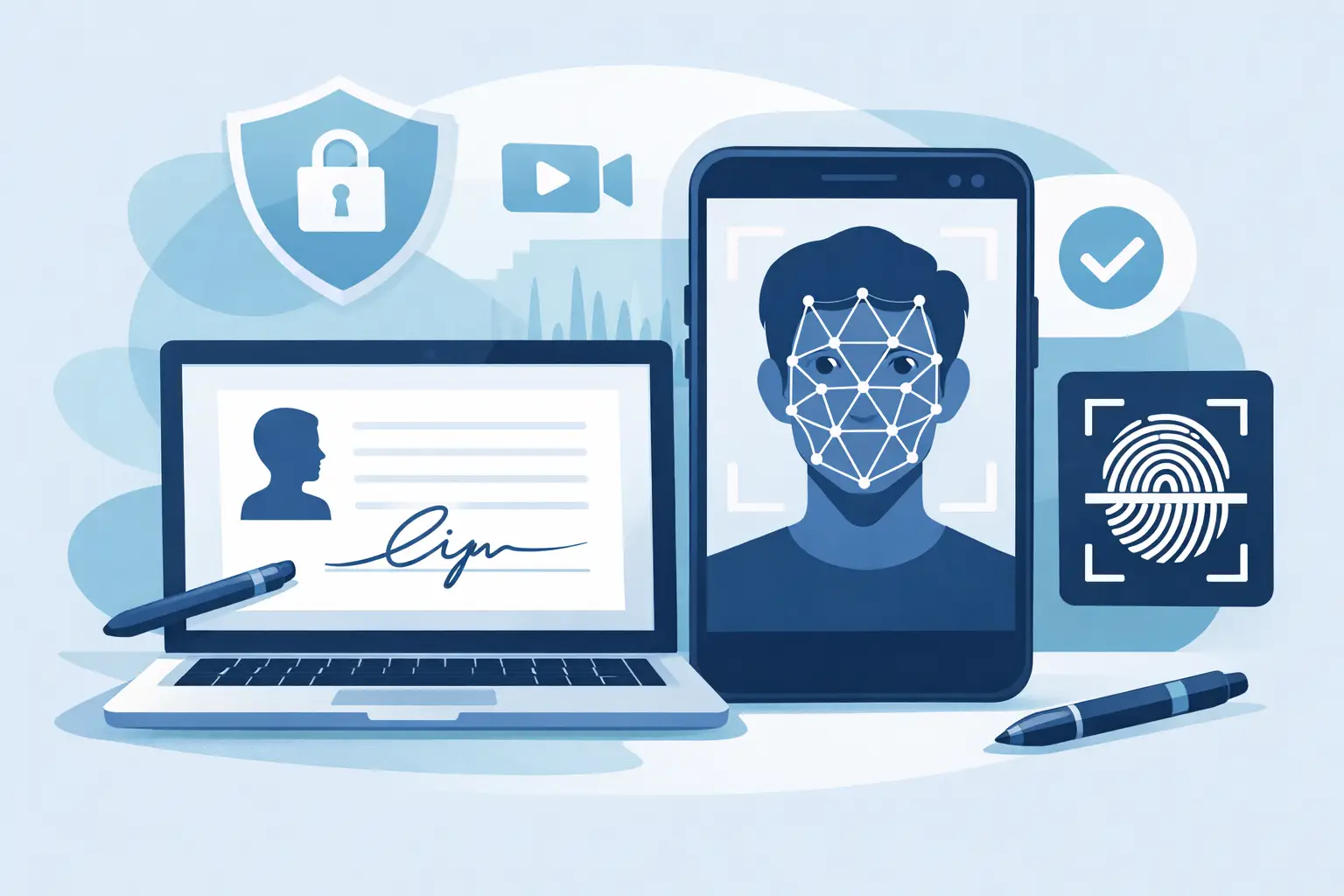
A signature request can be sent in seconds. Proving that the person behind the screen is real, present, and authorized to sign takes more care. That is where what is signer liveness detection becomes a practical question for legal, HR, financial, healthcare, and compliance teams handling sensitive agreements.
Signer liveness detection is a biometric security check that helps confirm a real person is completing an identity verification step - not a photo, printed image, prerecorded video, mask, or other spoofing attempt. It is commonly used alongside government ID capture and face matching when a business needs stronger assurance about who signed a document.
For everyday agreements, an email address, access link, and detailed audit trail may provide the right level of evidence. For higher-risk transactions, that may not be enough. Liveness detection adds a meaningful signal: the signer was physically present during verification.
What Is Signer Liveness Detection?
Signer liveness detection uses a camera-enabled device, usually a phone or computer, to evaluate whether the face presented during identity verification belongs to a live human being. The system analyzes visual and behavioral signals that are difficult for a static photo or replayed recording to reproduce.
Depending on the provider and verification flow, a signer may be asked to take a selfie, turn their head, blink, follow a prompt, or allow the camera to capture a short video. Some systems use passive checks that happen in the background, while others use active challenges that ask the user to perform a specific action.
The goal is not simply to recognize a face. Face matching answers, “Does this selfie appear to match the photo on the submitted ID?” Liveness detection answers, “Is this a real person in front of the camera right now?” Together, those checks make identity verification much harder to defeat.
Why a face match alone is not enough
A fraudster may obtain a copy of someone’s driver’s license and a profile photo from social media. If a verification process only compares two still images, it may have trouble distinguishing a legitimate signer from someone presenting a screen or printed image.
Liveness detection is designed to identify signs of presentation attacks. These attacks include holding up a photograph, replaying a video on another device, using a synthetic image, or attempting to fool the camera with a mask. No verification method eliminates every risk, but liveness detection raises the cost and complexity of impersonation.
That matters when agreements carry financial, legal, or regulatory consequences. A signed employment agreement, loan document, medical authorization, or high-value contract may require more than evidence that someone clicked a link.
How Signer Liveness Detection Works in a Signing Flow
A well-designed flow should protect the agreement without turning a two-minute task into a support ticket. Most signer liveness checks follow a simple sequence.
First, the signer receives a secure invitation to review the document. If the sender requires identity verification, the signer is prompted to capture an approved government ID and a live selfie or short video. The system checks whether the ID appears authentic, compares the face in the selfie with the ID portrait, and runs liveness analysis to detect spoofing indicators.
Once the verification passes, the signer can complete the required fields and apply their electronic signature. The platform records relevant events in an audit trail, such as when the invitation was sent, when the document was viewed, when identity verification occurred, and when the signature was applied.
The exact experience depends on the risk level and the verification provider. Passive liveness can reduce friction because the signer may only need to frame their face in the camera. Active liveness can provide an additional challenge-response signal, but it may take longer and can be less convenient for users with poor connectivity or older devices.
When Businesses Should Require Liveness Detection
Not every document needs the same identity controls. Adding verification to every low-risk internal acknowledgment can create unnecessary friction. The smart approach is to match the signing workflow to the document’s value, the chance of fraud, and applicable rules.
Liveness detection is especially useful when a signer is unknown to your organization, when the agreement involves a substantial financial commitment, or when an audit may require clear evidence of identity assurance. It is also a strong fit for remote onboarding, cross-border agreements, regulated forms, and high-risk account changes.
Consider these common cases:
- A financial services team collecting authorization forms from new customers may need stronger safeguards against identity fraud.
- An HR team onboarding remote employees may use ID verification and liveness checks for sensitive employment paperwork.
- A real estate business may require additional verification for leases, purchase agreements, or transactions involving agents and parties who never meet in person.
- A healthcare or insurance organization may use higher-assurance verification for consent forms, claims documents, or records requests.
- A SaaS platform embedding agreements into its product may use liveness detection only when customers cross a risk threshold, such as a large transaction or account ownership change.
For routine sales contracts between established business contacts, a secure signing link, authentication controls, tamper-evident sealing, and a complete audit trail may be sufficient. Risk-based workflows keep signing fast where speed matters while adding proof where it counts.
Liveness Detection, eSignatures, and Legal Evidence
Liveness detection does not make a signature legally binding on its own. Enforceability depends on the overall transaction: intent to sign, consent to do business electronically, the ability to associate the signature with the signer, the integrity of the final document, and the evidence retained after signing.
Think of liveness as one piece of a stronger evidence package. It supports the claim that a verified person was present during the signing process. Other parts of that package may include identity document validation, email verification, multi-factor authentication, signing timestamps, IP addresses, document hashes, and tamper-evident seals.
For organizations working with European requirements, identity verification can also support higher-assurance electronic signature workflows, including eIDAS-compliant Advanced Electronic Signatures when the full process meets the applicable requirements. The details matter. A business should avoid treating a generic selfie check as a substitute for a properly designed advanced signature process.
This is why security controls should be connected, not scattered across separate tools. When the document, verification results, signature events, and audit trail live in one agreement record, legal and compliance teams can retrieve the evidence without chasing screenshots, emails, and vendor exports.
Privacy and Accessibility Need Equal Attention
Biometric verification involves sensitive personal data. Teams should be clear about why they collect it, what happens during the verification process, how long it is retained, and who can access the records. Collect only what is necessary for the stated level of assurance, and make sure the workflow aligns with your privacy obligations and internal retention policies.
Security also extends beyond the verification moment. Documents and related evidence should be protected in transit and at rest, access should be controlled by role, and completed agreements should be sealed against undetected changes. Encryption, expiring links, workspace isolation, and detailed event logs all help protect the chain of evidence.
Accessibility deserves the same planning. Some users may have difficulty completing camera-based checks because of a disability, device limitation, connectivity issue, or environmental condition. Offer a secure exception path where appropriate, such as a manual review process or an alternative verification method. Strong controls should not create an automatic dead end for legitimate signers.
Building a Practical High-Trust Signing Workflow
The most effective signing workflows make stronger verification available without forcing it on every agreement. Start by classifying document types according to risk. A standard NDA may need basic signer authentication and auditability. A high-value agreement or regulated authorization may trigger ID verification, face matching, and liveness detection.
Then keep the experience clear. Tell signers why an ID or selfie is requested before they reach the camera screen. Use plain language, minimize unnecessary steps, and make the flow work well on mobile devices. Most people are willing to complete an extra verification step when they understand it protects them and the transaction.
BeeSign brings document signing, approvals, identity verification, tamper-evident sealing, and audit trails into one workflow. That means teams can move from draft to signed agreement without sending sensitive identity checks through disconnected systems.
The right question is not whether every signer needs a liveness check. It is whether your highest-risk agreements have enough evidence to show that the right person signed them. When the answer needs to stand up to fraud scrutiny, a live-presence check can be a small step that carries a lot of weight.
Ready to transform your workflow?
Start using BeeSign today and experience the future of document signing