White Label eSignature Review for Growing Teams
Use this white label esignature review to compare branding, APIs, security, identity verification, and data control before you choose a signing platform.
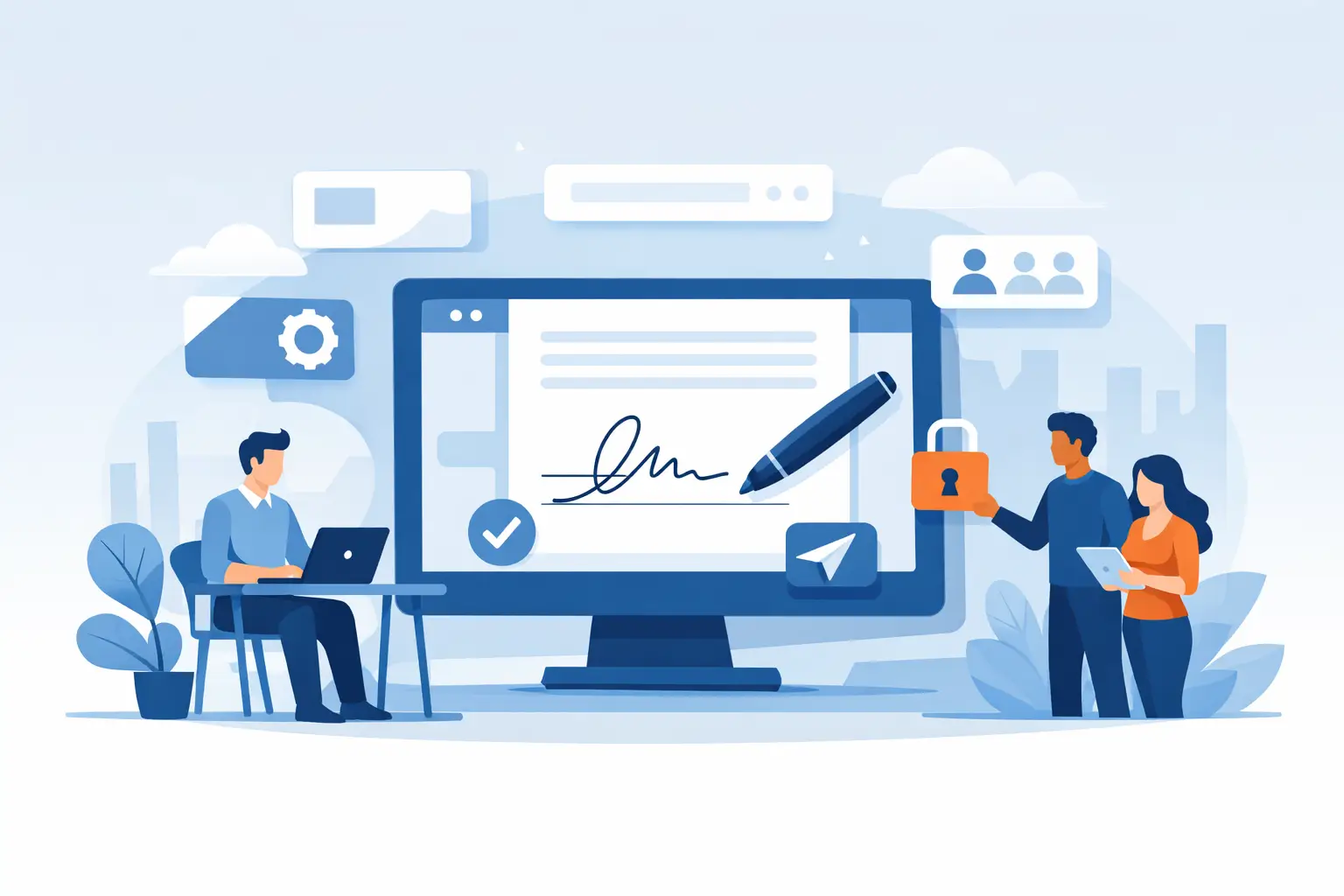
A customer receives a contract from your company, clicks a link on your domain, sees your logo, and signs from their phone in a few minutes. That is the promise behind a white label esignature review - but the branding layer is only the visible part. The real decision is whether the platform can protect sensitive agreements, fit your product workflow, and give your team control without creating a security or compliance headache.
For SaaS companies, service providers, marketplaces, and regulated businesses, white labeling can turn eSignature from a handoff to another vendor into a consistent part of the customer experience. Done poorly, it can also expose weak audit trails, confusing signer journeys, inflexible integrations, or unclear ownership of document data.
What White Label eSignature Actually Means
A white label eSignature platform lets you offer document signing under your own brand rather than the provider's. At a minimum, that means your logo and visual identity appear in the signing experience. A stronger implementation also supports a custom domain, emails sent from your verified domain, tailored sender names, and a branded completion experience.
Those details matter more than they may seem. A signer who gets an unexpected email from an unfamiliar vendor may hesitate, especially when the document contains financial, employment, health, or legal information. A recognizable sender domain and a consistent signing page help establish trust before the signer opens the agreement.
Still, white label should not be confused with merely changing colors. If the signer leaves your application, encounters a third-party domain, or receives generic reminder emails, the experience is only partially branded. Decide early whether you need a white-labeled dashboard for internal teams, an embedded signing flow for customers, or both. The right answer depends on your use case.
White Label eSignature Review: The Criteria That Matter
A useful evaluation starts with the workflow, then tests the technical and compliance foundations underneath it. Attractive branding cannot compensate for a signing process that is slow, difficult to administer, or impossible to defend later.
Brand control should cover every signer touchpoint
Ask vendors to show the entire journey, not just a branded screenshot. Start with the invitation email, then open the link, complete a signature, trigger reminders, decline a document, and view the final certificate. Look for custom domains, verified sender domains, configurable email copy, logo placement, and the ability to remove vendor branding where appropriate.
Also consider where your users begin. Product teams commonly need embedded signing inside an existing portal or app. Operations teams may simply need a branded workspace where staff can prepare and send agreements. A capable platform can support both paths without forcing your team to maintain separate systems.
There is a trade-off here. Deep design customization may be less valuable than reliable domain configuration and clear email deliverability. Prioritize the controls that affect trust, then spend time on visual polish.
API depth determines whether the experience feels native
If signing is part of your product, the API is not an add-on. It is the product surface your engineering team will live with. Your white label eSignature review should confirm that API capabilities match the dashboard instead of stopping at basic document uploads.
A practical API should let your application create documents, add fields, set recipients and signing order, send invitations, monitor status, retrieve completed files, manage templates, and administer users or teams. Webhooks or event notifications are equally important. They allow your systems to respond when a document is viewed, signed, declined, or completed rather than repeatedly checking for updates.
Ask for straightforward documentation and working examples that your developers can test quickly. Also inspect error handling, authentication, rate limits, sandbox access, and versioning practices. A clean REST API with predictable behavior is often more useful than a long feature list.
Security needs to be visible and specific
Agreements often include compensation details, personal data, pricing, medical information, and confidential business terms. “Bank-level security” is not a useful answer in a vendor review. Ask what is encrypted, where data is stored, who can access it, and what evidence exists if a document is challenged.
At a baseline, look for TLS encryption in transit and 256-bit AES encryption at rest. Confirm that documents are protected with tamper-evident sealing and that completed agreements include a detailed audit trail. A strong audit record captures key events such as sending, viewing, signing, and completion, along with timestamps and relevant IP address data.
For larger teams, workspace isolation and granular user access are also essential. The sales team should not automatically see HR records, and a former employee should not retain access after leaving. Features such as expiring signing links, multi-factor authentication options like TOTP, and controlled sharing reduce avoidable exposure.
Infrastructure matters, too. Understand the cloud environment, data residency options, backup approach, incident response process, and subprocessor model. A vendor should be able to answer these questions clearly without making your security team chase vague assurances.
Identity verification is not the same as an eSignature
Many documents only need a reliable record that a recipient received and signed an agreement. Others require stronger proof of who signed. Real estate transactions, financial forms, cross-border contracts, and high-risk approvals may call for identity verification before the signature is applied.
Evaluate whether the platform can support government ID capture, biometric face matching with liveness detection, and database validation when the use case requires it. These controls can help organizations issue eIDAS-compliant Advanced Electronic Signatures in applicable workflows.
The key word is “when.” Requiring identity verification for every routine NDA can add friction and reduce completion rates. A good platform lets you apply the right level of assurance to each document type, rather than making teams choose between weak controls and unnecessary hurdles.
Data control prevents a branding win from becoming a governance loss
White labeling raises an ownership question: whose infrastructure holds the signed agreements and completion certificates? Some organizations are comfortable using a provider's managed storage. Others have policies requiring documents to remain in their own cloud environment.
Bring-your-own-cloud storage can be a meaningful advantage for companies with strict retention rules, customer commitments, or internal data governance requirements. It allows documents and certificates to stay in the organization's own storage environment while the eSignature platform handles workflows, fields, recipients, and audit evidence.
Before signing, clarify data export options, retention settings, deletion procedures, and what happens if you change vendors. You want a system of record for agreements, not a black box that makes historical documents difficult to retrieve.
Test the Workflow Your Team Uses Every Day
The fastest way to compare platforms is to run a realistic pilot. Use an actual sales agreement, employment offer, onboarding form, or approval packet. Upload the document, add drag-and-drop fields, create a signing order, request an internal approval, send it to a test recipient, and inspect the final audit trail.
Pay attention to the parts that create work at scale. Can your team reuse templates? Can a recipient complete a form from a phone without downloading an app? Are reminders configurable? Can staff see what is waiting, viewed, signed, or overdue from one dashboard? Can your application trigger the process through the API without manual intervention?
For example, BeeSign combines documents, templates, forms, approvals, identity verification, and API access in one agreement workflow. That approach can reduce the number of tools teams need to connect and monitor. But every buyer should still validate the exact workflow, branding requirements, and data controls against their own environment.
Common Gaps That Surface After Purchase
The most expensive white label eSignature problems often appear after launch. The provider may support a custom logo but not your sender domain. The API may create an envelope but not support template administration. Audit trails may exist but omit the event detail your legal or compliance team expects.
Another common issue is treating all documents alike. Sales contracts, employee acknowledgments, patient intake forms, and high-value financial agreements may need different recipients, approval rules, retention periods, and identity checks. Choose a platform that supports standardized templates while allowing sensible policy differences across teams.
Finally, consider support and operational ownership. When a customer says they cannot find a signing email, can your team diagnose the issue? When an agreement is disputed, can an authorized administrator quickly retrieve the completed document and evidence? White label is strongest when it gives your business control, not just your brand visibility.
Make the Signing Experience Worth Your Name
A white-labeled signing flow should make your company look organized, trustworthy, and easy to do business with. The right platform keeps the path simple for signers while giving your teams the security controls, auditability, identity assurance, and API flexibility they need behind the scenes.
Put a real agreement through the full journey before you commit. If it can move from draft to signed in minutes, under your domain and with evidence you can stand behind, it is ready to carry your name.
Ready to transform your workflow?
Start using BeeSign today and experience the future of document signing