Enterprise Document Security Guide for Teams
This enterprise document security guide shows teams how to protect agreements, verify signers, and keep every workflow audit-ready at scale every day.
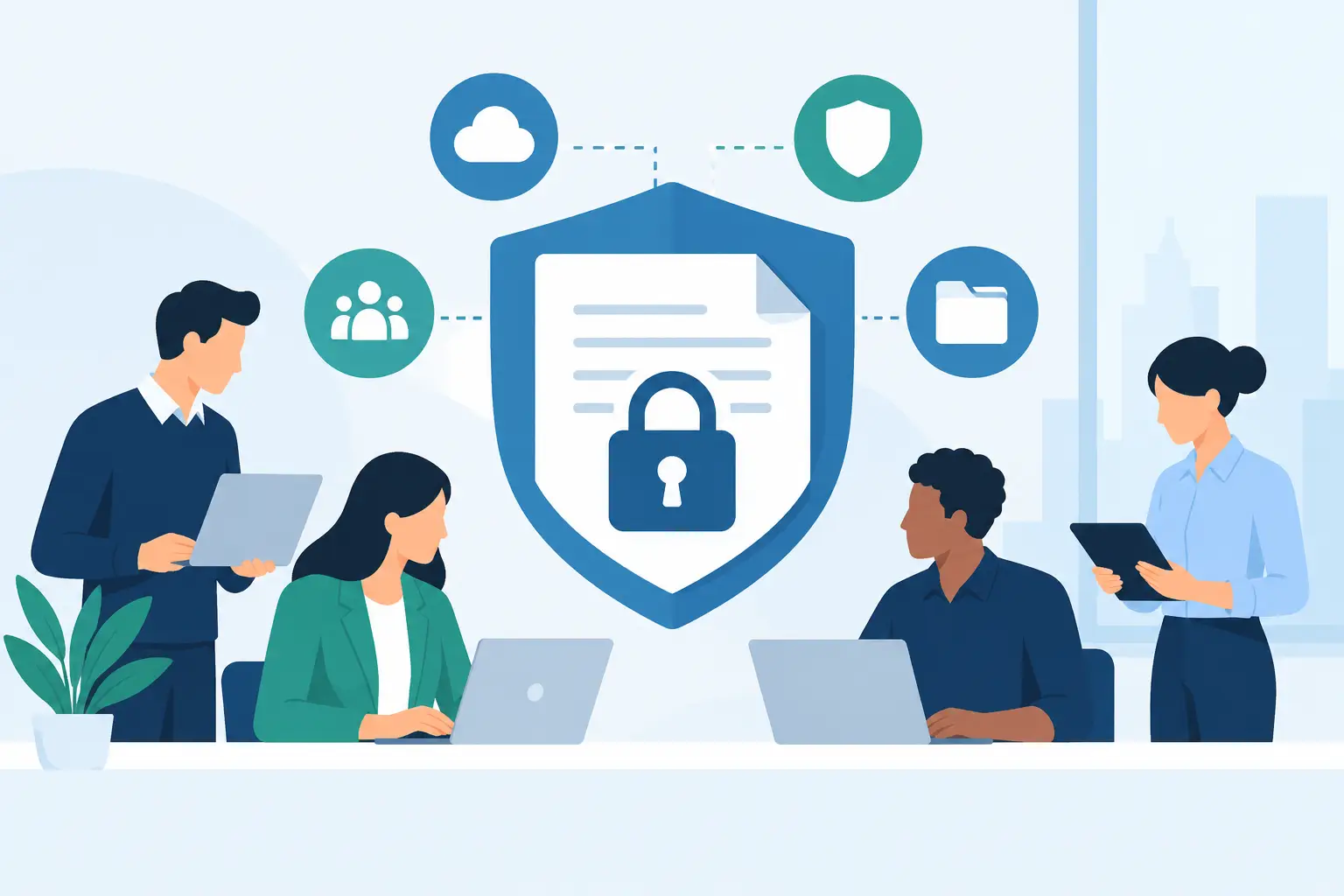
A contract sent to the wrong recipient is not just an awkward email recall. It can expose pricing, employee data, patient information, or terms that were never meant to leave your organization. This enterprise document security guide focuses on the controls that matter when agreements move quickly across sales, HR, legal, finance, and customer-facing teams.
The goal is not to add friction to every signature request. It is to make the secure path the easiest path: the right people receive the right document, sign with the appropriate level of identity assurance, and leave behind evidence your team can rely on later.
What Enterprise Document Security Actually Covers
Document security is more than putting a password on a PDF. For enterprise teams, it spans the full agreement lifecycle: document creation, access, routing, signing, storage, retention, and eventual deletion.
A useful security model answers four practical questions. Who can access this document? What can they do with it? Can you prove what happened? And can your organization keep control of the data after the agreement is complete?
That means protecting documents both in transit and at rest. It also means controlling user permissions, limiting recipient access, preserving an audit trail, and detecting changes after signing. Encryption is foundational, but encryption alone does not stop an employee from sending an outdated contract template or a signer from using an unsecured shared inbox.
Start With the Risks in Your Workflow
Most document exposure begins with ordinary work, not a dramatic breach. A sales rep reuses an old proposal. An HR coordinator sends onboarding forms to a personal email address. A legal reviewer downloads a final agreement and stores it in an unapproved drive.
Map how agreements move through your organization before choosing controls. Include the systems where documents originate, the people who approve them, the recipients who sign, and the place completed records live. This quickly reveals whether your real risk is external access, internal over-permissioning, weak identity checks, or a lack of evidence when a dispute arises.
For high-volume teams, standardization is usually the biggest win. Approved templates reduce the chance of stale clauses and missing fields. Defined signing orders ensure legal or finance reviews happen before a document reaches an outside party. A central agreement record prevents completed PDFs from disappearing into individual inboxes.
Match the Controls to the Document
Not every document needs the same level of protection. A standard nondisclosure agreement may need controlled access and a complete audit trail. A financial authorization, healthcare form, or cross-border agreement may require stronger identity verification and stricter retention rules.
Use a tiered approach. Classify documents by sensitivity, legal impact, and regulatory requirements, then set the default workflow for each category. The trade-off is clear: stronger checks can add a step for signers, but they can be essential when impersonation, fraud, or compliance exposure is a real concern.
Build Security Into Every Stage
Protect documents before they are sent
Security starts with the people inside your workspace. Apply role-based access so users can do their jobs without seeing every agreement in the company. Sales teams may create and send approved contracts, while legal owns templates and finance approves payment-related terms.
Require strong authentication for internal users, ideally including time-based one-time passwords (TOTP). Review access when employees change roles or leave the company. Shared logins may feel convenient, but they remove accountability at the exact moment you need to know who sent, edited, or approved a document.
Templates deserve special attention. Limit who can create or modify them, use clear naming conventions, and retire obsolete versions. A secure workflow built on an inaccurate template is still a business risk.
Control recipient access and signing flow
Once a document leaves your workspace, restrict access to the intended recipient. Unique signing links, expiring links, recipient authentication, and defined signing order all reduce the chance that a forwarded email becomes an unauthorized signing event.
Set the signing order when approvals matter. For example, an account executive can prepare a contract, a legal reviewer can approve it, and the customer can sign only after those internal steps are complete. This is simpler to enforce in the workflow than through a chain of emails asking everyone to confirm they reviewed the latest attachment.
Be thoughtful about reminders and notifications. They keep deals moving, but email content should not disclose sensitive terms. Use notification messages to direct recipients to the secure document experience rather than placing confidential information in the inbox.
Verify identity when the stakes are higher
An email address is often enough to route a routine agreement, but it does not always prove who signed. If you need stronger assurance, use identity verification that can include government ID capture, biometric face matching with liveness detection, and database validation.
This matters for agreements where identity could be challenged later or where regulations demand more than a basic electronic signature. Under eIDAS, an Advanced Electronic Signature can provide a stronger connection between the signer and the signature when the required controls are in place.
The right level depends on the transaction. Requiring ID verification for every low-risk acknowledgment could slow completion rates unnecessarily. Skipping it for a high-value financial agreement could leave your organization with evidence that is harder to defend.
Preserve evidence after signing
A signed PDF is only part of the record. Your organization should retain a tamper-evident audit trail showing key events such as document creation, delivery, views, authentication steps, signatures, and completion. Timestamps and IP addresses help establish the sequence of events if an agreement is questioned.
Tamper-evident sealing is equally important. It makes post-signature changes detectable, so teams can distinguish the completed agreement from an altered copy. Keep the final document and its completion certificate together, with clear retention rules that match your legal and operational needs.
Choose Infrastructure You Can Defend
Enterprise buyers should ask where agreement data is stored, how it is encrypted, and how tenant data is separated. Look for TLS encryption while data is moving and 256-bit AES encryption at rest. These are practical baseline controls for documents that may contain personal, financial, medical, or confidential business information.
Storage architecture matters too. Some organizations need documents to remain in their own cloud environment because of internal policy, customer commitments, or data residency requirements. Bring-your-own-storage options can preserve that control while allowing teams to use a modern signing workflow.
Also ask about backups, incident response, access logging, and data deletion. A vendor security review should go beyond a feature checklist. Your team needs clear answers about who can access production data, how incidents are handled, and what happens to documents when an account or workflow ends.
Make Audit Readiness Part of Daily Work
Security controls fail when they only exist in policy documents. Give teams workflows they can follow under deadline pressure. Create approved templates, define approval paths, and train users on when to apply identity verification. Then review the data: Are users bypassing templates? Are documents regularly sent outside the intended system? Are former employees still listed as approvers?
A central platform makes these reviews far more manageable. BeeSign brings documents, templates, approvals, identity verification, and audit trails into one agreement workflow, so teams do not have to stitch together separate tools to show what happened.
For product teams, the same principle applies to embedded signing. An API should mirror the security and workflow controls available in the dashboard, not create a separate, less-governed path. Use server-side authorization, keep API credentials out of client applications, and log document actions from your own system alongside the signing record.
A Practical Rollout Plan
Start with one high-value workflow, such as sales contracts or employee onboarding, rather than trying to overhaul every document process at once. Establish an approved template, set roles and approval rules, require the right authentication level, and decide where completed records will be stored.
Next, measure the results. Track completion time, declined or expired requests, manual follow-ups, and exceptions. If people route around the process, find out why. The answer may be a missing template field or an approval rule that is too broad, not resistance to security itself.
As you expand, document the policy behind each workflow. Teams should know which agreements require identity verification, who owns template changes, how long records are retained, and what to do if a signer reports a suspicious request. Clear rules let people move quickly without guessing.
The strongest document security program is rarely the one with the most gates. It is the one your teams can use correctly every day, while giving your business a clear, defensible record when it matters most.
Ready to transform your workflow?
Start using BeeSign today and experience the future of document signing