TLS Versus AES Encryption: What Protects What
TLS versus AES encryption solves two different security problems. Learn how each protects agreements, data, and signatures from creation to storage safely.
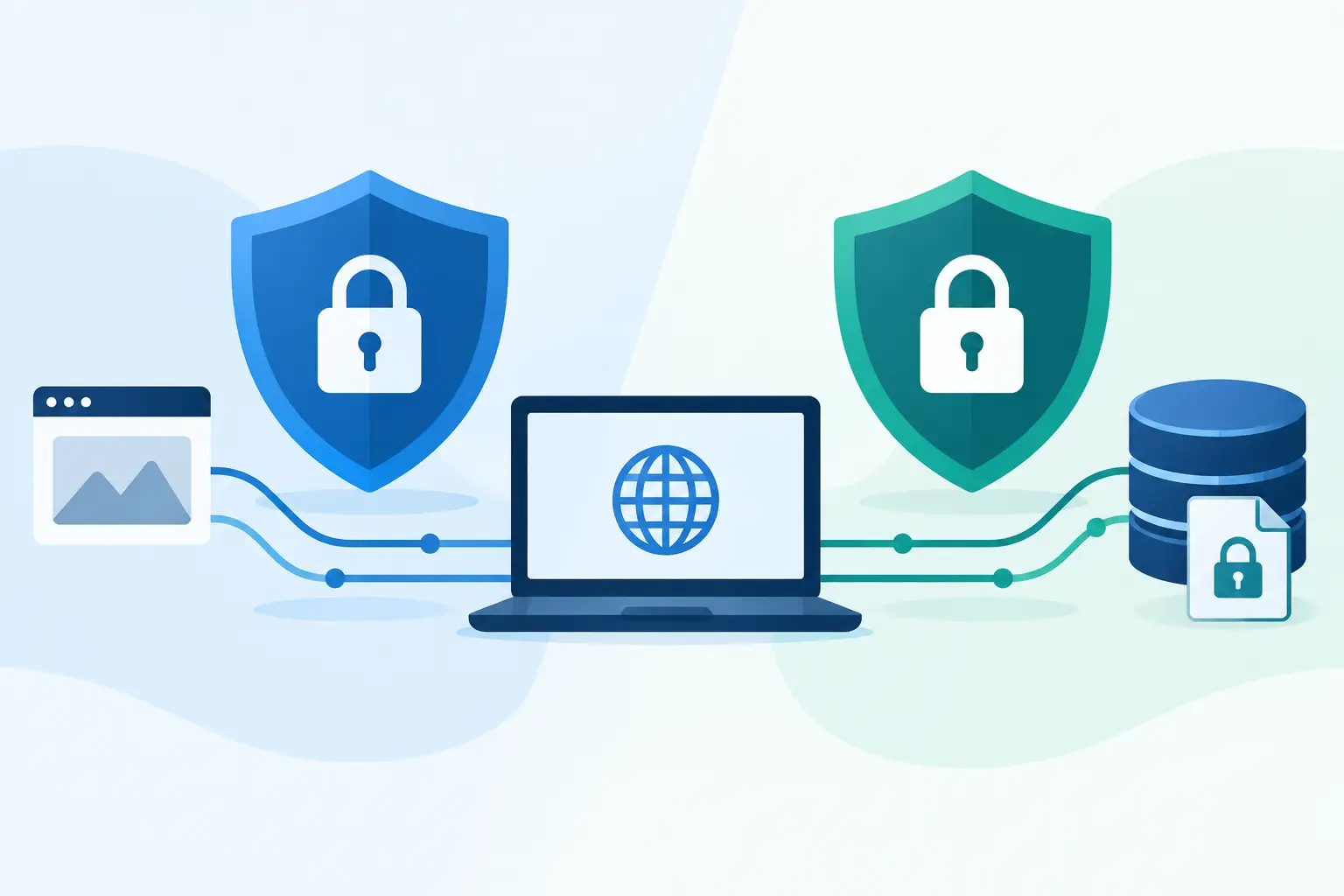
A contract can be exposed in two very different moments: while it travels from a signer’s browser to your platform, and while it waits in storage afterward. That is why TLS versus AES encryption is not really a winner-take-all comparison. TLS and AES do different jobs, and a secure agreement workflow needs both.
For sales, HR, legal, healthcare, and compliance teams, the distinction matters because documents often contain the data attackers want most: names, addresses, compensation terms, account details, medical information, and signatures. Knowing where TLS ends and AES begins makes vendor security reviews clearer and helps your team ask better questions.
TLS Versus AES Encryption: The Short Answer
TLS protects data in transit. It secures the connection between systems, such as a signer’s browser and an eSignature platform. AES protects data at rest and can also be used as part of an encrypted connection. It encrypts the actual data using a secret key.
Put simply, TLS is the protected delivery channel. AES is one of the tools used to lock the contents.
A signer opening an agreement over HTTPS is using TLS. The document stored in a cloud environment after signing may be protected with AES-256 encryption. These protections work together, but they should not be treated as interchangeable claims.
What TLS Does for Documents in Transit
Transport Layer Security, or TLS, is the protocol behind the padlock icon in a modern browser. When someone visits a secure signing page, TLS authenticates the server and creates an encrypted session between the browser and the service.
Without TLS, information could be exposed or changed while moving across networks. A recipient on public Wi-Fi, for example, should not have to trust every router between their device and the signing service. TLS reduces that risk by encrypting the traffic and checking that the recipient is connected to the legitimate server.
For agreement workflows, TLS should protect more than the final click to sign. It should cover document uploads, template edits, recipient details, approval actions, audit-log events, API requests, and downloaded completion certificates. If a workflow uses identity verification, the protection is even more critical because an ID image or biometric verification result is particularly sensitive.
TLS also establishes trust
Encryption is only part of the TLS story. TLS certificates help a browser verify the identity of the server it reached. That helps prevent an attacker from impersonating a signing portal and collecting credentials or signatures through a look-alike site.
TLS configuration still matters. Older protocol versions and weak cipher suites can create avoidable exposure. A serious provider keeps TLS current, disables obsolete options, and manages certificates carefully. Businesses should also protect their own side of the workflow by using verified domains, training teams to recognize legitimate signing emails, and enabling multi-factor authentication for workspace access.
What AES Does for Documents at Rest
Advanced Encryption Standard, or AES, is a symmetric encryption algorithm. “Symmetric” means the same secret key is used to encrypt and decrypt data. AES is widely used because it is efficient, well studied, and suitable for protecting large amounts of information.
When a document is saved after upload, AES can encrypt the file and associated data so that raw storage access alone does not reveal its contents. This is commonly called encryption at rest. In an agreement system, that can include PDFs, templates, attachments, signer records, and audit evidence.
AES-256 refers to the size of the encryption key: 256 bits. It is a strong standard commonly expected in enterprise security programs. But the number alone is not the whole security story. Encryption depends on how keys are generated, stored, rotated, and access-controlled.
Key management is where the details matter
A vendor can truthfully say it uses AES-256, yet your security team should still ask practical follow-up questions. Where are encryption keys managed? Are keys separated from the encrypted data? Who can access them? Is access logged? How does the provider isolate one customer’s documents from another’s?
For organizations with stricter data-control requirements, bring-your-own-cloud storage can be a meaningful option. It lets documents and certificates remain in the organization’s own storage environment while the agreement workflow handles creation, sending, signing, and tracking. This does not remove the need for careful configuration, but it can support internal policies around data residency, retention, and access.
Why TLS and AES Are Often Mentioned Together
The comparison can be confusing because TLS frequently uses AES as one possible encryption algorithm within its secure session. Modern TLS negotiates several cryptographic components: authentication, key exchange, and encryption. Depending on the configuration, the encrypted session may use AES or another approved cipher such as ChaCha20.
That means the question is not usually “TLS or AES?” TLS is a protocol for securing communications; AES is an encryption algorithm that can be used inside TLS and for stored data. They operate at different layers.
Think of a secure agreement workflow this way: TLS protects the road a document travels on. AES protects the document when it is parked. The workflow also needs access controls to decide who gets the keys, audit trails to show what happened, and tamper-evident measures to reveal changes after the fact.
Encryption Is Not the Same as Signature Evidence
Encryption protects confidentiality. It does not, by itself, prove who signed an agreement, whether a signer intended to sign, or whether the document changed after completion.
That distinction matters when agreements need to stand up to internal review, a dispute, or cross-border compliance requirements. A complete evidence package usually includes a time-stamped audit trail, recipient and signer activity, IP addresses, document history, and tamper-evident sealing. Where the risk level calls for it, identity verification can add government ID capture, biometric face matching with liveness detection, and database validation.
These controls solve different problems:
- TLS helps prevent interception during transmission.
- AES helps protect stored files and records from unauthorized reading.
- Access controls limit who can send, view, edit, or download.
- Audit trails and tamper-evident sealing provide evidence of the signing process.
- Identity verification raises confidence that the signer is who they claim to be.
No single feature carries the full burden. A signed offer letter has different risk than a healthcare authorization or a high-value commercial agreement, so the right level of identity assurance and review depends on the use case.
How to Evaluate an eSignature Provider’s Encryption Claims
When a vendor says documents are “encrypted,” ask where and when. A clear answer should distinguish data in transit from data at rest. It should also explain how the platform handles user authentication, permissions, audit records, document integrity, incident response, and data deletion or retention.
Avoid treating compliance labels as a shortcut for technical understanding. A platform may support your HIPAA, GDPR, or eIDAS needs, but your process still determines who sends documents, which templates are approved, how long records are retained, and whether sensitive agreements are shared appropriately.
For teams that need to move quickly, the goal is not to turn every operations manager into a cryptographer. It is to choose a platform where the core controls are built into the normal workflow. BeeSign, for example, encrypts documents in transit with TLS and at rest with 256-bit AES on Google Cloud, while pairing that protection with workspace controls, tamper-evident sealing, and detailed audit trails.
A Practical Standard for Secure Agreement Workflows
The strongest setup is layered rather than flashy. Use TLS for every browser session and API call. Use AES-256 or an equivalent modern standard for stored documents and sensitive records. Restrict access by role, require strong authentication for internal users, and retain an evidence trail that matches the importance of the agreement.
Then match the workflow to the risk. A routine NDA may only need controlled access and a clear audit trail. A regulated form, financial agreement, or cross-border contract may justify identity verification and an Advanced Electronic Signature process. Speed matters, but certainty matters too.
When your team can explain exactly how documents are protected while moving, stored, signed, and audited, security stops being a vague checkbox. It becomes a practical reason people can sign with confidence.
Ready to transform your workflow?
Start using BeeSign today and experience the future of document signing